
5 Best AI Tools to Create Safety Training Videos (2026)
Written by

Published on
On this page
The best AI tools for safety training videos turn material you already have into narrated videos your crews will actually watch. No studio, no film crew, and no re-recording every time a procedure changes.
We compared five tools on the things safety teams care about: what you can start from, how narration works, whether workers can be quizzed afterwards, and what it costs. All prices were checked on the vendors’ own pricing pages in July 2026.
What to look for in AI tools for safety training
Safety training has requirements that generic video tools ignore. Before you pick anything, check these five points:
- Starts from your existing material. Most safety programs already have approved PowerPoint decks. A tool that imports them saves weeks and keeps the reviewed wording intact.
- Narration workers understand. OSHA expects training in a language and vocabulary employees can follow, as laid out in its Training Standards Policy Statement. Look for multiple languages and natural voices.
- Comprehension checks. A quiz after the video helps you document that instruction happened, not just that a file was opened.
- LMS export. SCORM or QTI output lets your LMS track completions for compliance records.
- Easy updates. Procedures change. Regenerating a video should take minutes, not another production cycle.
1. SlideSpeak: best for turning existing safety decks into videos
SlideSpeak takes a different starting point than every other tool on this list. Instead of writing a script for an avatar, you upload the safety PowerPoint or PDF your team already trains with. The AI reads each slide, writes a narration script, and produces a finished video with a natural voiceover.
That matters for compliance-heavy training. Because the video comes straight from your reviewed deck, the wording your safety officer approved stays exactly the same. Construction, concrete, and fuel-delivery companies use it to convert toolbox talks and site inductions without rebuilding anything. If you need the talks themselves, we have 84 toolbox talk topics with free printable templates to work from.
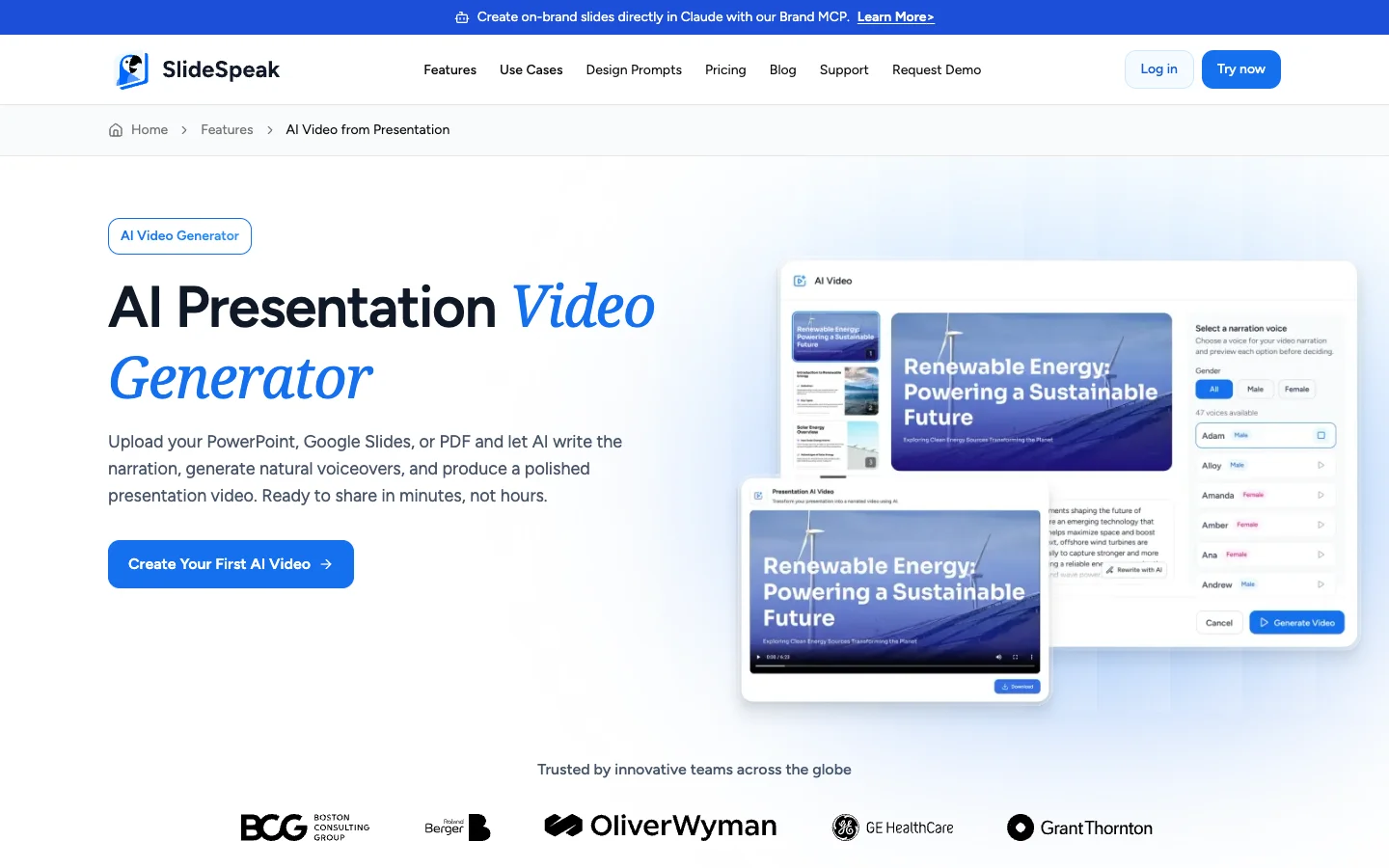
- Upload PowerPoint, Google Slides, or PDF and get a narrated video from your presentation in minutes
- 50+ AI voices in more than 20 languages, plus voice cloning so training sounds like your own safety manager
- Generate a quiz from the same slides and export it in QTI format for your LMS
- Translate slides into more than 100 languages for multilingual crews
- Export as MP4, share a link, or download a SCORM package
Pricing: free plan available. The AI video generator is included in Premium at $29 per month, or $24.65 per month billed annually. See the SlideSpeak pricing page for current plans.
2. Synthesia: best for avatar-led corporate training
Synthesia is the biggest name in AI avatar video. You write or paste a script, pick a presenter, and an AI avatar delivers it to camera. For safety teams that want a person on screen without filming one, it is the most polished option.
The trade-off is the starting point. Synthesia works from a script, not from your slide deck, so existing training decks need to be rewritten as narration. Video minutes are also capped per plan, which matters if you produce long courses.
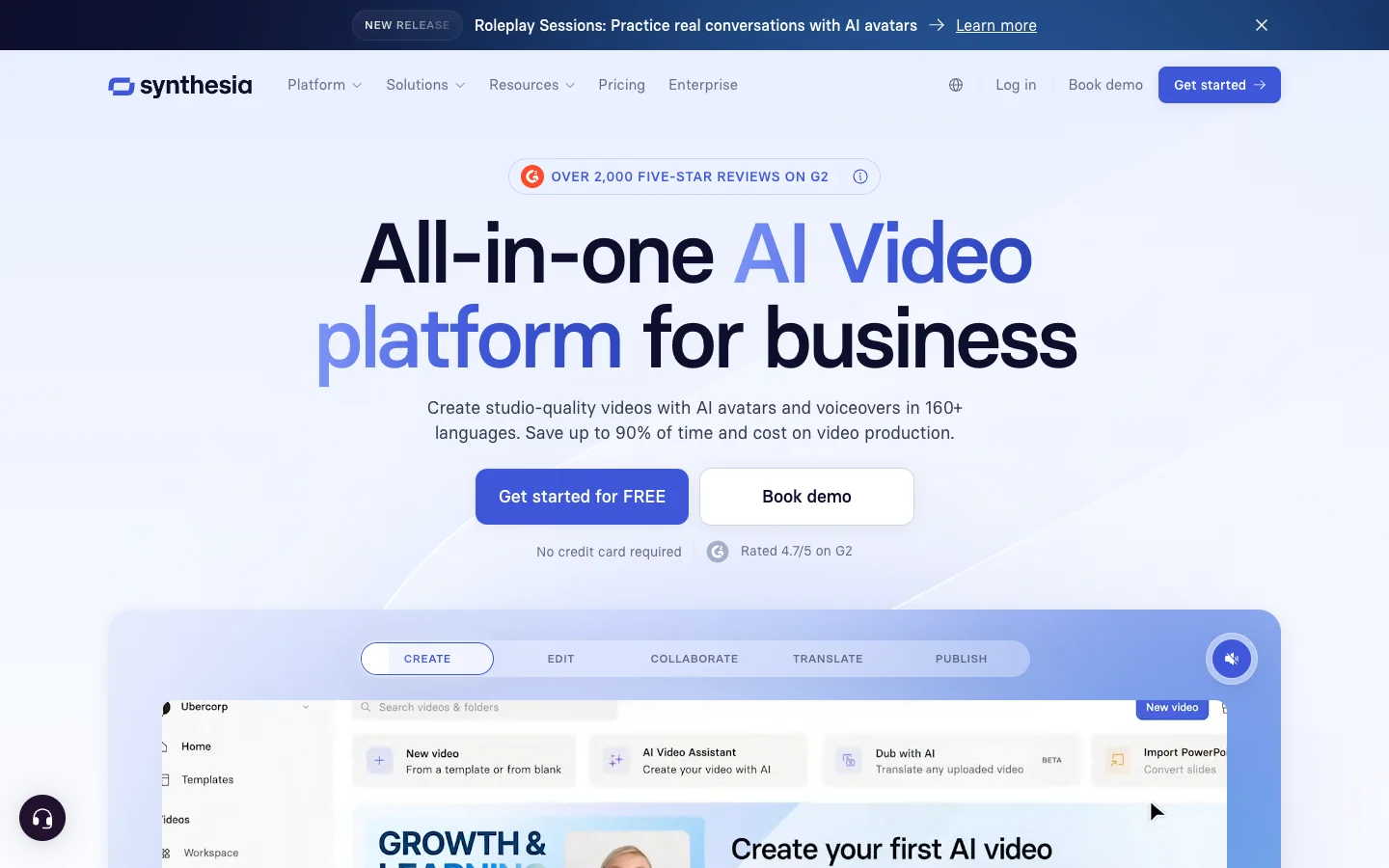
Pricing: the Starter plan costs $29 per month, or $264 per year. The Creator plan is $89 per month. Prices as of July 2026 on the Synthesia pricing page.
3. HeyGen: best for quick avatar videos and translation
HeyGen is Synthesia’s fastest-moving competitor. It offers photorealistic avatars, voice cloning, and video translation across more than 175 languages and dialects. The free plan makes it easy to test before committing.
Like Synthesia, HeyGen starts from a script rather than a deck. It also uses a credit system: premium avatar models consume credits per minute of video, so heavy training production can cost more than the sticker price suggests.
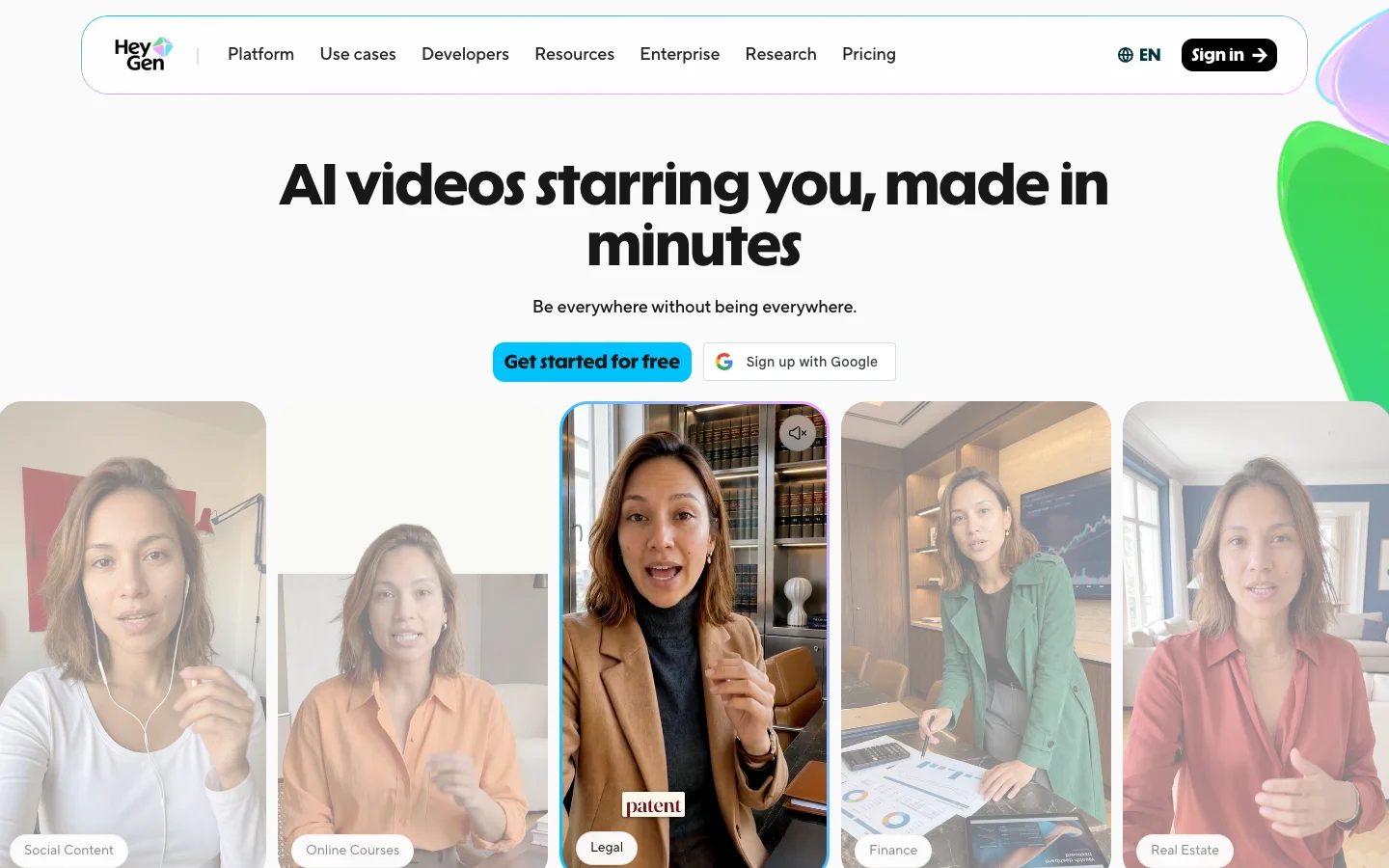
Pricing: free plan available. Creator costs $29 per month ($24 per month billed annually), Pro is $49 per month, and Business is $149 per month plus $20 per extra seat. Prices as of July 2026 on the HeyGen pricing page.
4. Colossyan: best for L&D teams that need SCORM and interactivity
Colossyan positions itself squarely at workplace learning teams. It combines AI avatars with training-specific features: SCORM export, interactive elements, and document-to-video conversion. For an L&D department producing formal courses, that focus shows.
The catch is that the training-grade features sit on the paid tier, and minutes with the newest avatar model are limited. Small safety teams may find the free Starter plan enough to experiment, however.
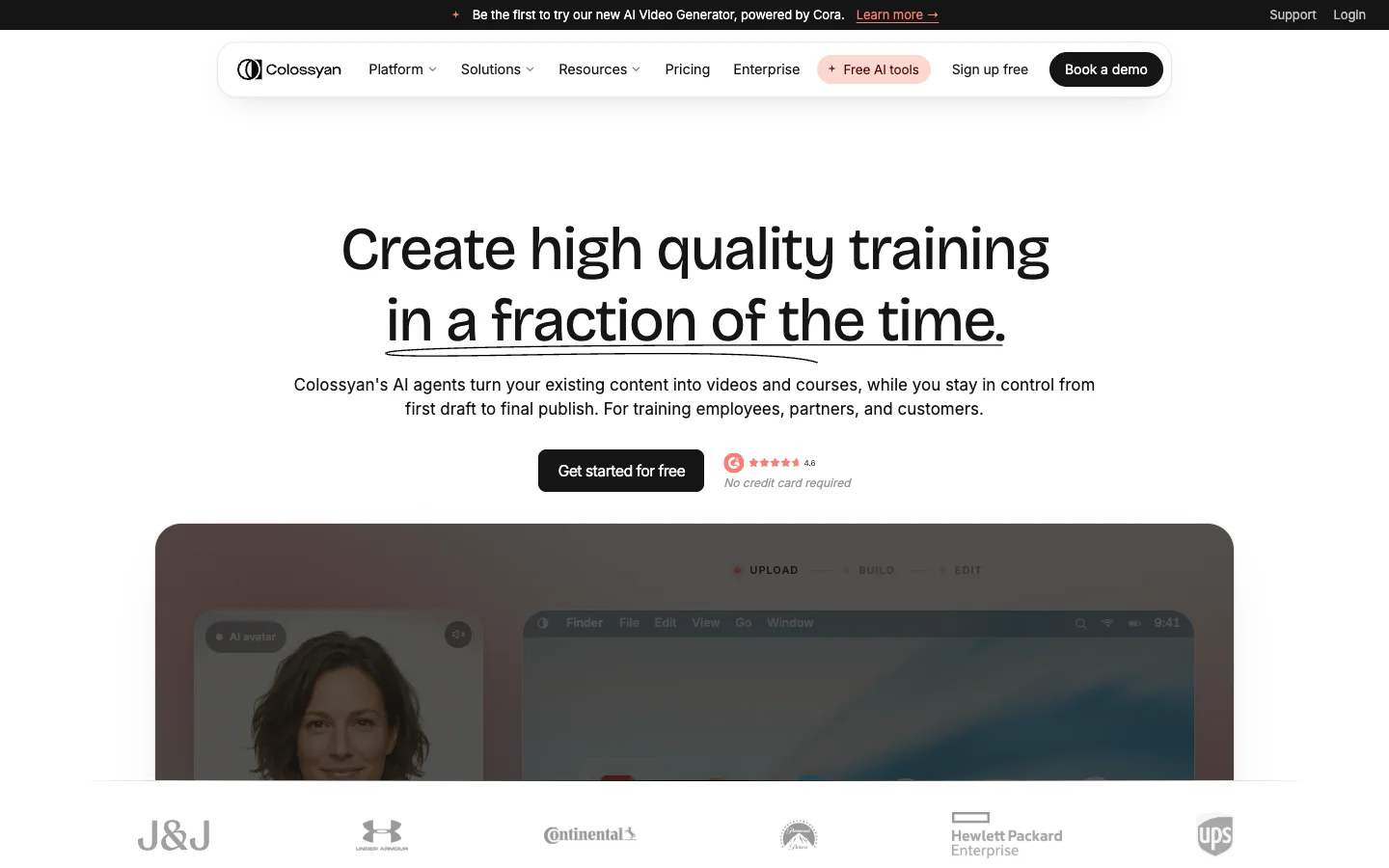
Pricing: the Starter plan is free. Professional costs $59 per month billed annually, with additional editors at $30 per month each. SCORM export is included in Professional. Prices as of July 2026 on the Colossyan pricing page.
5. Vyond: best for animated scenario-based safety videos
Vyond takes a completely different approach: animation instead of avatars or slides. You build animated scenes with characters, props, and workplace settings. That makes it strong for scenario-based training, like showing what happens when someone skips lockout procedures, without filming anything dangerous.
Animation is also the most labor-intensive format here. Even with Vyond’s AI features, building scenes takes real time, and the per-seat pricing is the highest on this list.
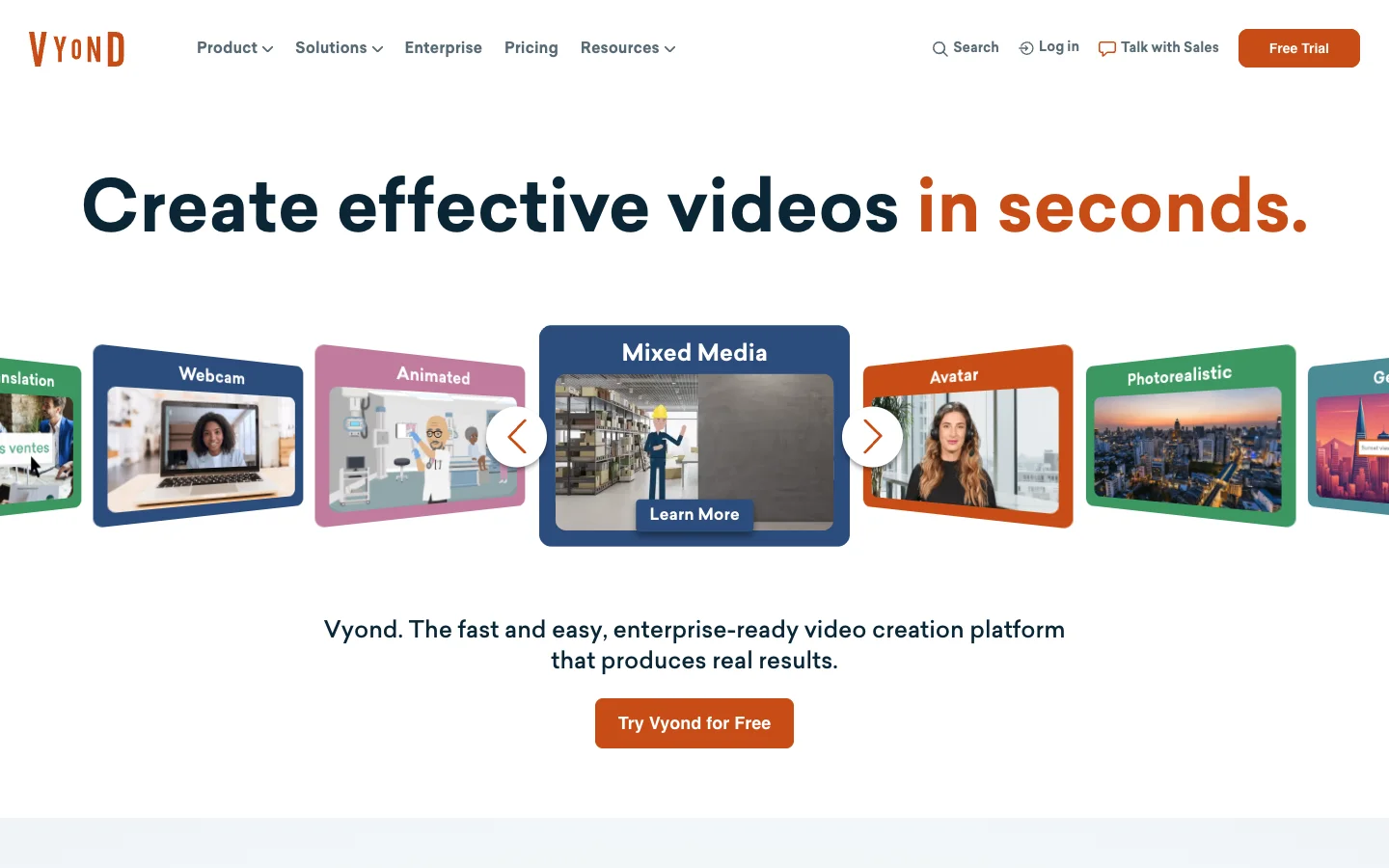
Pricing: the Starter plan costs $58 per month billed annually ($699 per year), or $99 month to month. Professional is $100 per month billed annually. Prices as of July 2026 on the Vyond pricing page.
AI safety training tools compared
| Tool | Starts from | Best for | Paid plans from |
|---|---|---|---|
| SlideSpeak | Your existing PowerPoint or PDF | Converting approved safety decks into narrated videos with quizzes | $24.65/mo (annual) |
| Synthesia | A script | Polished avatar presenters | $22/mo (annual) |
| HeyGen | A script | Fast avatar videos and translation | $24/mo (annual) |
| Colossyan | A script or document | L&D teams needing SCORM and interactivity | $59/mo (annual) |
| Vyond | Animated scenes you build | Scenario-based animated training | $58/mo (annual) |
How safety teams use SlideSpeak in practice
The workflow we see most from construction and industrial companies takes three steps. First, they upload the toolbox talk or induction deck they already present. Next, the AI narrates it and turns it into a video, optionally in the safety manager’s own cloned voice. Finally, they add an auto-generated quiz and export everything for their LMS.
Multilingual crews are the other big driver. Since OSHA expects training that workers can actually understand, teams translate the same deck into Spanish or Portuguese and generate narrated videos for each crew. One approved deck becomes consistent training in every language.
You can read more on the SlideSpeak safety training page, or see how it fits a broader course stack in our eLearning authoring tools comparison.
Frequently asked questions
What is the best AI tool for safety training videos?
It depends on your starting point. If you already have approved training decks, SlideSpeak converts them into narrated videos with quizzes. If you are writing scripts from scratch and want a presenter on screen, Synthesia or HeyGen fit better. For animated scenarios, Vyond stands alone.
Can AI-generated videos meet OSHA training requirements?
OSHA regulates what training must cover and that workers must understand it, not how the video was produced. AI tools help with the understanding part: translated narration for multilingual crews and quizzes that document comprehension. Your safety officer still owns compliance for your specific industry. The attendance and signature side lives elsewhere, in toolbox talk software, which we compared separately.
How much does AI safety training video software cost?
Less than one filmed training video. SlideSpeak, HeyGen, and Colossyan all offer free plans to start. Paid plans across the five tools range from roughly $22 to $100 per month, compared to thousands of dollars for a single professionally filmed safety video.
Start with the deck you already have
Most comparisons of AI tools for safety training assume you are starting from a blank page. In practice, your safety program already lives in PowerPoint. The fastest path to video training is the tool that starts there.
Try SlideSpeak for free and turn your next toolbox talk into a narrated video, with a quiz, in the language every crew member understands.


