

How to Create Presentations with Hermes Agent
Written by

Published on
On this page
Why pair Hermes Agent with SlideSpeak
Hermes Agent is an open-source AI agent from Nous Research that runs the same agent core across a CLI, a TUI, a desktop app, and around twenty messaging platforms. It remembers context across sessions, drives a real terminal and browser, and connects to any service that exposes a Model Context Protocol (MCP) endpoint.
Hermes Agent is good at long-running, persistent workflows, which makes it a natural fit when you want to create presentations from research you have already gathered. Ask Hermes to act as a research agent first, collect the right context over time, and then turn those findings into a polished deck with SlideSpeak.

SlideSpeak ships a hosted MCP server. Once Hermes can reach it, you can ask for a presentation in plain language and Hermes will call SlideSpeak to build, theme, and download a finished deck. You stay in the terminal the whole time and never touch a slide editor. If you have wired SlideSpeak into other tools, this is the same pattern behind our guides on how to build presentations with Claude Code and build presentations with Codex.
This guide walks through the full setup to create presentations with Hermes Agent, from API key to a downloaded .pptx file. If you are new to the protocol, our intro to the SlideSpeak MCP server covers the basics first.
What you need to create presentations with Hermes Agent
Before you create presentations with Hermes Agent, make sure you have these three things ready.
- Hermes Agent installed and running. Follow the Hermes Agent docs for your platform.
- A SlideSpeak account. Sign up at app.slidespeak.co.
- A SlideSpeak API key. Generate it in the SlideSpeak app.
Step 1. Get a SlideSpeak API key
Sign up for SlideSpeak at app.slidespeak.co, then generate and copy your API key from the app. You will reference it from your Hermes config in the next steps.
Step 2. Add the key to your environment file
Store the secret in your Hermes environment file rather than directly in the config file.
echo 'SLIDESPEAK_API_KEY=your-key-here' >> ~/.hermes/.env
Step 3. Add the server to your config file
Open your Hermes config file and, under the top-level mcp_servers key (create it if it does not exist), add a slidespeak entry.
mcp_servers:
  slidespeak:
    url: 'https://mcp.slidespeak.co/mcp'
    headers:
      Authorization: 'Bearer ${SLIDESPEAK_API_KEY}'
    timeout: 300
    connect_timeout: 60
Here is what is going on.
- SlideSpeak hosts a remote streamable-HTTP MCP server, and Hermes speaks that natively, so you do not need an
npx mcp-remoteproxy. ${SLIDESPEAK_API_KEY}is substituted from~/.hermes/.envat connect time, so the raw key never lands inconfig.yaml.timeout: 300(seconds) gives presentation generation enough headroom to finish.
Step 4. Test the connection
Confirm Hermes Agent can reach the server before you start a chat and create presentations with it.
hermes mcp test slidespeak
Expect a ✓ Connected result and 8 discovered tools (getMe, getAvailableTemplates, generatePowerpoint, generateSlideBySlide, getTaskStatus, downloadPresentation, getBrandedTemplates, uploadDocument). If nothing shows up, double-check the URL and that SLIDESPEAK_API_KEY is set in ~/.hermes/.env.
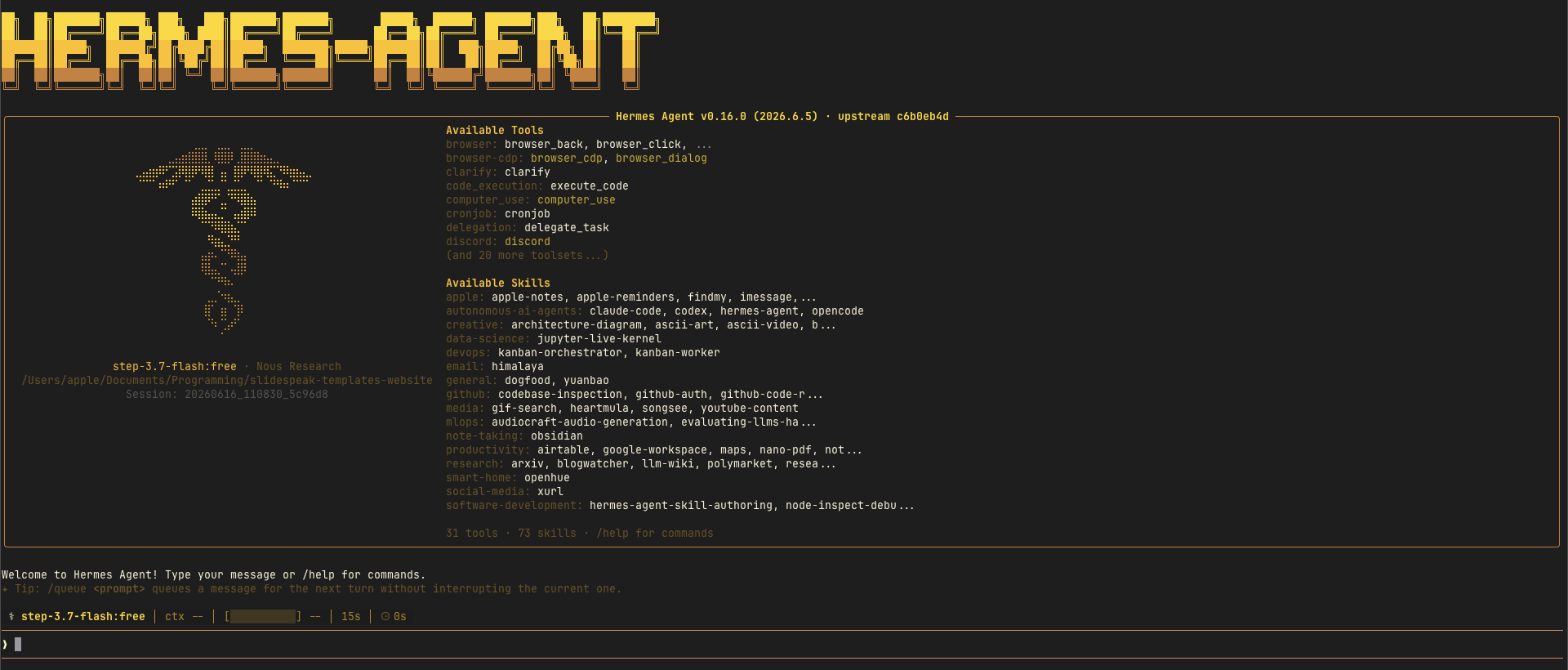
Step 5. Load SlideSpeak into Hermes Agent
How Hermes Agent picks up the new server depends on whether it is already running.
- New session. Just start
hermes chat. MCP servers are discovered at startup. - Already running. Type
/reload-mcpto load the server without restarting.
Step 6. Pick a template for your presentation
SlideSpeak exposes both a library of built-in templates and any branded templates tied to your account. You can let Hermes browse them for you before generating the deck.
List the available SlideSpeak templates and pick one that fits a
finance audience.
If you have branded templates set up in SlideSpeak, ask Hermes to use one so every deck matches your company style automatically.
Step 7. Create your first presentation with Hermes Agent
Now you can create presentations with Hermes Agent by describing the deck you want in plain language. Hermes interprets the request, calls SlideSpeak, polls until the job finishes, and hands you a download link.
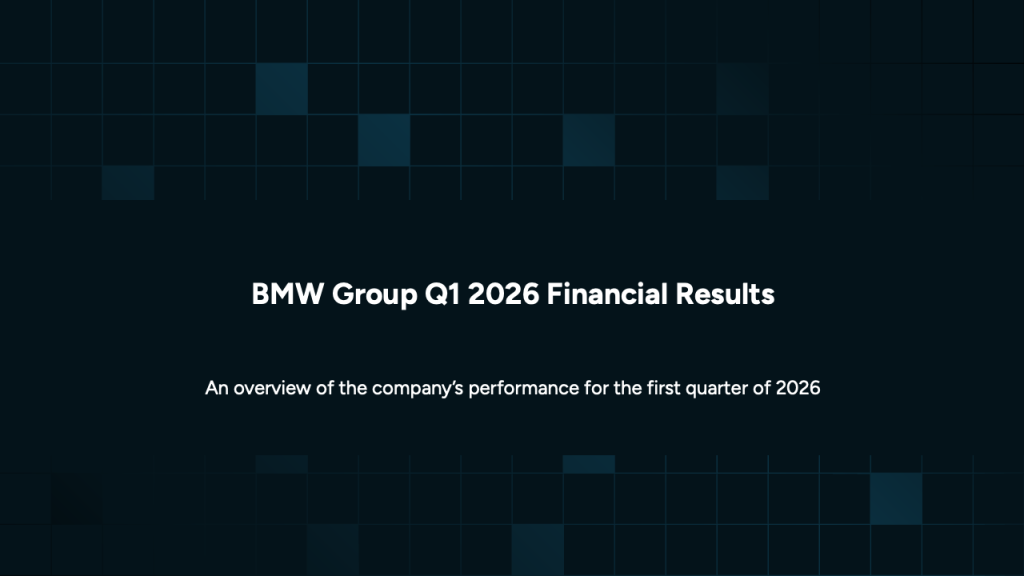
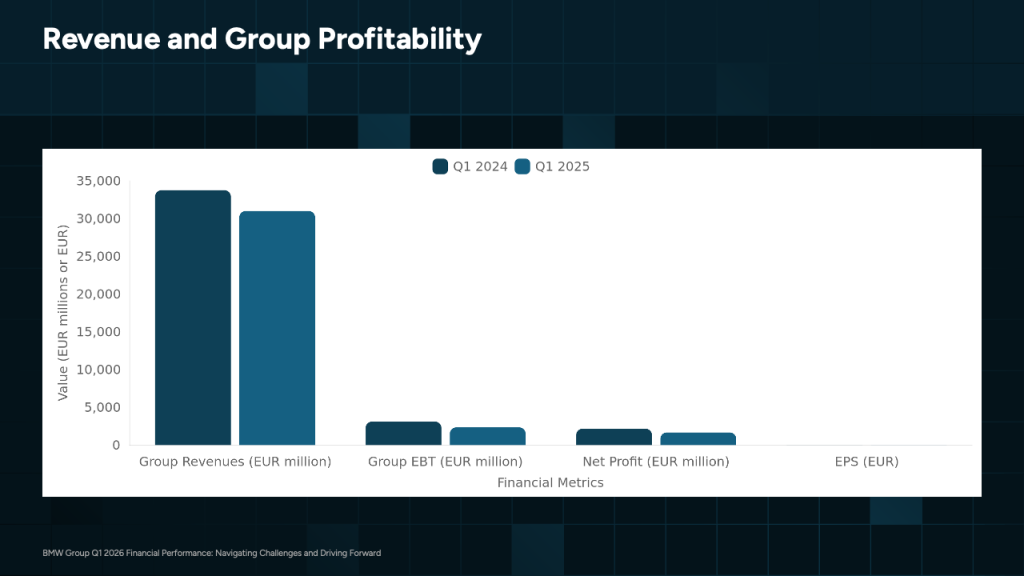
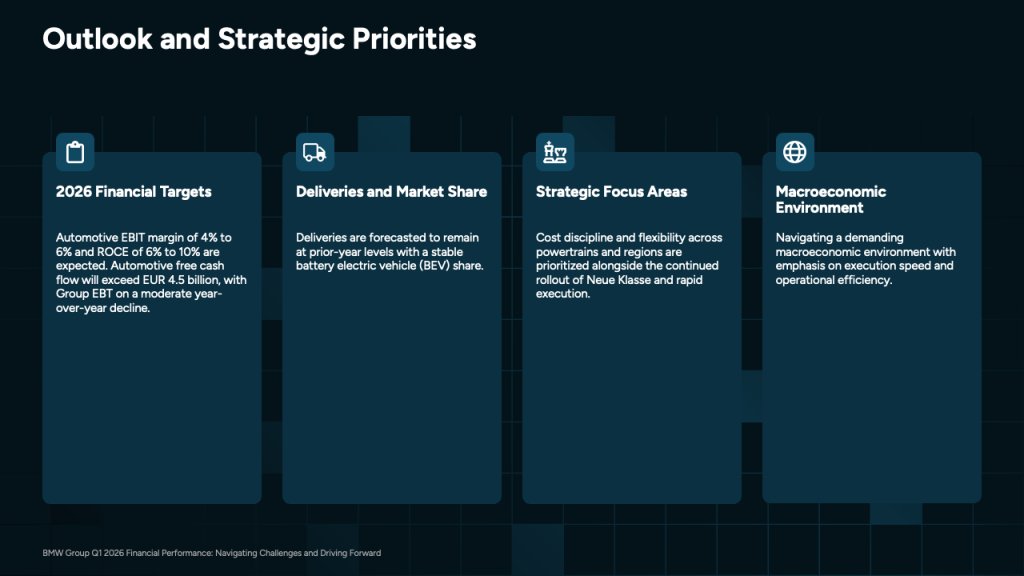
Generate a 6-slide deck on "BMW Group Q1 2026 Financial Results" using the
NEBULA template and give me the download link.
Hermes registers the tools as mcp_slidespeak_<tool> and picks them automatically. It will generate the slides, wait for the task to complete, and hand back the finished file. Because Hermes keeps memory across a session, you can keep refining in follow-up messages.
Here is a deck SlideSpeak produced from a prompt like this, themed end to end and ready to present.

Tips for better presentations with Hermes Agent
- Be specific about slide count, audience, and tone. The clearer the brief, the closer the first draft.
- Generate from a document. You can have Hermes upload a report or outline to SlideSpeak and turn it into slides, rather than starting from a prompt alone.
- Iterate in the same session. Hermes remembers the deck you just made, so small edits do not need the full context again.
Wrapping up: create presentations with Hermes Agent
With SlideSpeak connected as an MCP server, Hermes Agent becomes a hands-free presentation builder. You describe the deck, Hermes calls SlideSpeak, and a finished PowerPoint or Google Slides file lands on your machine. The same pattern works from the Hermes CLI, TUI, desktop app, or any messaging platform Hermes supports, and it mirrors how SlideSpeak plugs into other AI presentation tools.
Ready to create presentations with Hermes Agent? Grab your key at app.slidespeak.co and add the server to your Hermes config today.
Frequently asked questions
No. Once SlideSpeak is connected as an MCP server, you describe the deck in plain language and Hermes handles the tool calls for you.
Yes. SlideSpeak generates a finished file you can download as a .pptx and open in PowerPoint or Google Slides.
Yes. SlideSpeak surfaces any branded templates tied to your account, so you can ask Hermes to build every deck in your company style.
Yes. The key lives in ~/.hermes/.env and is substituted at connect time, so the raw value never lands in your config.yaml.


