

The Best GPTs for Students and Studying in 2026
Written by

Published on
On this page
Academics can be a major drag. The tedious papers, cramming for exams, analyzing boring books: they can be total headaches. The good thing is that you can always hack your studying and make school less dull and a little easier. Introducing GPTs for students.
Think of GPTs as specialist versions of ChatGPT, each pre-configured for one job: a personal tutor, a research assistant, an essay editor, a math coach. They live one tap away in your ChatGPT sidebar and need no setup or prompt engineering.
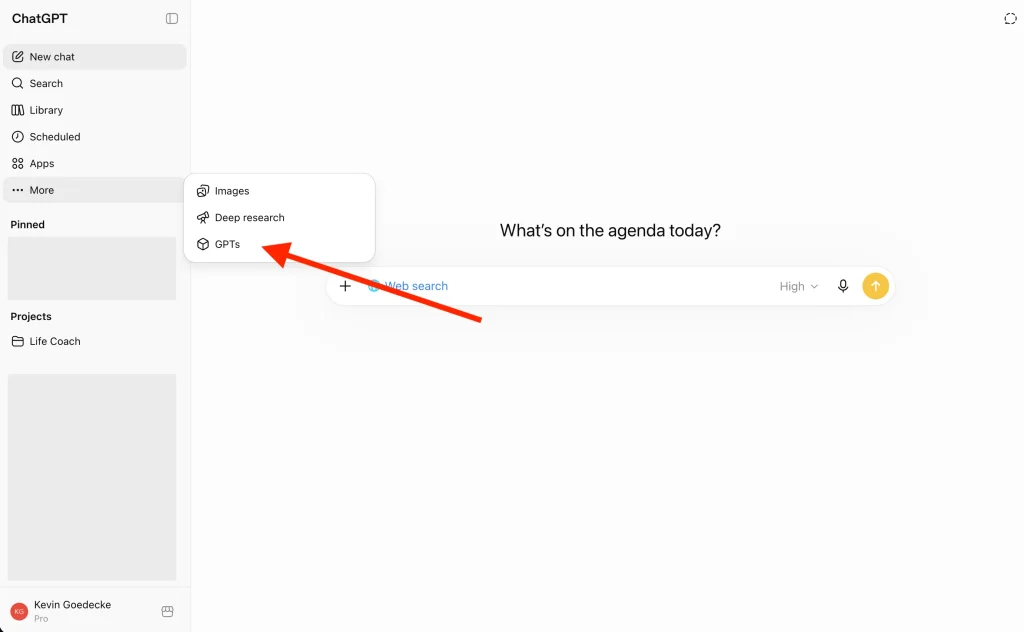
You can find them in the GPT Store, ChatGPT’s catalog of custom versions of ChatGPT. In the app, click “GPTs” in the sidebar to browse or search.
The store shows Top Picks, Trending, and Featured GPTs per category. The Education category is where most of the tools in this list live:
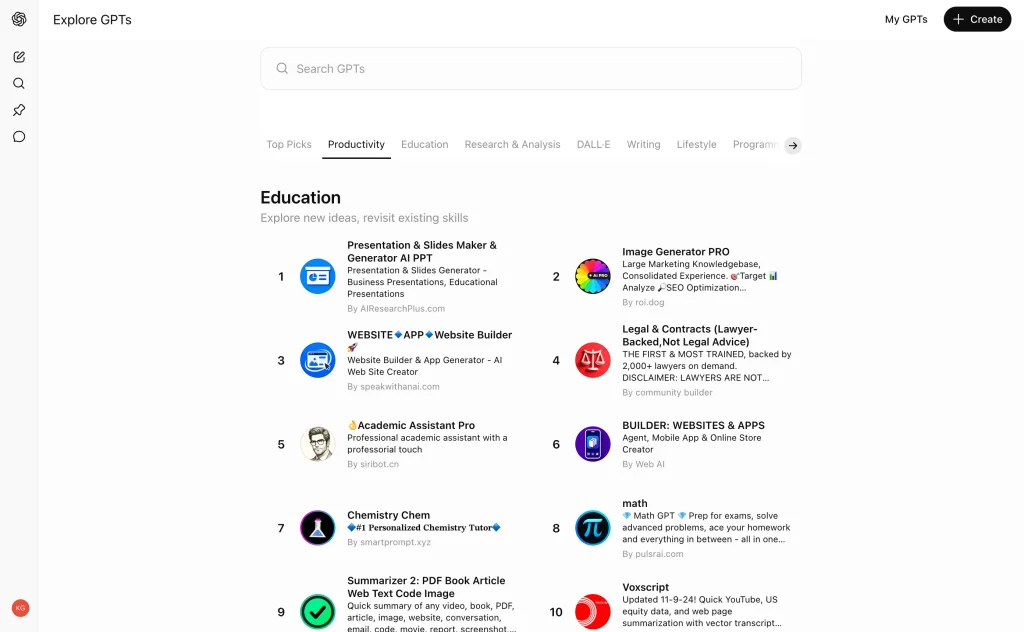
Good to know: GPTs are available on every ChatGPT plan, including the free tier (with usage limits). Some GPTs connect to third-party services that have their own pricing.
GPTs are also no longer the only way to extend ChatGPT: apps in ChatGPT now cover tools like Canva, Quizlet, and Coursera. We compare the two in our guide to the best ChatGPT apps for students. And this post is part of a series: here is our Best GPTs for Business post.
In this article, we dig into the GPT Store and list the top 10 GPTs for students and studying in 2026, tested and updated. Let’s dive in.
Top 10 GPTs for Students
1. Tutor Me GPT by Khan Academy
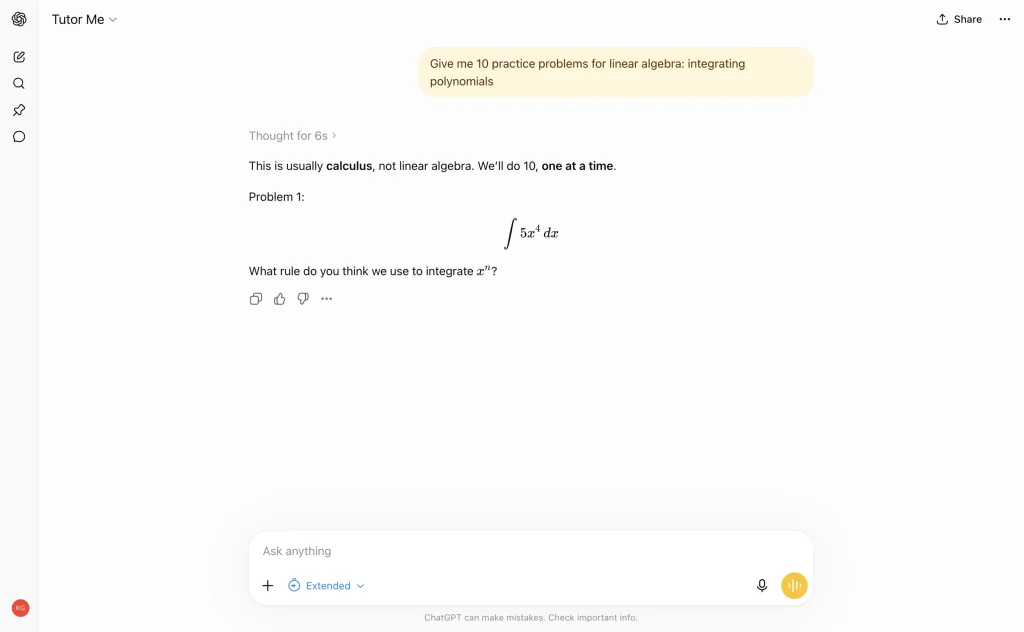
Everybody knows Khan Academy for its helpful educational online courses. The popular online education platform also has its very own GPT for students. Tutor Me is a fantastic GPT with a Socratic-style chat approach to help you grasp difficult topics with ease: a question-and-answer approach that does not give you the answer directly.
Yes, it won’t do your work for you. Instead of giving straight answers, it will ask you questions to help you think through problems. It is perfect for really understanding a topic instead of depending on quick answers without learning anything.
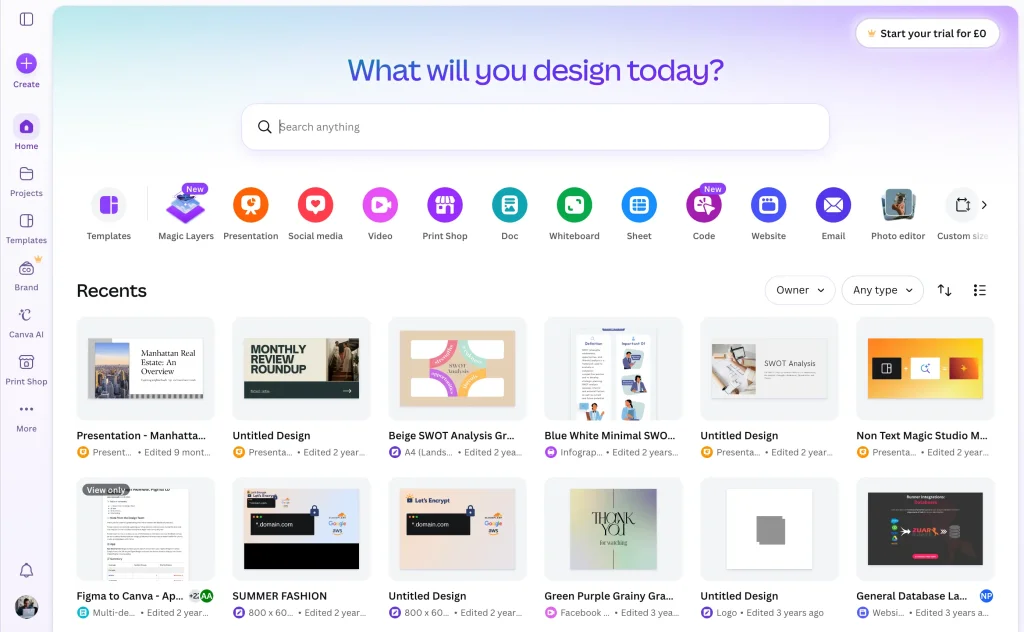
2. Canva (now a ChatGPT app)
Canva used to be one of the most popular GPTs for students. That era is over: the Canva GPT has been retired and no longer works. If you try it today, you get an error instead of a design.
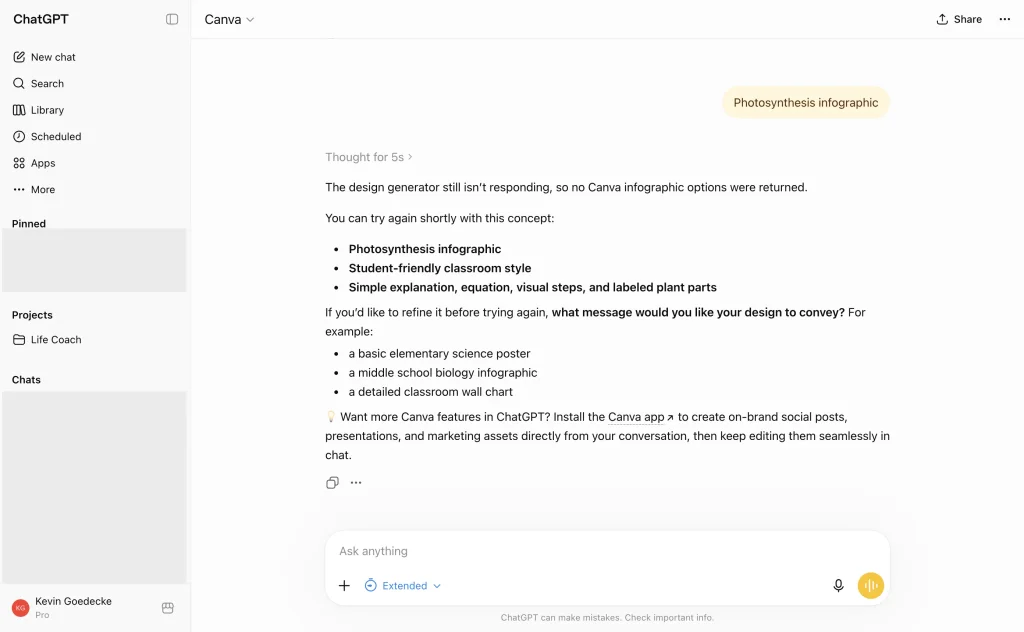
The replacement is better anyway. Canva now lives in ChatGPT as a full app: mention Canva in your prompt and it designs presentations, posters, and infographics that land straight in your Canva dashboard for editing. We cover how it works in our guide to the best ChatGPT apps for students.
3. Consensus
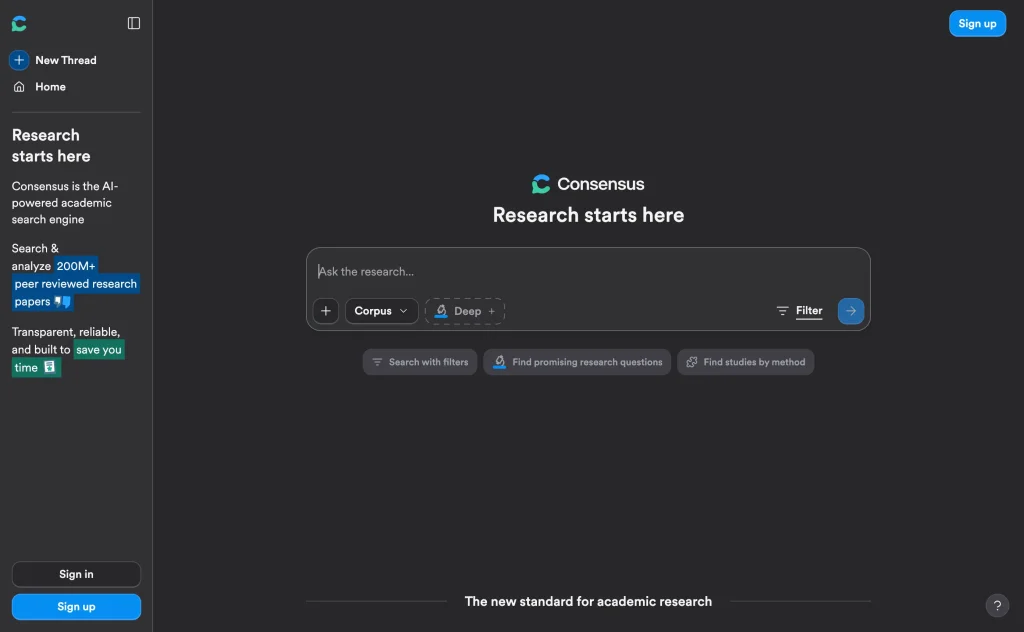
Struggling with your research paper? Consensus by consensus.app is the GPT for you. This research assistant lets you search over 200M academic papers, giving you science-based insights (with references and citations) for your research papers.
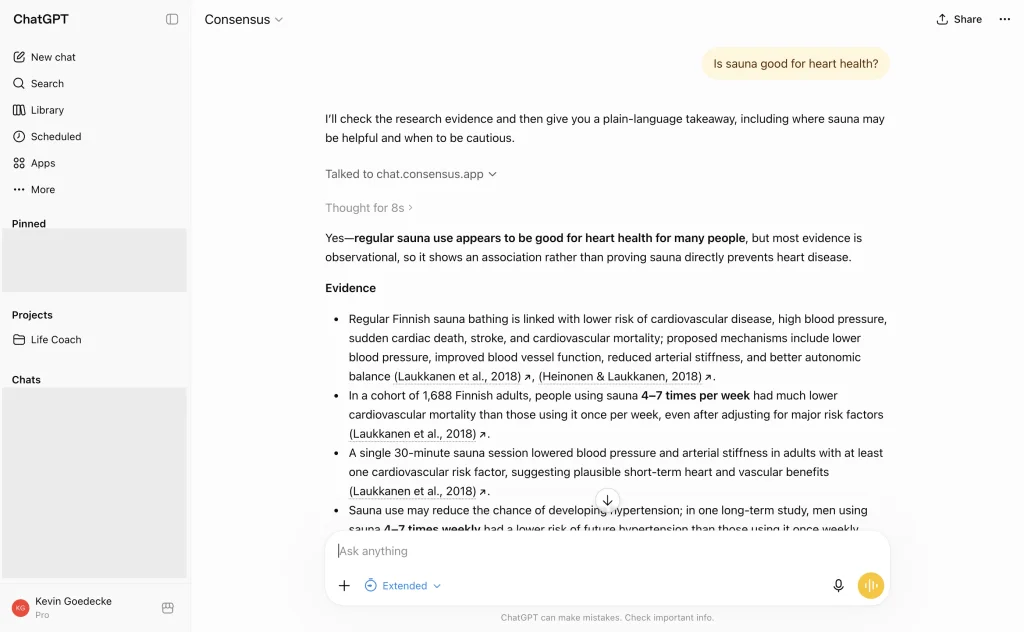
Not just that. This research GPT can also help you draft effective research content, again with accurate citations.
4. Diagrams: Show Me
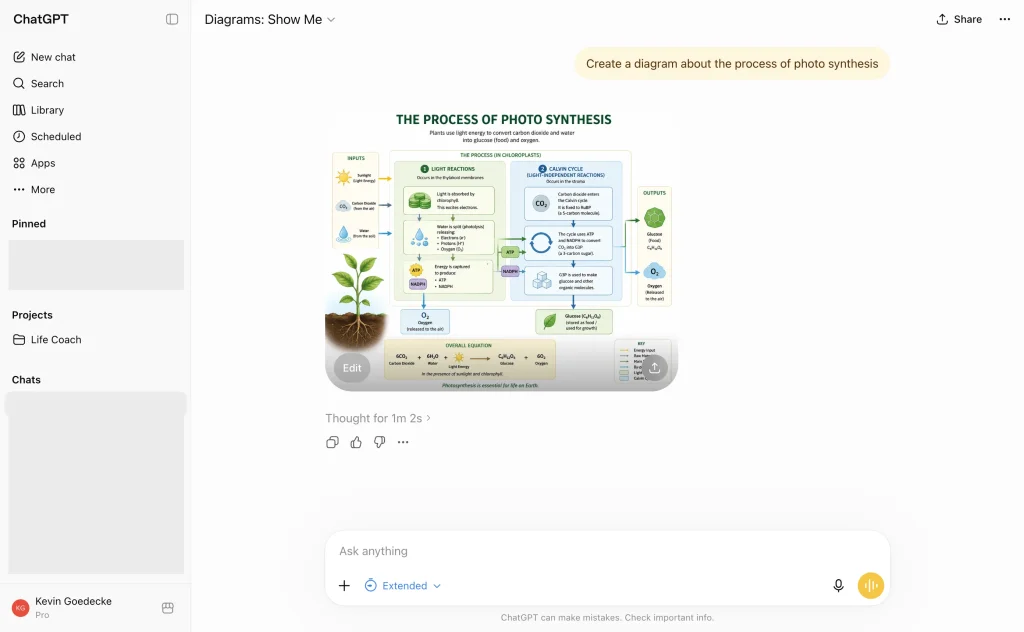
Show Me is a handy GPT for students studying subjects that require visual representations, such as science, mathematics, and engineering.
Do you need a sequence diagram explaining the internet or maybe a mindmap of Martin Luther King Jr. ideas? This GPT can easily create a visual diagram which you can edit and download as an image file.
5. Write For Me
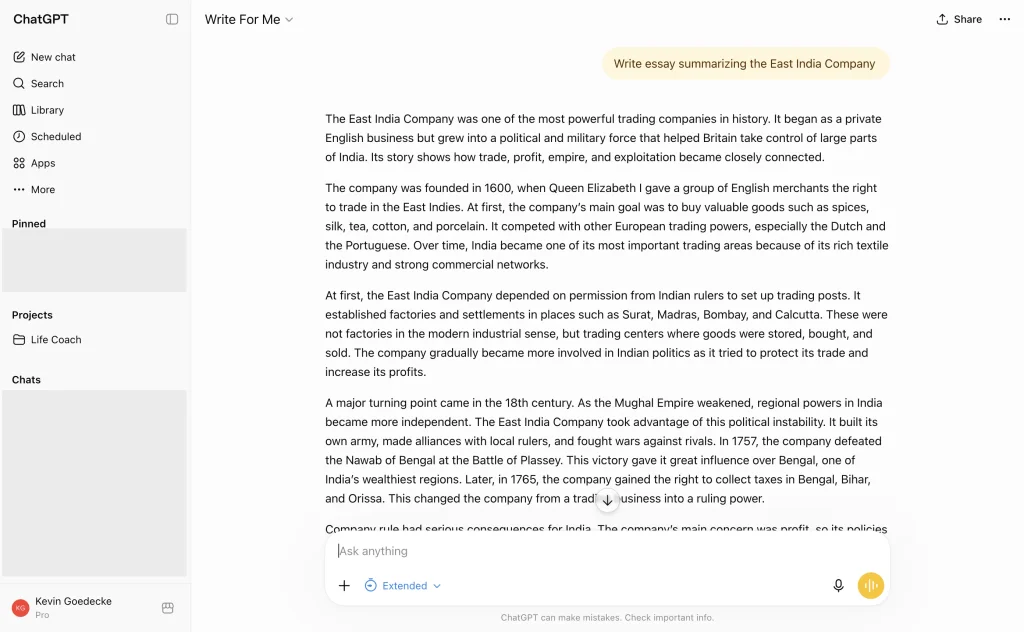
Stuck with writer’s block? No worries. Write For Me is the perfect solution to help you finally complete that dreaded essay.
Using this GPT, you can also outline your essays, so you can finally structure a well-written composition. It can also refine your writing style for a quality write-up that matches your tone and your desired word count.
6. Humanizer Pro
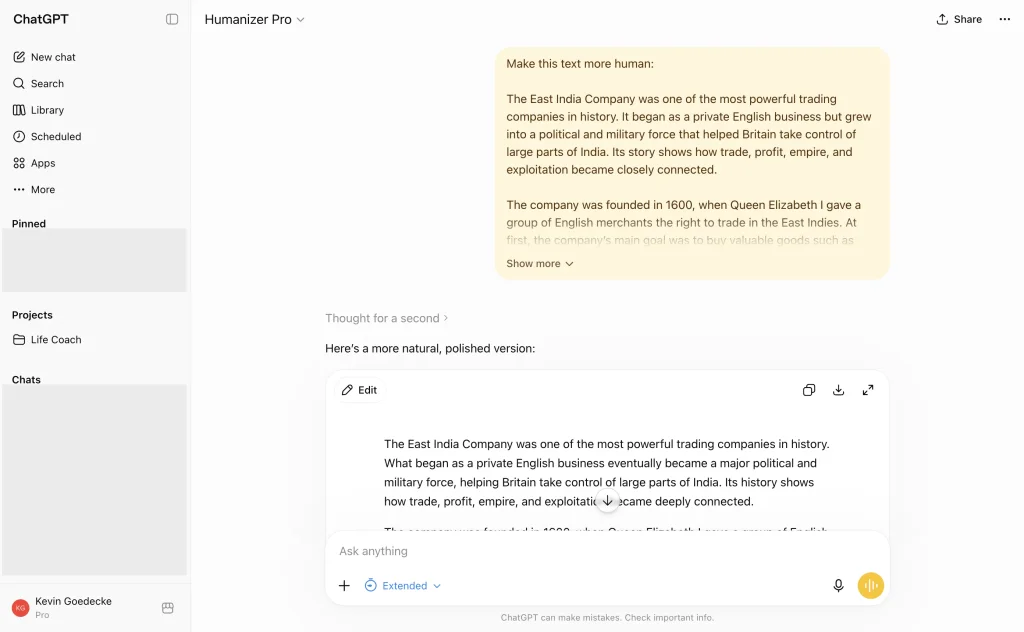
Generated AI text can sometimes feel rigid, robotic, and inorganic. Not only does it trip AI detectors, it often just reads like poorly written output.
Humanizer Pro is your GPT for this case. It rewrites AI-assisted drafts into natural, engaging prose that sounds like you. Paste your text (preferably under 1,000 words) into the chat and it will improve the piece while keeping your voice. Just remember that your ideas and arguments still need to be your own; check your university’s AI policy.
7. Scholar GPT
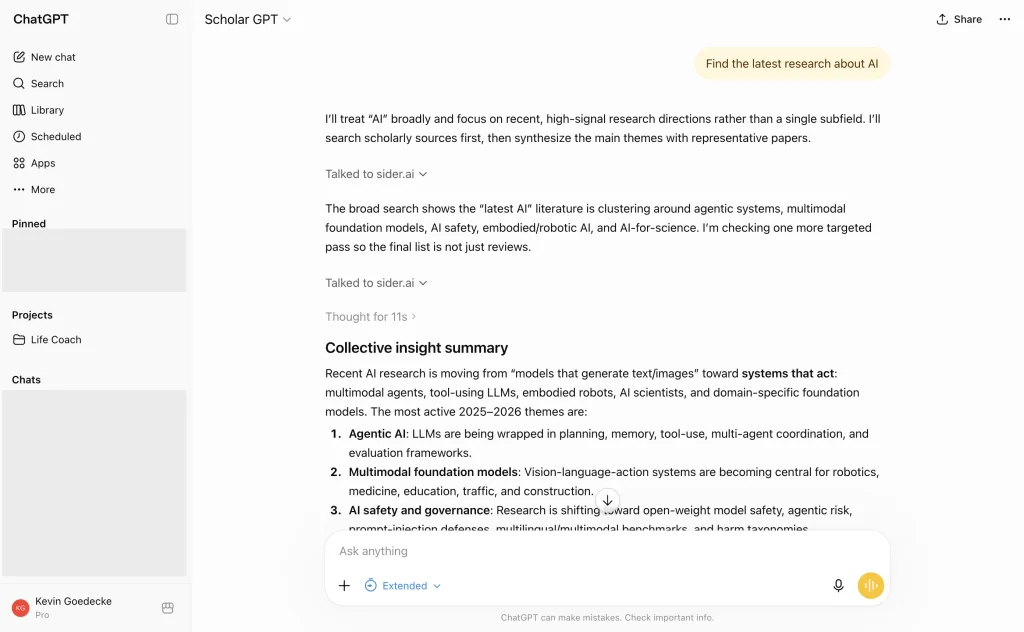
Scholar GPT is a research tool with much broader source access than Tutor Me, which only searches Khan Academy’s learning hub. This GPT helps with your research by accessing resource pools such as Google Scholar, PubMed, JSTOR, Arxiv, and more.
With its vast knowledge base and ability to generate scholarly content, this tool is a must-have especially if you’re pursuing higher education.
8. Data Analyst by ChatGPT
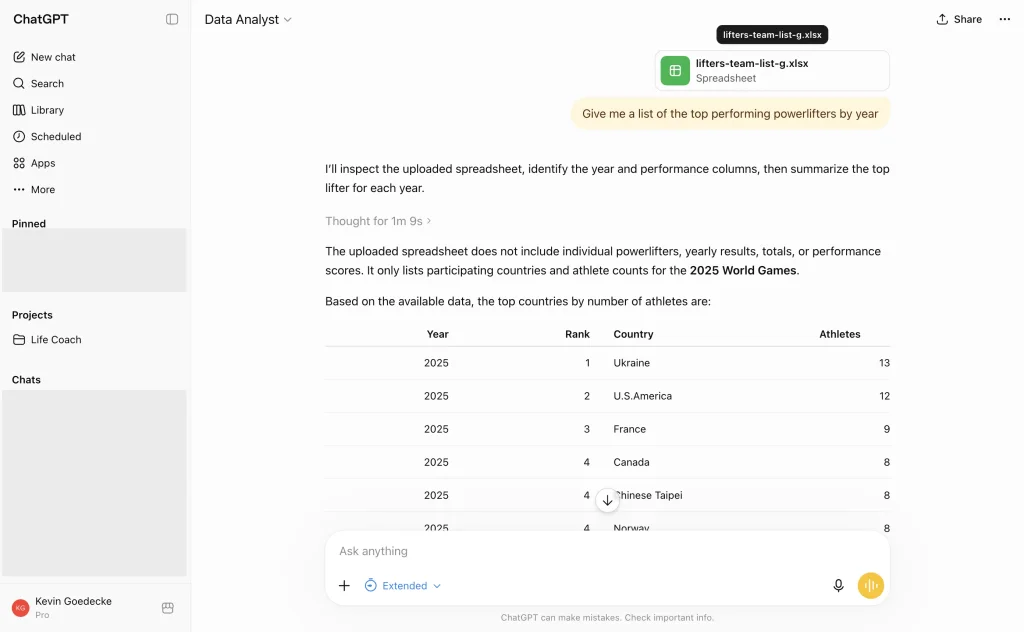
Data Analyst is OpenAI’s own GPT for anyone studying data science, statistics, or any field that involves data analysis. Upload a spreadsheet and it can interpret, visualize, and simplify complex data sets. It pairs perfectly with Scholar GPT for research work, and handles Excel (XLS), CSV, and other common data formats.
9. Professional Writing Coach
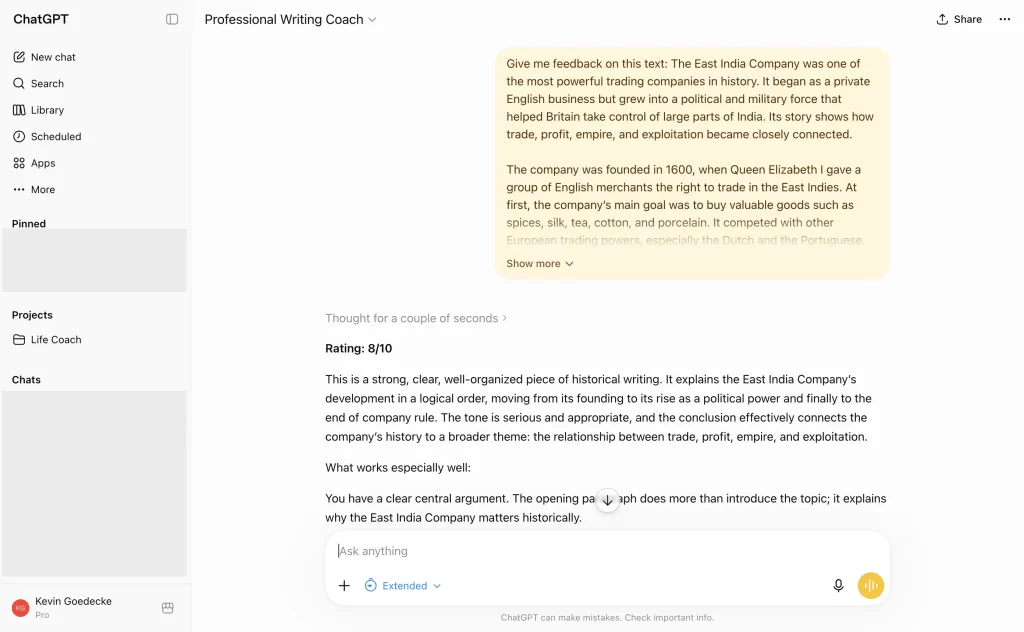
Unsure about the email you want to send to your professor? Anxious about how you structured your personal essay? This Professional Writing Coach is tailored just for you.
With in-depth knowledge of different writing styles and tones, this GPT coach can help you improve your writing skills through helpful feedback on your grammar, style, and overall structure.
10. Math Solver by ChatGPT (official)
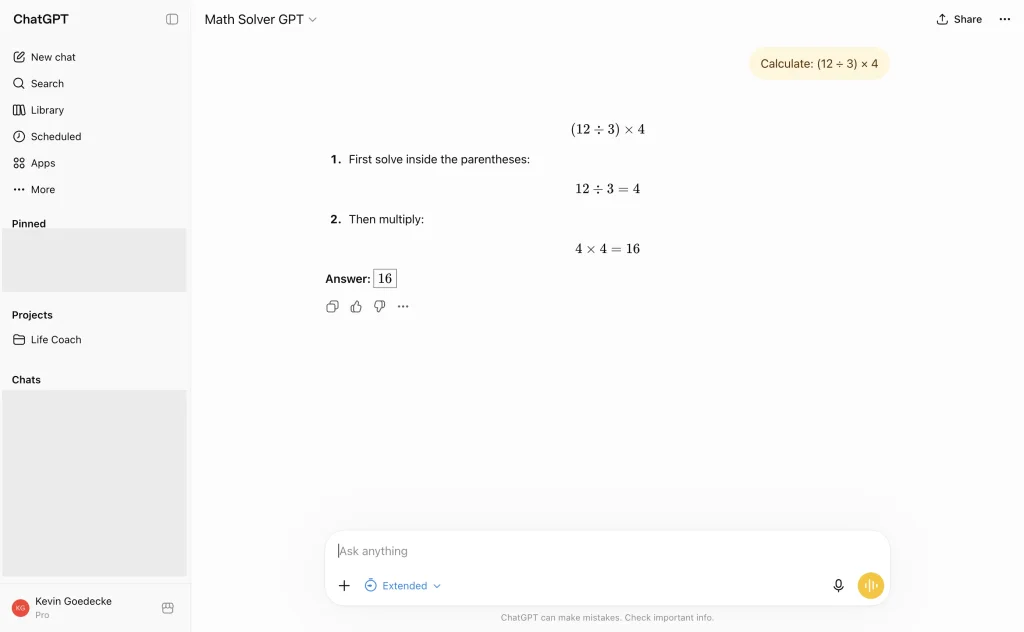
We share the same dread when it comes to mathematics. If you’re having issues solving complex math problems, Math Solver is now an official GPT by ChatGPT, which replaced the third-party version we previously recommended.
It can help you tackle challenging mathematical concepts, solve equations step by step, and verify solutions. From calculating the area of a circle to more complicated integral functions, Math Solver is that math genius friend.
FAQ: GPTs for students
What is the best GPT for studying?
It depends on the subject. For understanding concepts, Tutor Me by Khan Academy is the strongest because it teaches instead of answering. For research papers, use Consensus or Scholar GPT. For math, the official Math Solver. Most students end up with two or three favorites rather than one.
Are GPTs free to use?
Yes, GPTs work on every ChatGPT plan including the free tier, with usage limits. Some GPTs connect to external services (like Consensus) that offer more features on their own paid plans.
What is the difference between GPTs and ChatGPT apps?
A GPT is a specialist version of ChatGPT; an app is a third-party product (Canva, Quizlet, Coursera) running inside your conversation and connected to your account on that service. Some tools, like Canva, have moved from a GPT to an app. See our full guide to the best ChatGPT apps for students.
The Bottom Line: Top GPTs for Students
GPTs are transforming education and you can use the GPTs above for a better learning journey. Whether you need help with understanding concepts, research, data analysis, or writing, these GPTs are tailored to help you with that. Take advantage of these GPTs for students to maximize your productivity, finish your tasks faster, and ultimately get those well-deserved accolades!
Need to turn your study material into a presentation? SlideSpeak generates complete PowerPoint presentations from a prompt or document. And if flashcards are more your style, check out our guide to the best AI flashcard generators.


