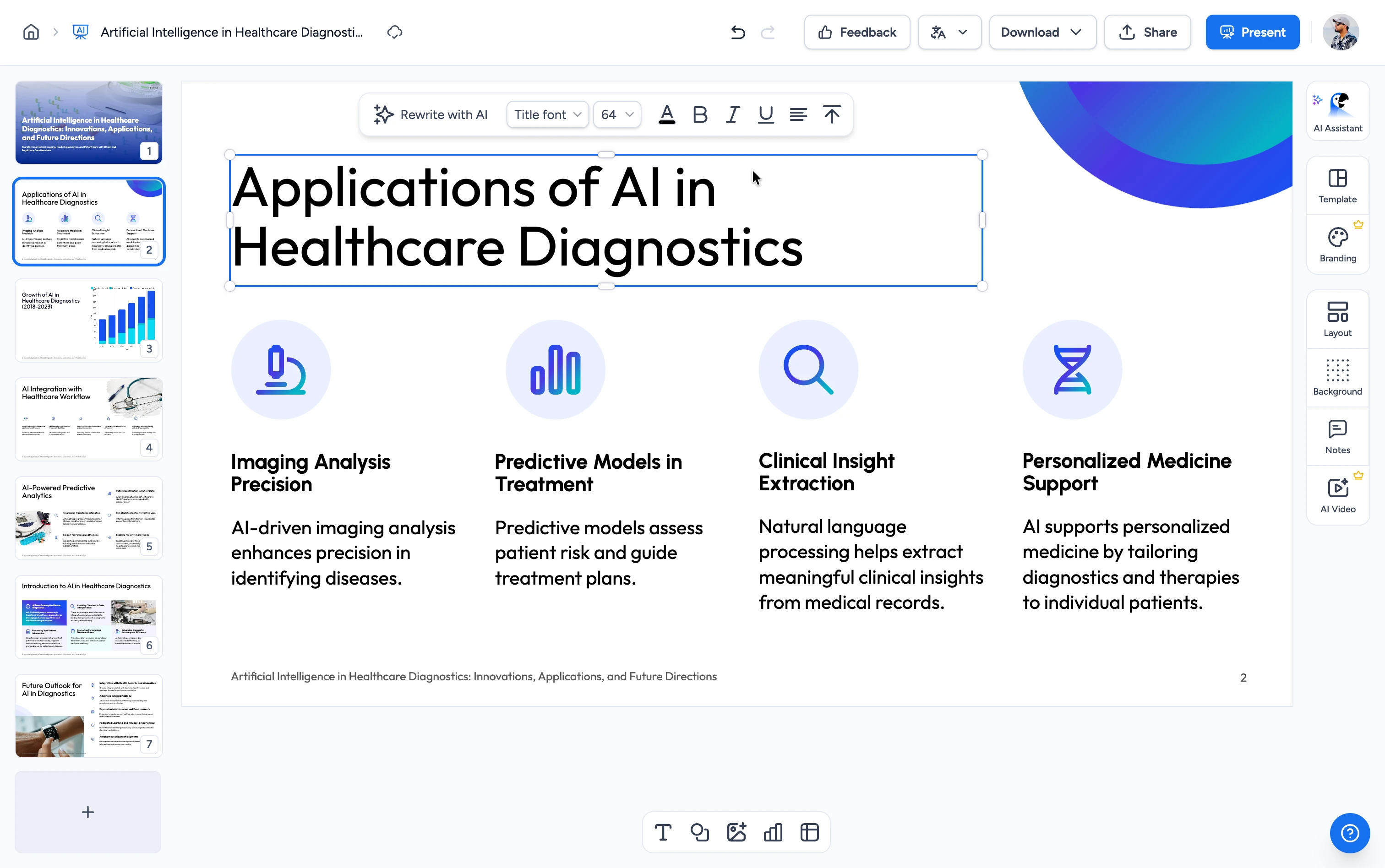
How to turn a PDF into a Google Form quiz
From PDF to an auto-graded Google Forms quiz in three steps. No manual question writing needed.
Upload Your PDF
Upload any PDF: textbooks, study guides, lecture notes, reports, or articles. Our AI accepts all standard PDF files.
AI Generates the Quiz
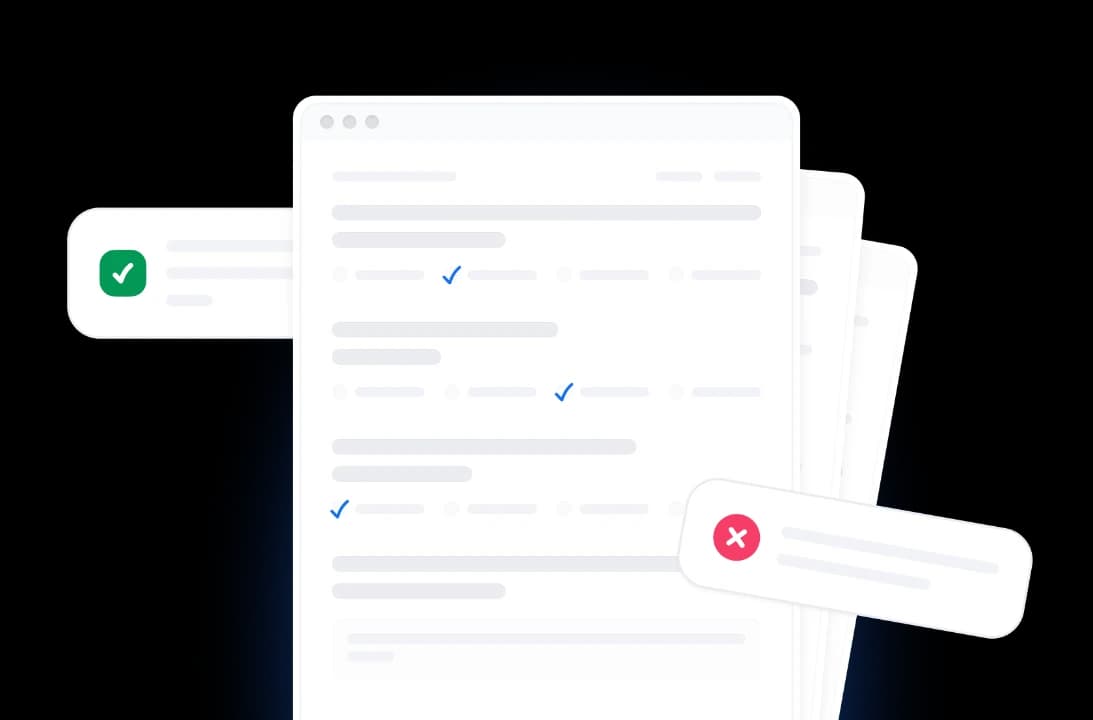
The AI analyzes your document and generates relevant questions, multiple-choice answer options, and a separate answer key you can review and adjust.
Create in Your Google Drive
Click Create Google Form and approve Google's access popup. The auto-graded quiz, answer key included, appears in your own Google Drive, ready to assign in Google Classroom.
Built for accurate, auto-graded Google Forms quizzes
Powered by AI
Our AI reads your PDF, identifies key concepts and learning objectives, and converts them into well-formed quiz questions with answer choices ready for Google Forms.
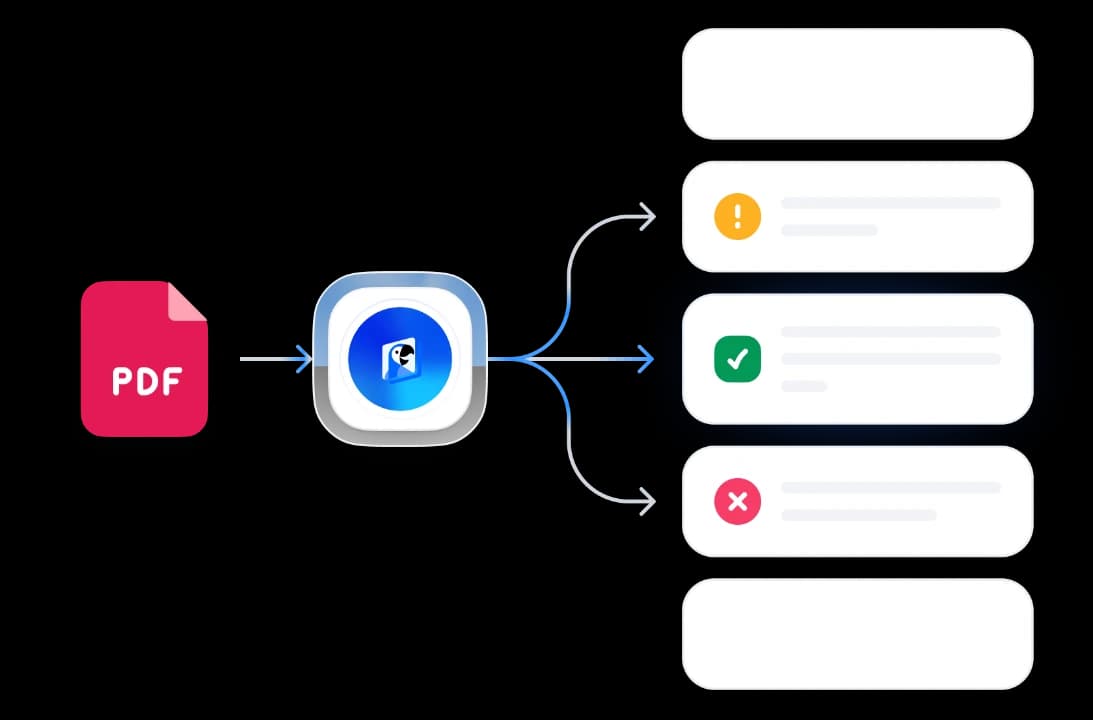
FREE & No Sign Up Required
100% free with no account required. Upload, choose quiz type and number of questions, and get a Google Forms-ready quiz back in seconds.
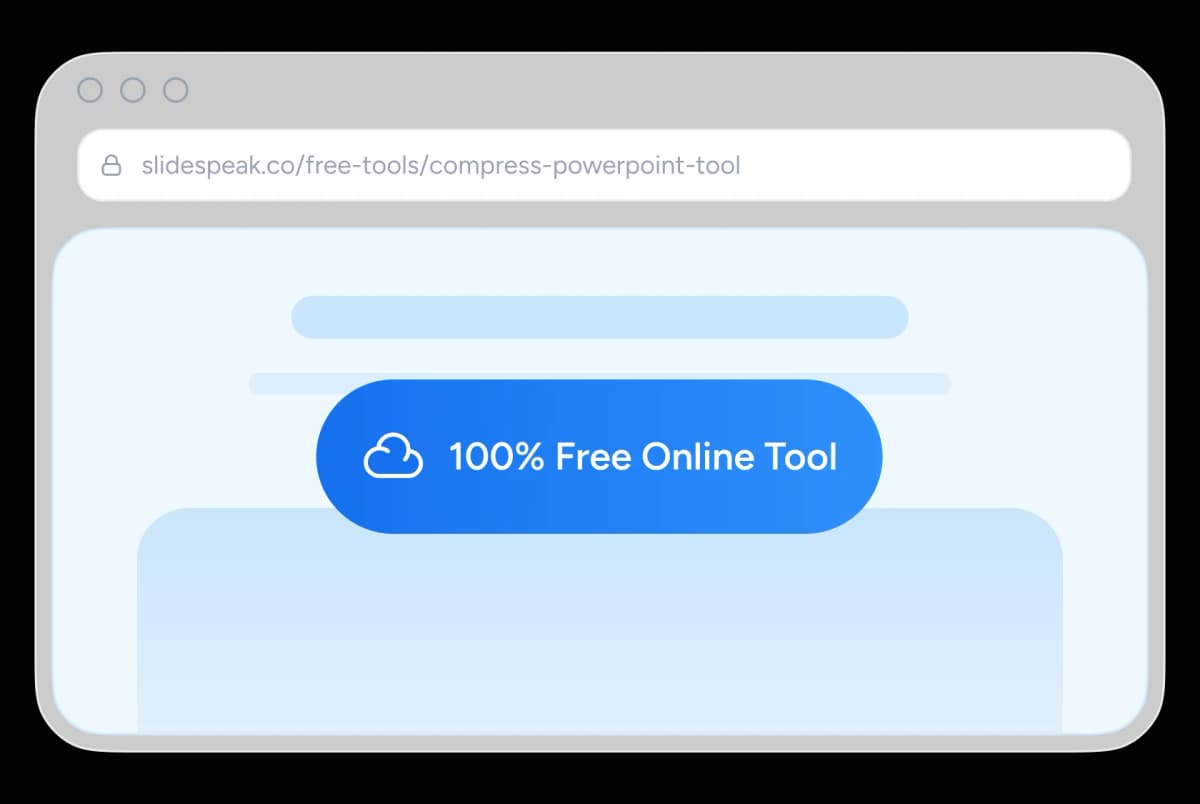
Safe and Secure Processing
Every file you upload is processed securely. Your file and the generated quiz are deleted after delivery: nothing is stored or shared.
Multi-language Support
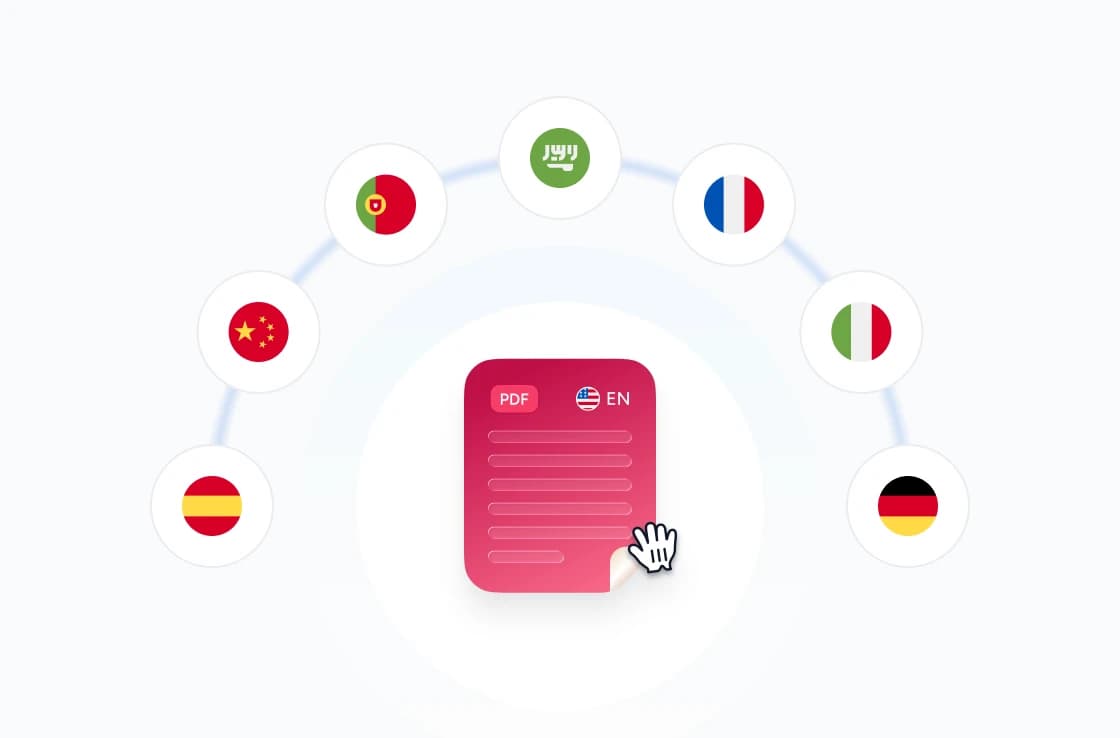
Quizzes are generated in the same language as your source document. Supports English, Spanish, German, French, Portuguese, Indonesian, and more.
Skip Manual Authoring
Replace hours of writing questions and distractors in Google Forms. The AI produces balanced multiple-choice and true/false questions with an answer key, so quiz mode setup takes minutes.
Built for Google Forms Quizzes
Powerful, fast and reliable. Our FREE tool to generate Google Forms-ready quizzes from PDF documents.
Smart Content Analysis
AI reads and understands your PDF content to generate contextually relevant questions that test real comprehension, not just recall.
Answer Key Included
Every quiz comes with a separate answer sheet, so setting the correct answers in Google Forms' quiz mode takes seconds.
Free to Use
No account required, no daily limits, no watermarks. Use it as often as you need: every feature is fully unlocked on the free tier.
Fast Processing
Optimized server-side pipeline gets you a result in seconds. No queue, no waiting room: your file is processed the moment you upload it.
Secure and Private
All uploads are encrypted in transit. Files are automatically deleted after processing, never stored, shared, or used to train models.
Works Beyond Google Forms
The same quiz works as a printable test, and the SlideSpeak editor can export quizzes as QTI packages for Canvas, Brightspace, and Schoology.
Blazing fast, even for large files
Most files generate a structured quiz in under ten seconds. Our server-side engine works in parallel, parsing structure, content, and styling simultaneously.
<10s
Avg. time
100%
Generation accuracy
500+
Pages supported
75K+
Quizzes generated
How We Stack Up
See why educators choose SlideSpeak to prepare Google Forms quizzes from documents.
| Features |  | ChatGPT | Google Forms alone | Manual |
|---|---|---|---|---|
| Free to use | Free | Free tier with limits | Free | Free |
| No sign-up required | No signup | OpenAI account | Google account | No signup |
| Reads your PDF directly | Direct upload | Limited free uploads | No PDF import | Manual reading |
| AI-generated questions | Automatic | Manual prompting | You write each | You write each |
| Answer key included | Separate answer sheet | Prompt-dependent | Set manually | You create it |
| Speed | <10 seconds | Prompt iteration | Per-question entry | Hours |
Explore our other tools
Experience the convenience of our FREE online tools. Our AI tools powered by ChatGPT provide excellent results.

Create Quizzes from PDF with AI
Convert PDF documents into quizzes automatically.

Create Quiz from PowerPoint
Convert PowerPoint presentations into interactive quizzes automatically. Perfect for testing and assessment.

Create Quizzes from Word with AI
Convert Word documents into quizzes automatically.
AI Presentation Generator
Use our AI presentation editor to craft presentations.
Convert PDF to Word with AI
Convert PDF files to Word documents with AI.

Create Cheat Sheet from PDF
Convert PDF documents into concise cheat sheets automatically using AI. Perfect for quick reference and study guides.
Keep going with these tools
The tools people reach for next, plus the SlideSpeak features behind them.

Frequently Asked Questions
Find answers to common questions about converting PDF documents into Google Forms quizzes.

Turn any idea into a presentation — free to try
An AI presentation platform to turn ideas, PDFs, Word, and Excel files into ready-to-present slides.