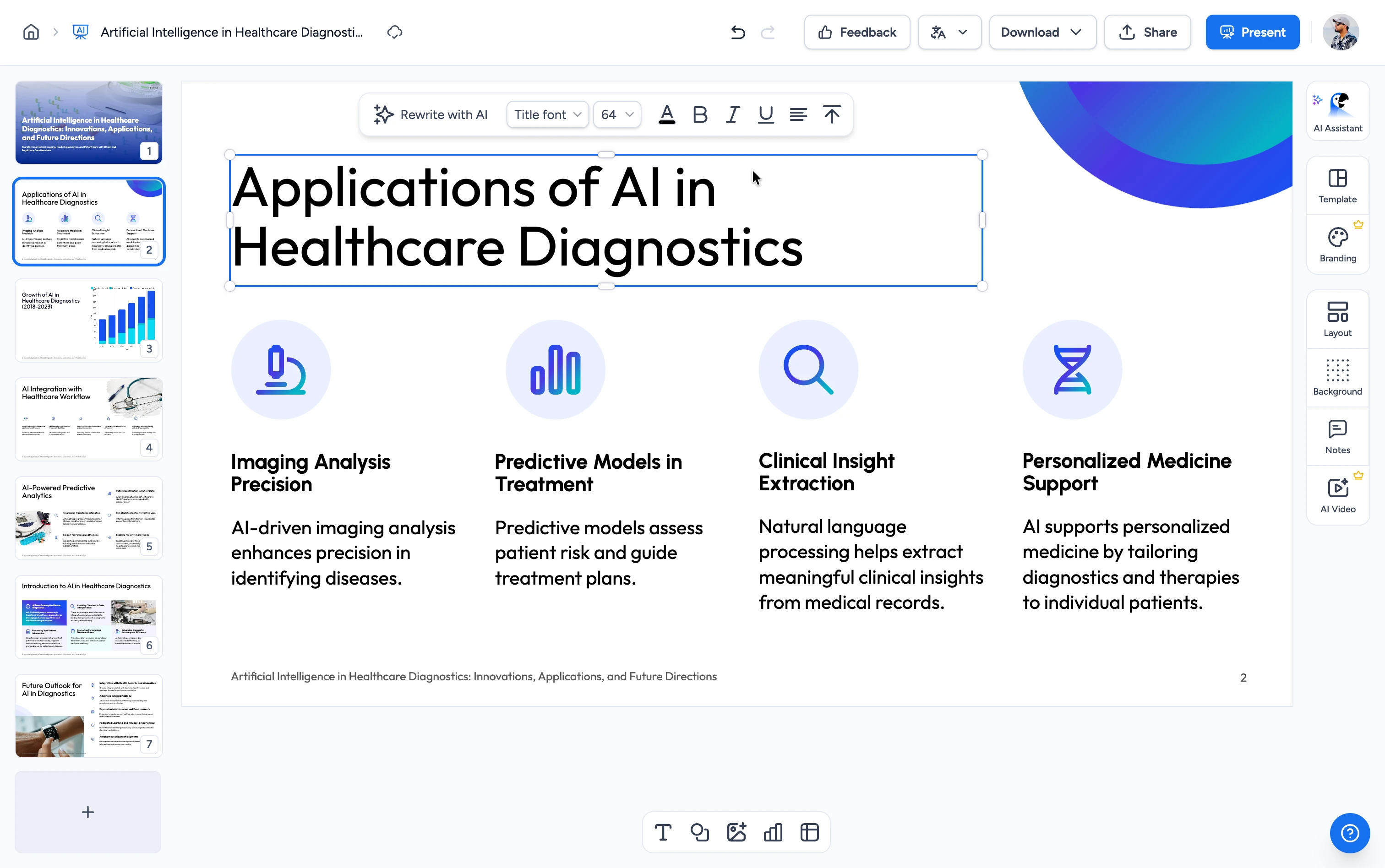
Three steps. That's it.
Go from a slide deck to structured, editable e-learning or online training in minutes.
Upload Your PowerPoint
Drag and drop a .pptx: a lecture deck, training slides, or onboarding presentation. Your existing content becomes the source.
AI Structures Your E-Learning
Our AI reads your slides and storyboards the course: e-learning modules in a clear order, learning objectives, knowledge-check questions, and speaker notes on every screen.
Generate in SlideSpeak
Your course opens in SlideSpeak and generates as editable PowerPoint slides you can teach, edit, or export for online training.
Built to teach, not just present
Our AI reshapes your slides into real e-learning: structure, learning objectives, and assessment in every section.
Interactive E-Learning Modules
Your slides become e-learning modules in a clear order with measurable learning objectives, structured screen by screen the way instructional designers build a course.
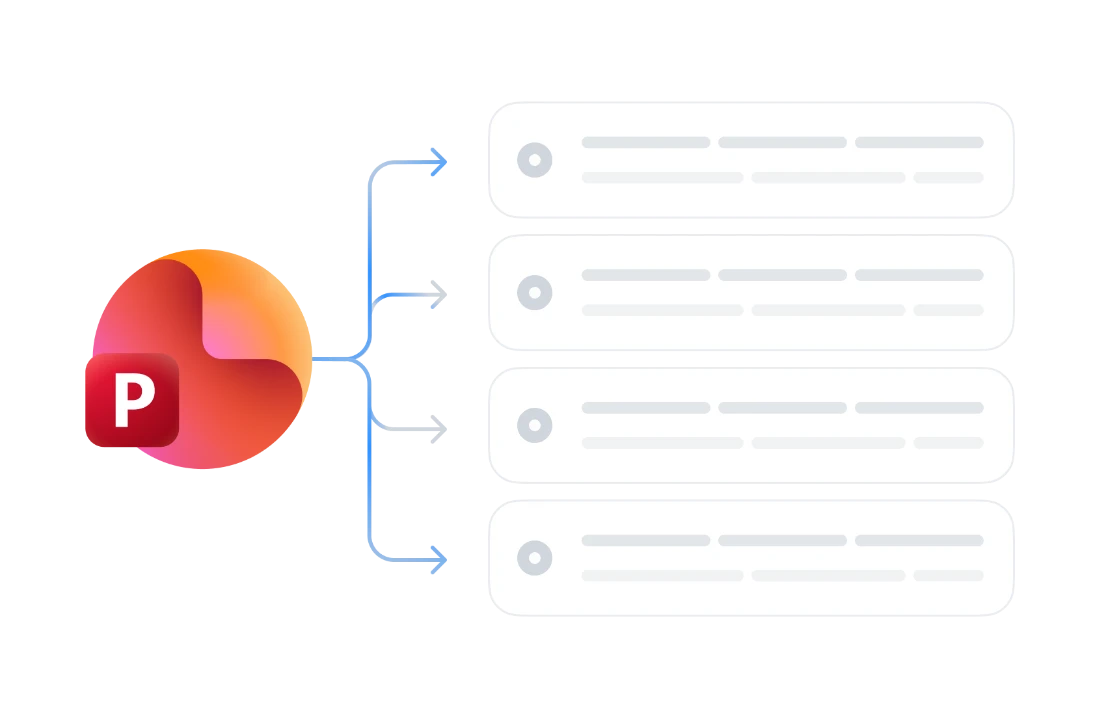
Built-in Knowledge Checks
Each module gets auto-generated quiz questions, so learners test their understanding as they go. Assessment comes built into your online training.
Speaker Notes & Lesson Plan
Every slide gets a lesson script in the speaker notes, so you get a ready-made lesson plan. Present it live, hand it to another instructor, or narrate it as video later.
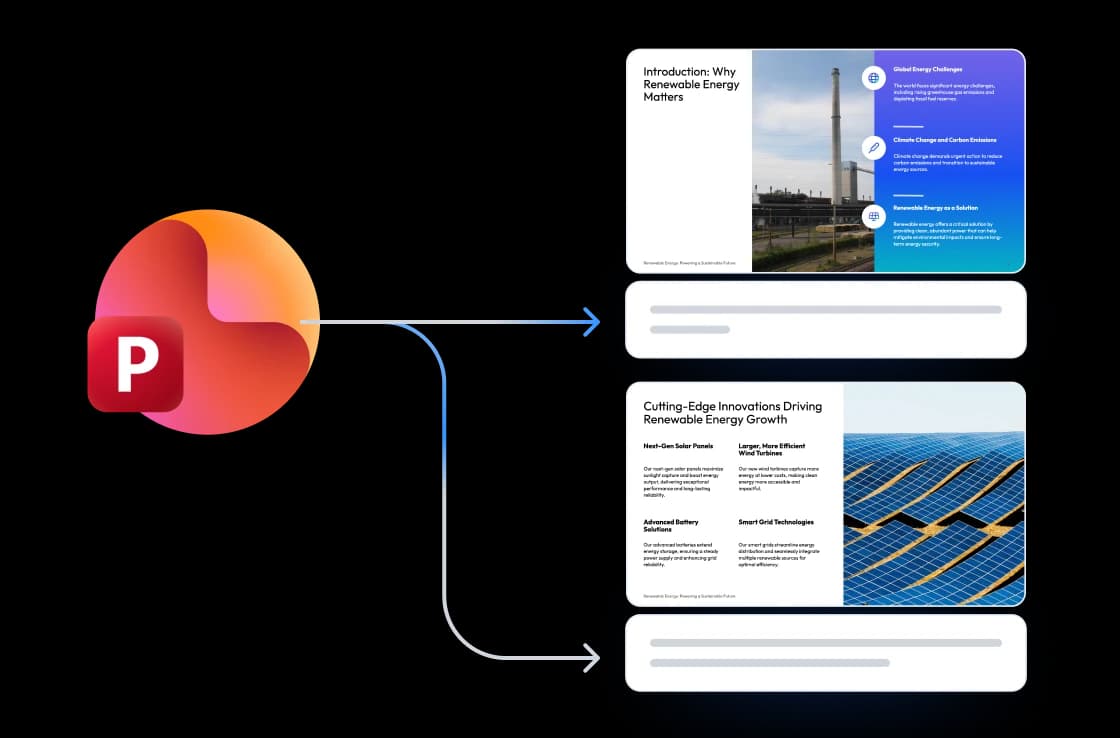
Editable PowerPoint Output
Your course generates as SlideSpeak slides you own. Edit them, brand them, export to PowerPoint or PDF, or convert to a SCORM package for your LMS. No content locked inside someone else's platform.
Why choose SlideSpeak?
A faster path from a slide deck to teachable e-learning, with no LMS to learn, no trial timer, and no subscription to start.
PowerPoint-Native Input
Start from the deck you already have, like lecture slides, training material, or onboarding, with no re-typing into a course builder.
AI-Powered E-Learning Design
Real instructional-design structure: e-learning modules, objectives, and assessment in every section.
Quiz + Objectives + Notes
A complete teaching package: learning objectives, a knowledge-check quiz, and speaker notes on every slide.
Editable Slides You Own
Your course is editable PowerPoint in SlideSpeak, yours to keep and change.
Free to Start, No Credit Card
Generate your first course in seconds. No trial timer and no credit card to start.
SCORM, Video & More
Extend your course into a SCORM package for your LMS, PDF handouts, or narrated and avatar video (soon), all in one place.
From slides to e-learning, fast
Skip the blank page and the LMS setup. Most courses are structured into online training in under two minutes.
<2 min
From slides to course
4–8
Modules per course
100%
Free to start
PPTX
Editable output
How We Stack Up
See why creators pick SlideSpeak when they want structured e-learning they own.
| Features |  | Coursebox | Coursly | ChatGPT |
|---|---|---|---|---|
| Free to start | Free, no card | Free tier (3 courses) | Free trial | Free with limits |
| PowerPoint → full course | Yes | Yes | Yes | Manual |
| Modules + objectives + quiz | Yes | Yes | Yes | Manual |
| Editable PowerPoint output | Yes | SCORM/PDF | Web course | Basic (add-in) |
| Speaker notes / lesson script | Yes | Varies | Limited | Manual |
Explore our other tools
Experience the convenience of our FREE online tools. Our AI tools powered by ChatGPT provide excellent results.

PowerPoint to SCORM Converter
Convert PowerPoint presentations into LMS-ready SCORM packages

Create Quiz from PowerPoint
Convert PowerPoint presentations into interactive quizzes automatically. Perfect for testing and assessment.
Create Training Manual from PowerPoint
Turn a PowerPoint deck into a structured training manual with AI: learning objectives, modules, and a knowledge check.
AI Online Course Generator
Turn any topic into a structured online course with AI — modules, a quiz, and notes.
Convert PowerPoint to Video with AI
Convert PowerPoint presentations to videos with AI narration.

Convert PDF to Online Course
Convert PDF documents into interactive online courses with AI.

Convert Word to Online Course
Convert Word documents into interactive online courses with AI.

AI Presentation Outline Generator
Generate structured presentation outlines with AI in seconds.
Keep going with these tools
The tools people reach for next, plus the SlideSpeak features behind them.

Frequently Asked Questions
Learn how to turn a PowerPoint into e-learning, online training, or a structured online course with AI.

Turn any idea into a presentation — free to try
An AI presentation platform to turn ideas, PDFs, Word, and Excel files into ready-to-present slides.