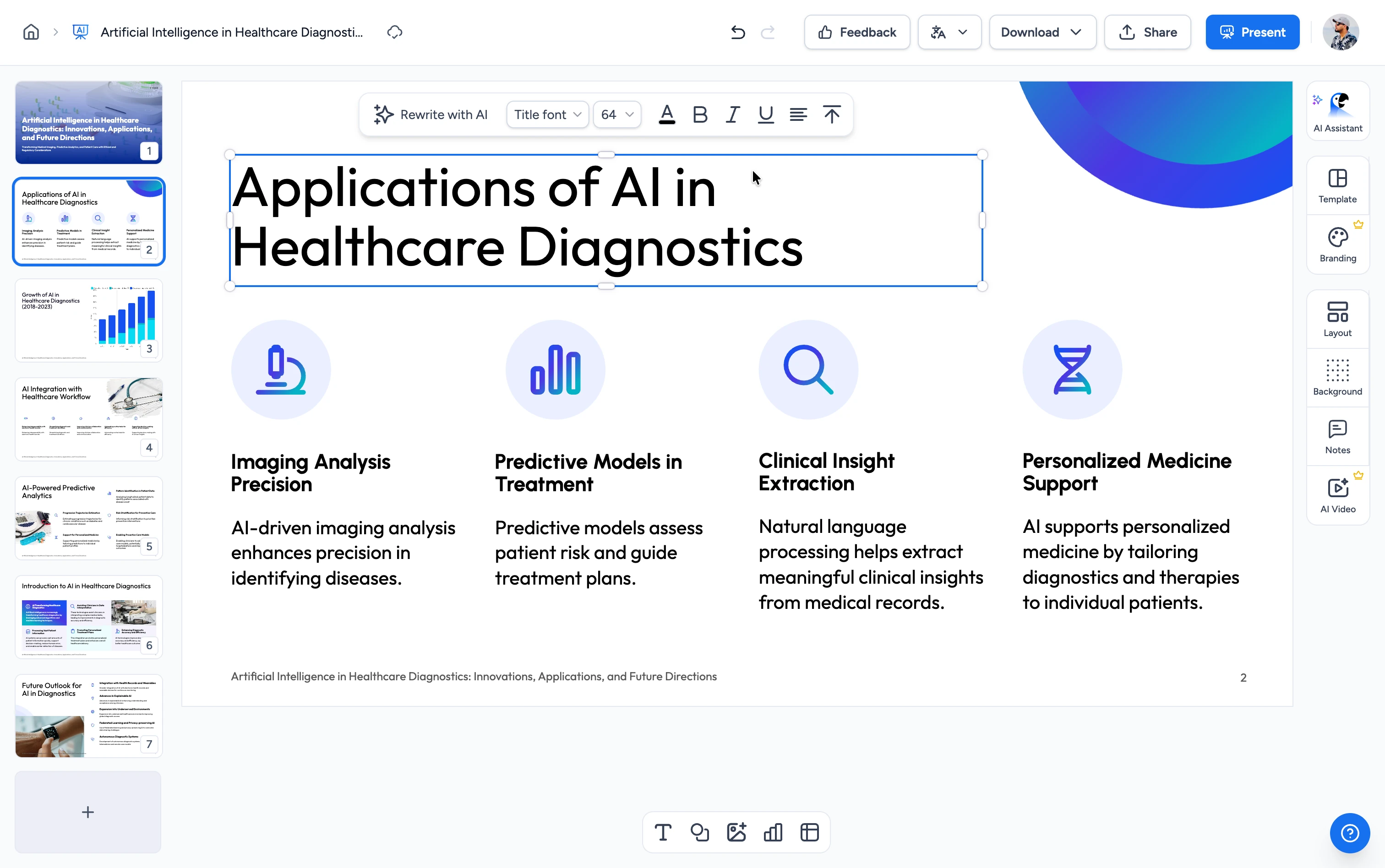
Three steps. That's it.
Go from a Word document to a structured, editable online course in minutes.
Upload Your Word Doc
Drag and drop a .docx: a training manual, course notes, an SOP, or a guide. Your existing document becomes the source.
AI Structures Your Course
Our AI reads your document and builds a course outline: modules in a clear order, learning objectives, knowledge-check questions, and speaker notes.
Generate in SlideSpeak
Your course opens in SlideSpeak and generates as editable PowerPoint slides you can teach, edit, or export.
Built to teach, not just present
Our AI reads your document and designs a real course: structure, learning objectives, and assessment in every section.
Real Course Structure
Your Word doc becomes modules in a clear order with measurable learning objectives, built the way instructional designers structure a course.
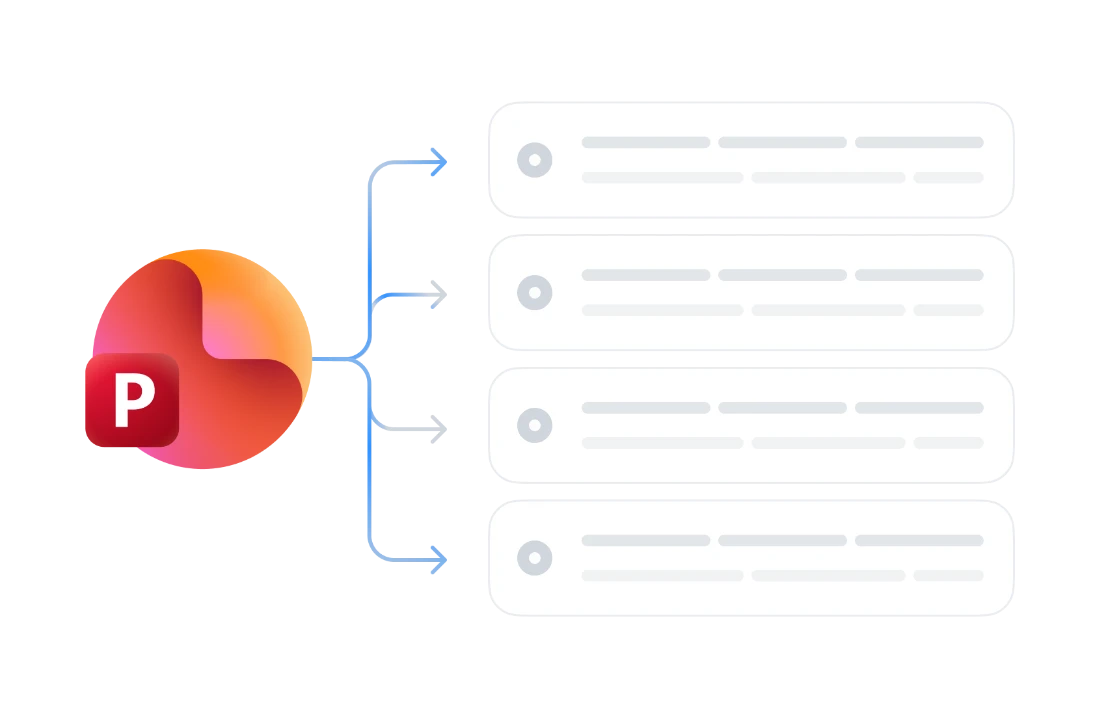
Built-in Knowledge Checks
Each module gets auto-generated quiz questions, so learners test their understanding as they go. Assessment comes built in.
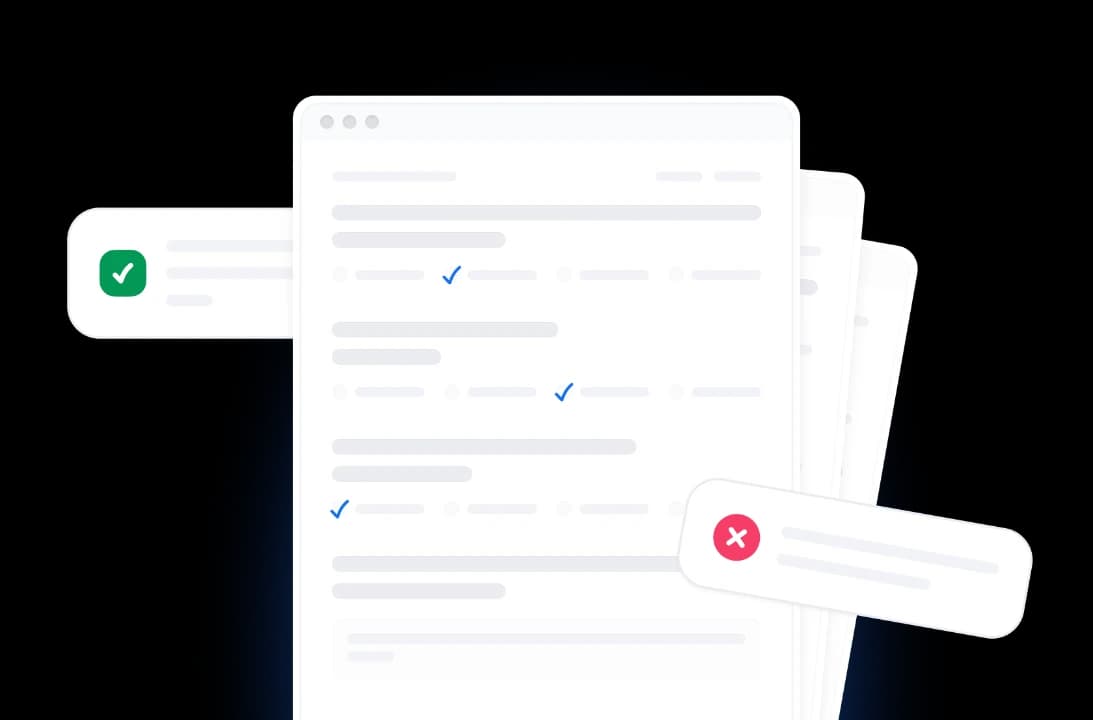
Speaker Notes Included
Every slide gets a lesson script in the speaker notes. Present it live, hand it to another instructor, or narrate it as video later.
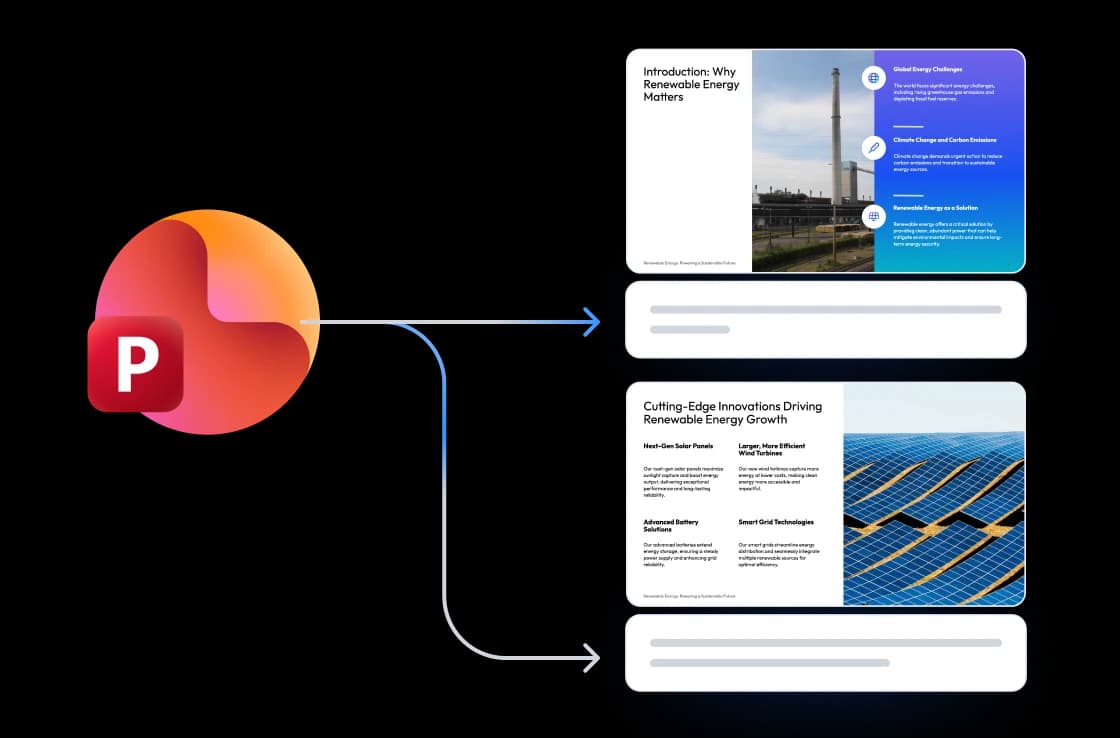
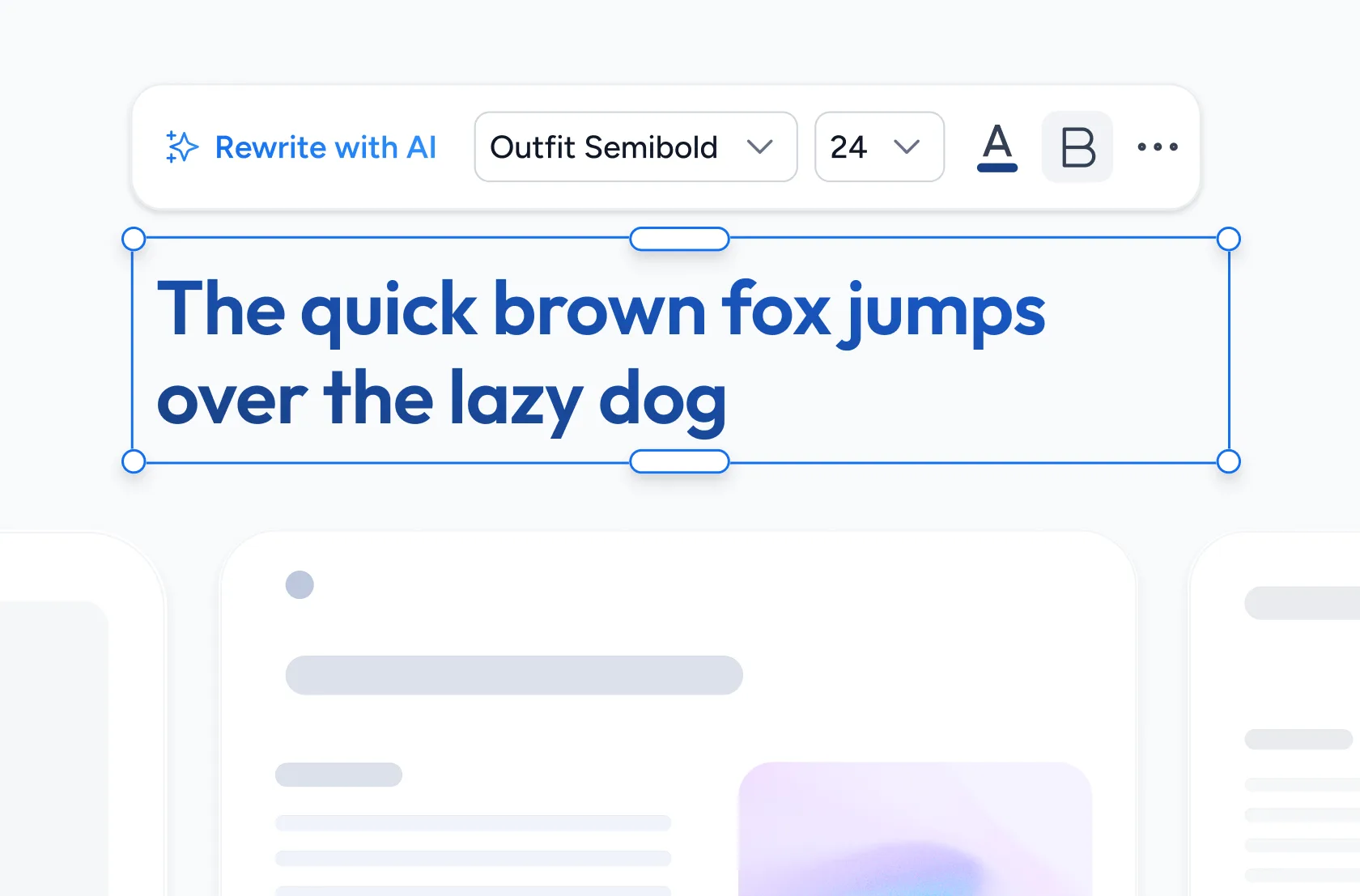
Editable PowerPoint Output
Your course generates as SlideSpeak slides you own. Edit them, brand them, and export to PowerPoint or PDF. No content locked inside someone else's LMS.
Why choose SlideSpeak?
A faster path from a Word document to a teachable course, with no LMS to learn, no trial timer, and no subscription to start.
Word-Native Input
Start from the document you already have, like a manual, SOP, or course notes, with no re-typing into a course builder.
AI-Powered Course Design
Real instructional-design structure: modules, objectives, and assessment in every section.
Quiz + Objectives + Notes
A complete teaching package: learning objectives, a knowledge-check quiz, and speaker notes on every slide.
Editable Slides You Own
Your course is editable PowerPoint in SlideSpeak, yours to keep and change.
Free to Start, No Credit Card
Generate your first course in seconds. No trial timer and no credit card to start.
Built on SlideSpeak
Extend your course into branded decks, PDF handouts, or narrated and avatar video (soon), all in one place.
From Word to course, fast
Skip the blank page and the LMS setup. Most courses are structured in under two minutes.
<2 min
From Word to course
4–8
Modules per course
100%
Free to start
PPTX
Editable output
How We Stack Up
See why creators pick SlideSpeak when they want a structured course they own.
| Features |  | Coursebox | Mini Course Generator | ChatGPT |
|---|---|---|---|---|
| Free to start | Free, no card | Free tier (3 courses) | Free plan (3 courses) | Free with limits |
| Word → full course | Yes | Yes | Limited | Manual |
| Modules + objectives + quiz | Yes | Yes | Yes | Manual |
| Editable PowerPoint output | Yes | SCORM/PDF | Web cards | Basic (add-in) |
| Speaker notes / lesson script | Yes | Varies | Limited | Manual |
Explore our other tools
Experience the convenience of our FREE online tools. Our AI tools powered by ChatGPT provide excellent results.

AI Online Course Generator
Turn any topic into a structured online course with AI — modules, a quiz, and notes.


Convert PDF to Online Course
Convert PDF documents into interactive online courses with AI.
Convert PowerPoint to Online Course
Convert PowerPoint presentations into interactive online courses with AI.

Create Quizzes from Word with AI
Convert Word documents into quizzes automatically.

AI Presentation Outline Generator
Generate structured presentation outlines with AI in seconds.
Research Paper to Presentation with AI
Convert research papers into professional presentations with AI.
Keep going with these tools
The tools people reach for next, plus the SlideSpeak features behind them.


Frequently Asked Questions
Learn how to turn a Word document into a structured online course with AI.

Turn any idea into a presentation — free to try
An AI presentation platform to turn ideas, PDFs, Word, and Excel files into ready-to-present slides.