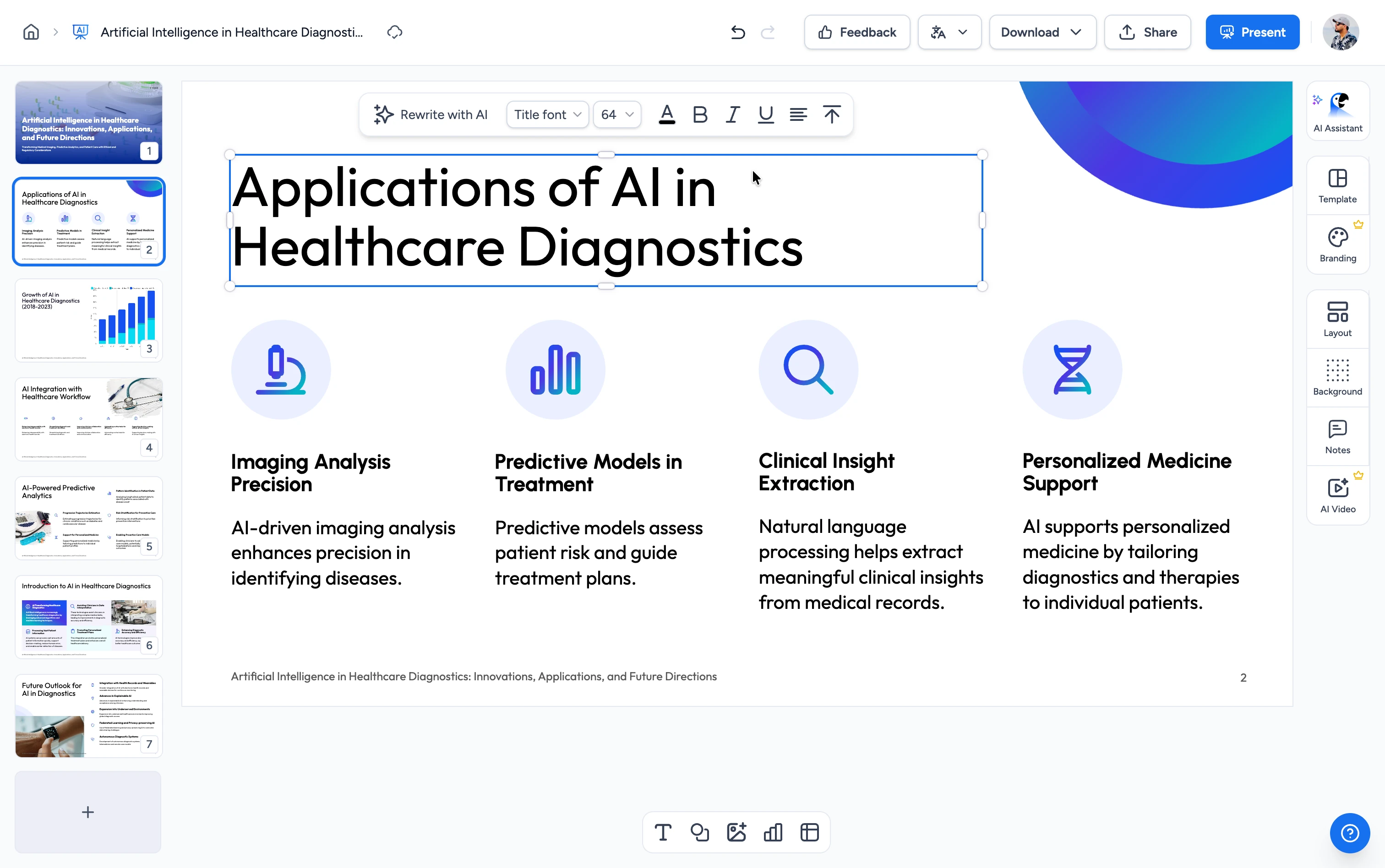
Three steps from paper to slides
Turn an academic paper into a slide deck. Keep the abstract, methodology, results, and conclusions intact.
Upload Research Paper
Drag and drop your .pdf research paper or click to browse. Works with academic papers, theses, conference papers, and journal articles.
AI Extracts Key Points
Our AI reads the paper end-to-end, identifies the abstract, methodology, key findings, and conclusions, and structures them into presentation slides.
Generate and edit in SlideSpeak
Your slides open in the free SlideSpeak editor, where you refine them and export to PowerPoint, Google Slides, or PDF.
Built for academic accuracy, speed & privacy
We map each section of the paper (abstract, methodology, results, discussion, conclusion) to the right slide layout and preserve key findings verbatim.
Works with any academic PDF
Upload research papers, theses, dissertations, conference papers, or journal articles in single-column or two-column layouts. Figures, citations, and references stay intact.
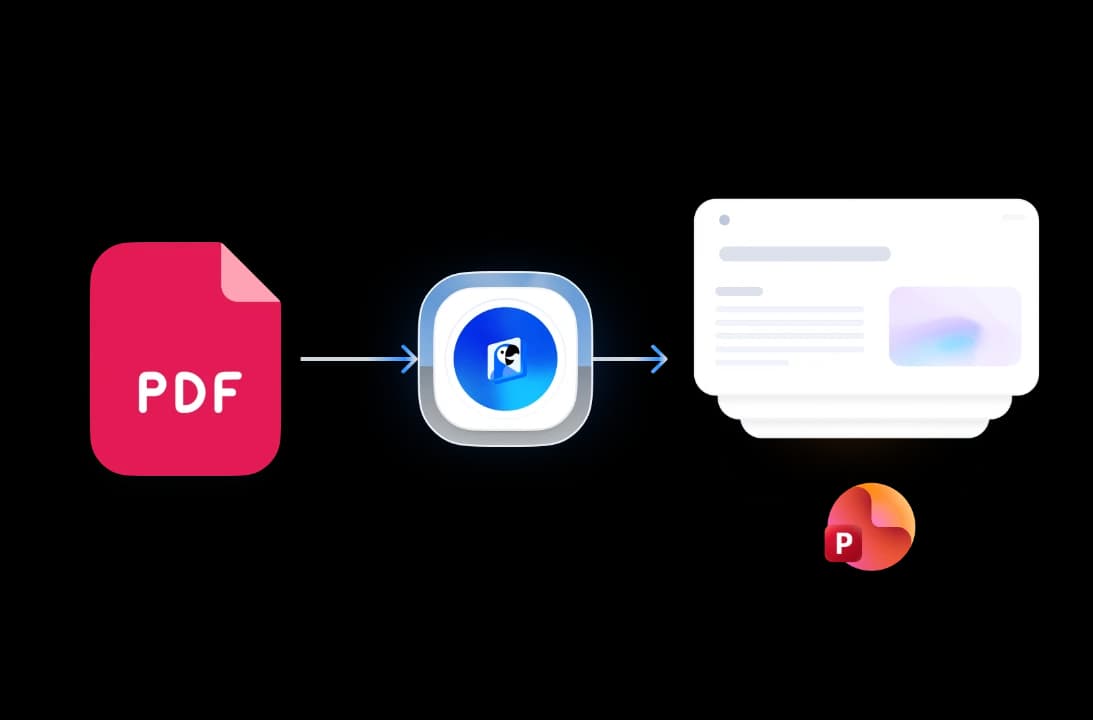
Section-aware extraction
Our AI identifies the abstract, introduction, methodology, results, discussion, and conclusions, and it keeps the academic flow instead of dumping raw paragraphs onto slides.
Free to start, no credit card
Upload your research paper and generate an editable deck for free. Create a free SlideSpeak account (no credit card) to edit and export to PowerPoint, Google Slides, or PDF.
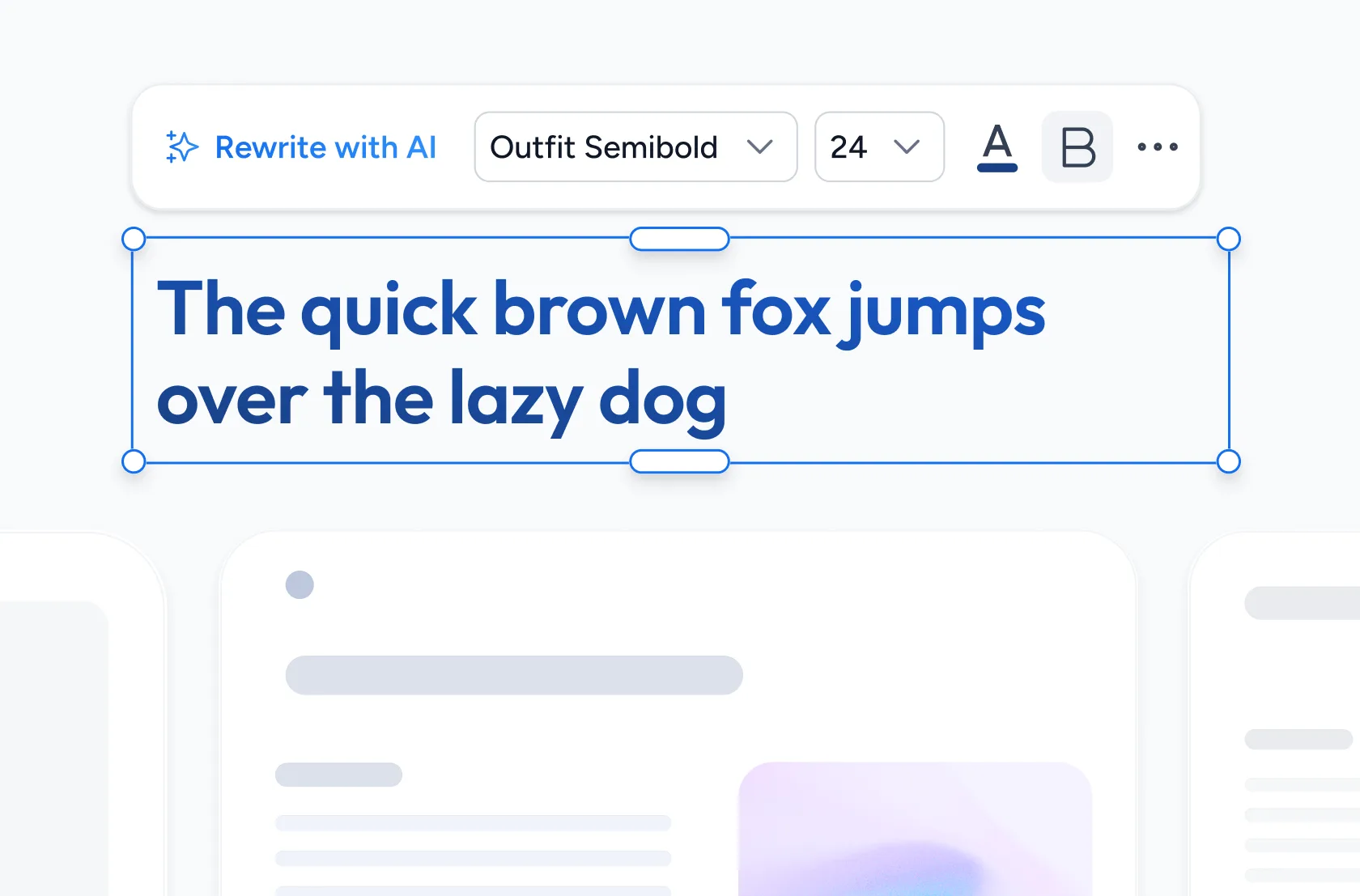
Safe and secure processing
We encrypt your research PDFs in transit and delete them from our servers automatically after processing. No training, no sharing. Your unpublished work stays yours.
Why choose SlideSpeak?
Our FREE tool converts research papers into presentations, built for speed and reliability.
AI-Native Conversion
Powered by the latest GPT models trained on academic structure, our AI reads abstracts, methodology, and conclusions instead of raw paragraphs.
Faithful to the Source
Key findings, statistics, and citations stay exactly as written. The AI summarizes without inventing content, keeping your research accurate to the source.
Free to Use
Free to start, no credit card. Turn your paper into editable slides, then open them in SlideSpeak to refine and export your deck.
Fast Processing
An optimized server-side pipeline delivers your result in seconds. No queue, no waiting room. We process your file the moment you upload it.
Secure and Private
We encrypt all uploads in transit and delete files automatically after processing. We never store them, share them, or use them to train models.
No Software Needed
Runs entirely in your browser on any device: Mac, Windows, Linux, Chromebook, iPad. No installs and no plugins, just a free SlideSpeak account.
Blazing fast, even for large files
Research papers up to 100 pages convert in under a minute. Our server-side engine parses structure, content, and styling in parallel.
<60s
Avg. time
99.9%
Citation accuracy
100+
Pages supported
10K+
Papers converted
How we stack up
See why SlideSpeak is the simplest way to turn an academic paper into a presentation.
| Features |  | SciSpace | Manus AI | ChatGPT (manual) |
|---|---|---|---|---|
| Free conversions | Free to start | Credit-based | Free credits, then paid | Free + Plus tiers |
| No credit card | Not required | Paid plans | Paid plans | Plus for best |
| PDF upload (any paper) | Any academic PDF | PDF + outlines | PDF + topics | Limited free uploads |
| Section-aware extraction | Auto-detected | Auto-detected | Auto-detected | Prompt-driven |
| PowerPoint (.pptx) export | Editable .pptx | Editable .pptx | Editable .pptx | Text only |
| Time to first deck | Under 60 seconds | Minutes (multi-step) | 5-15 minutes | Manual prompting |
Explore our other tools
Try our other FREE online tools, powered by ChatGPT.

AI Presentation Generator
Use our AI presentation editor to craft presentations.

Convert PPT to PDF with AI
Convert PowerPoint presentations to PDF with AI.

PowerPoint Image Extractor
Extract all images from PowerPoint presentations
Translate PowerPoint with AI
Translate PowerPoint presentations with AI.
Convert PowerPoint to Video with AI
Convert PowerPoint presentations to videos with AI narration.
Add Password to PowerPoint
Secure your presentations with password protection
Keep going with these tools
The tools people reach for next, plus the SlideSpeak features behind them.
Create Presentation From Wikipedia with AI
Create presentations from Wikipedia articles online for free with AI. Paste a Wikipedia link and get professional slides instantly.
Text to PPT
Turn any text or prompt into an editable PowerPoint deck in seconds.
AI Presentation Generator
Create a full slide deck from a prompt, topic or document.
Frequently Asked Questions
Everything you need to know about turning academic research papers into engaging AI presentations.

Turn any idea into a presentation — free to try
An AI presentation platform to turn ideas, PDFs, Word, and Excel files into ready-to-present slides.