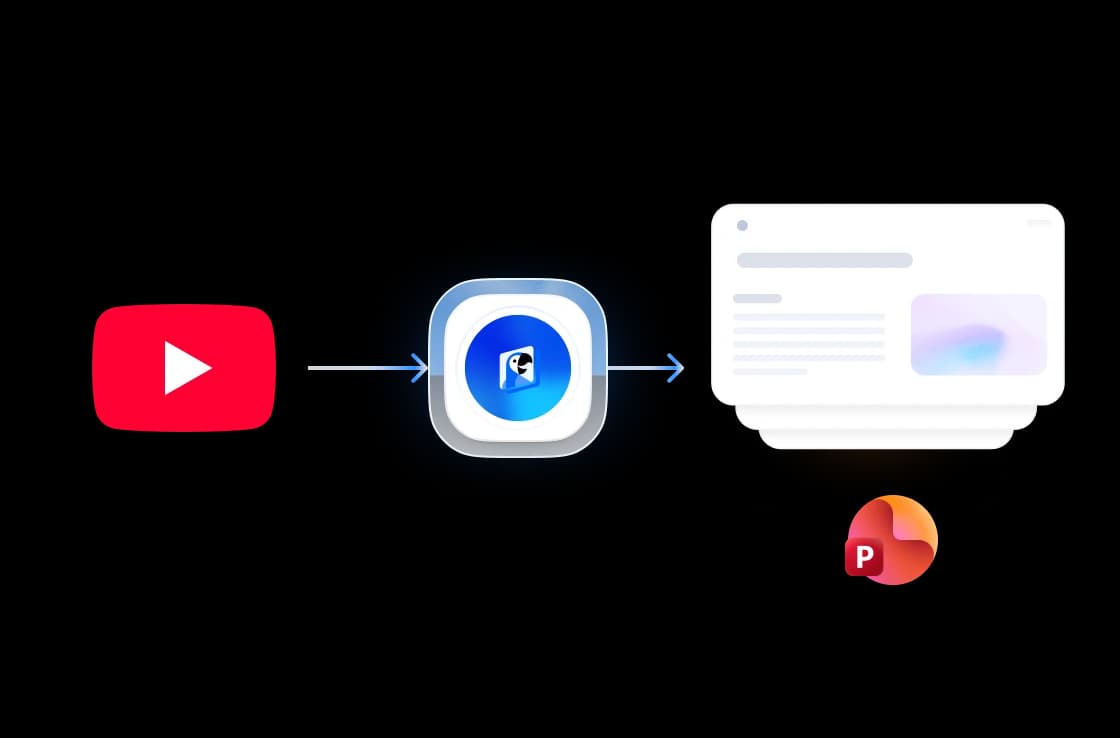
Three steps. That's it.
Convert any YouTube video into a presentation in three easy steps.
Paste YouTube URL
Copy the URL of any YouTube video and paste it into the tool. No download needed.
AI Analyzes Video
Our AI watches the video, extracts key information, and structures it into presentation slides.
Generate and edit in SlideSpeak
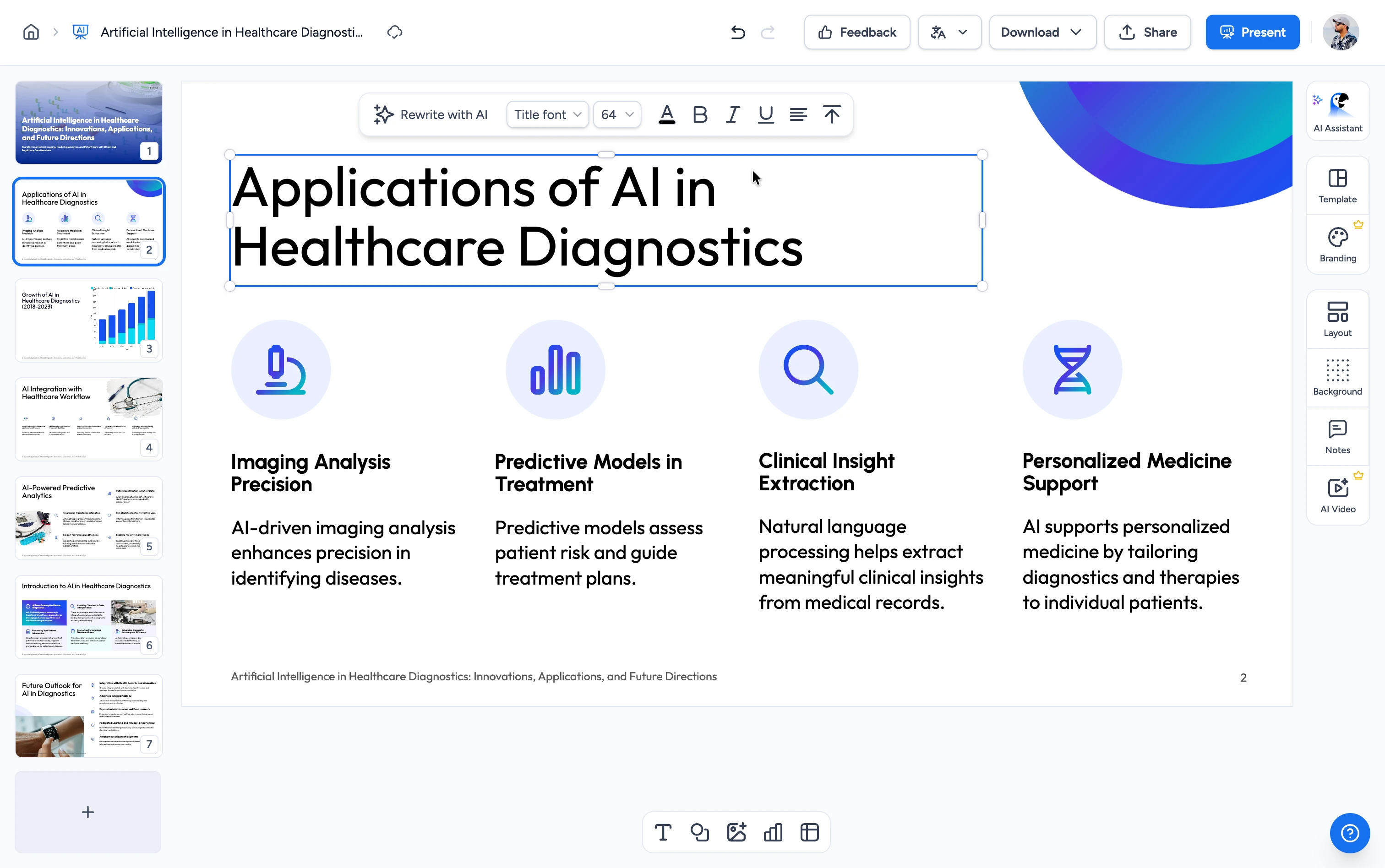
Your slides open in the free SlideSpeak editor, where you can refine them and export to PowerPoint or Google Slides.
Built for accuracy, speed & quality
Our AI extracts the transcript from your YouTube video in playback order, identifies key topics, and turns them into editable slides — formatting, headings, and structure preserved.
Direct YouTube URL conversion
Paste any public YouTube link and our AI pulls the transcript, ranks key topics, and structures them into a professional deck — no manual scripting or copy-paste required.
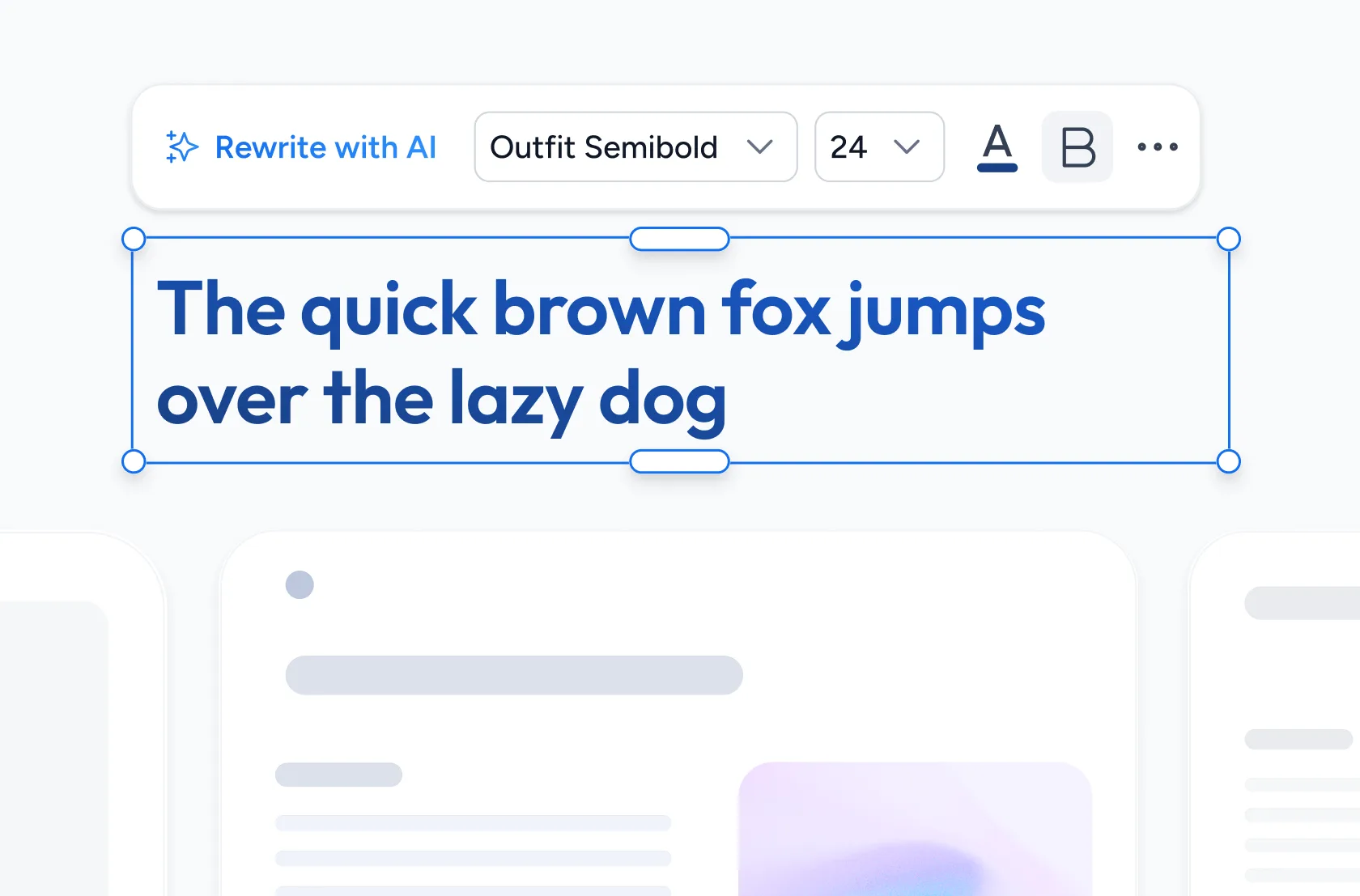
Fully editable slides you own
Open every deck in the SlideSpeak editor as fully editable slides. Rework the text, layout, and images, then export to PowerPoint or Google Slides. You get real slides, not flattened screenshots or a locked template.
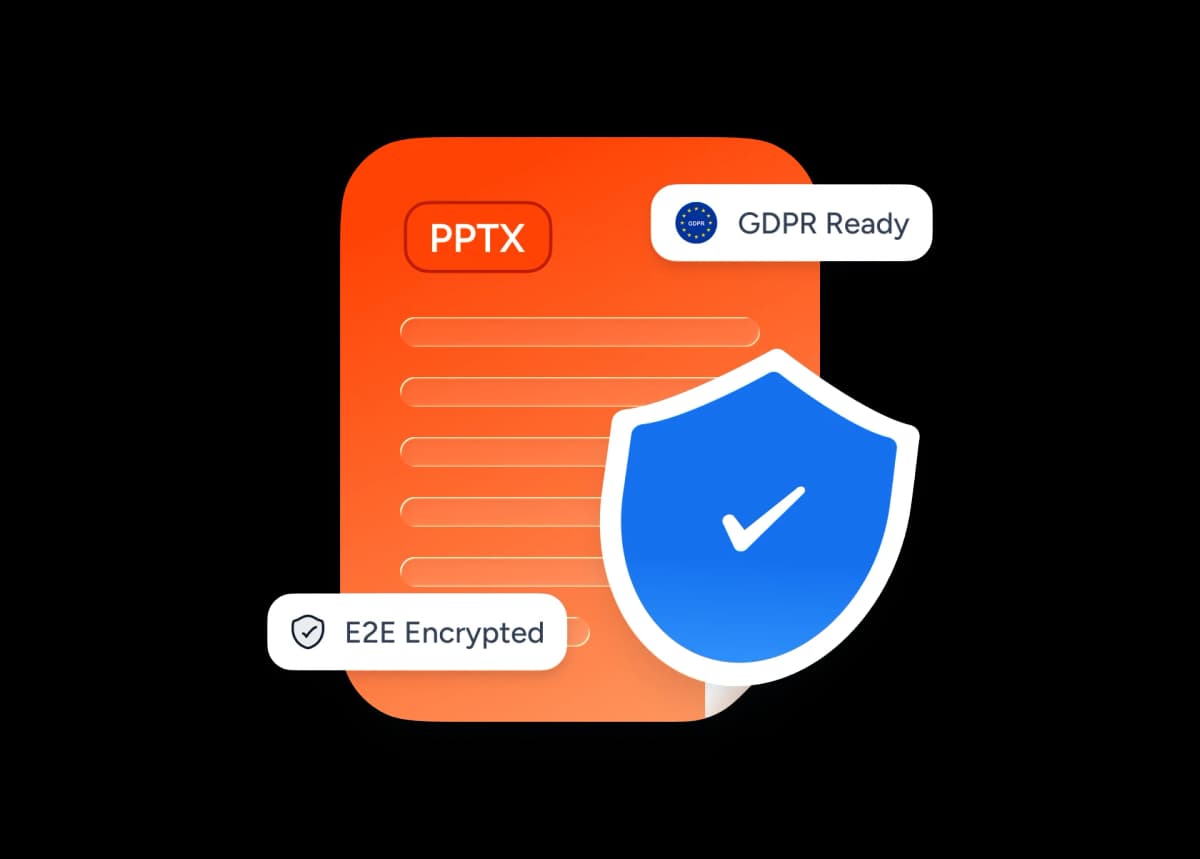
Safe and secure processing
Your URLs and the generated presentations are processed with bank-grade encryption and removed from our servers immediately after generation completes.
Discover the power of our FREE Tools
There's more than our YouTube to PowerPoint converter...
AI Native Conversion
Our AI software turns your YouTube video into a presentation by transcribing your video and then creating a presentation structure that is engaging. We use the latest ChatGPT models to assure the highest quality.
Language Support
The language of your YouTube video sets the language of your PowerPoint presentation. Our YouTube to PowerPoint converter supports most languages. If you're looking to translate your PowerPoint, try our PowerPoint Translation Tool.
Super Fast Processing
Your YouTube videos are processed at lightning speed. It takes just one click to turn them into an engaging slide deck.
PowerPoint and Google Slides Support
You can easily export your presentation as PPTX or PPT file. Our presentations can also easily be uploaded to Google Slides.
Secure Processing
Your PowerPoint presentations are handled with the utmost security and privacy.
Fast and Easy
It's super fast. Our AI infrastructure is deployed on the latest hardware to assure processing at lightning speed.
Trusted results, in seconds
Built for creators, students and teams turning long-form YouTube content into shareable presentations every day.
<1 min
Average conversion time
100+
Languages supported
10+
Slides per video
50K+
Videos converted
How we stack up
See why SlideSpeak is the fastest way to turn a YouTube video into a presentation.
| Features |  | Manual transcription | ChatGPT | Decktopus |
|---|---|---|---|---|
| Free to use | Free | Free | Limited free | Limited free |
| No credit card | Not required | Not required | Plus for best | Paid plans |
| Auto slide layout | Yes | No | Partial | Yes |
| PPTX output | Yes | No | No | Partial |
| Direct YouTube URL input | Yes | No | With browsing | No |
| Speed | Under a minute | Hours | Several minutes | A few minutes |
Explore our other tools
Experience the convenience of our FREE online tools. Our AI tools powered by ChatGPT provide excellent results.

AI Presentation Generator
Use our AI presentation editor to craft presentations.

Merge & Combine PowerPoint files
Combine multiple PowerPoint presentations into a single file.
Extract Notes from PowerPoint
A FREE tool to extract all speaker notes from PowerPoint files.

Translate Video with AI
Transcribe, translate & AI-dub MP4, MOV & WebM videos into 82 languages. Free, no watermark.
PowerPoint Compressor
Compress your PowerPoint files and optimize the size of it for easier sharing.
Translate PowerPoint with AI
Translate PowerPoint presentations with AI.
Keep going with these tools
The tools people reach for next, plus the SlideSpeak features behind them.
Frequently Asked Questions
Find answers about using our tool to generate presentations directly from YouTube videos.

Turn any idea into a presentation — free to try
An AI presentation platform to turn ideas, PDFs, Word, and Excel files into ready-to-present slides.