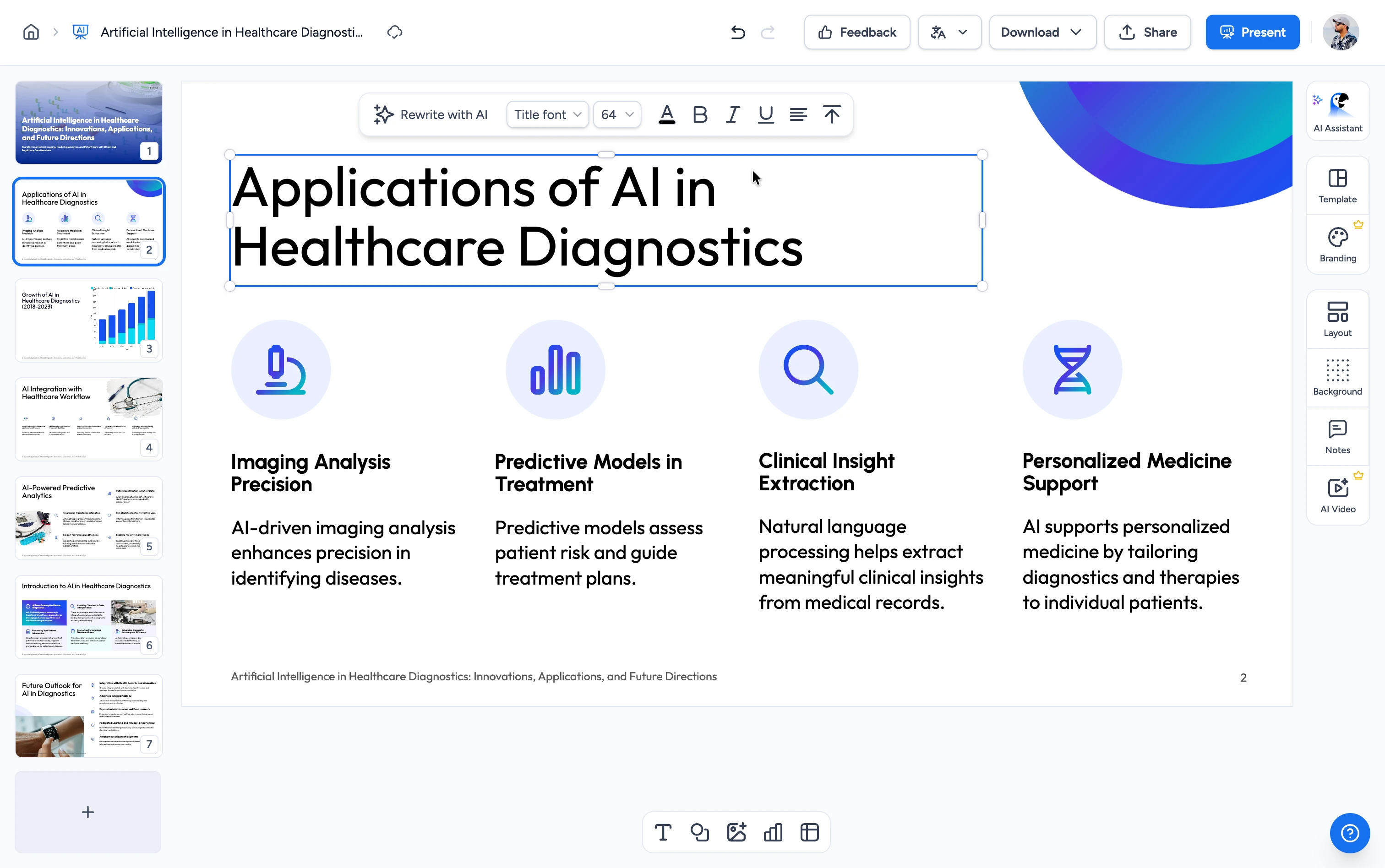
How to create a quiz from a video
Turn a recording into a ready-to-use quiz in three easy steps. No transcript and no manual question writing needed.
Upload Your Video
Upload a lecture, webinar, training session, or meeting recording. Supports MP4, MOV, and WebM up to 30 minutes and 300 MB.
AI Builds Your Quiz
Choose multiple choice, true/false, or both, and how many questions you want. The AI transcribes your video and writes the questions and answer choices.
Download Your Quiz
Review the generated quiz and download it. Perfect for classroom tests, training checks, and self-study.
Built for accurate, classroom-ready quizzes
Powered by AI
Our AI transcribes your video, identifies the key points and learning objectives, and converts them into well-formed quiz questions with answer choices.
FREE & No Sign Up Required
100% free with no account required. Upload your video, choose the quiz type and number of questions, and get a ready-to-use quiz back.
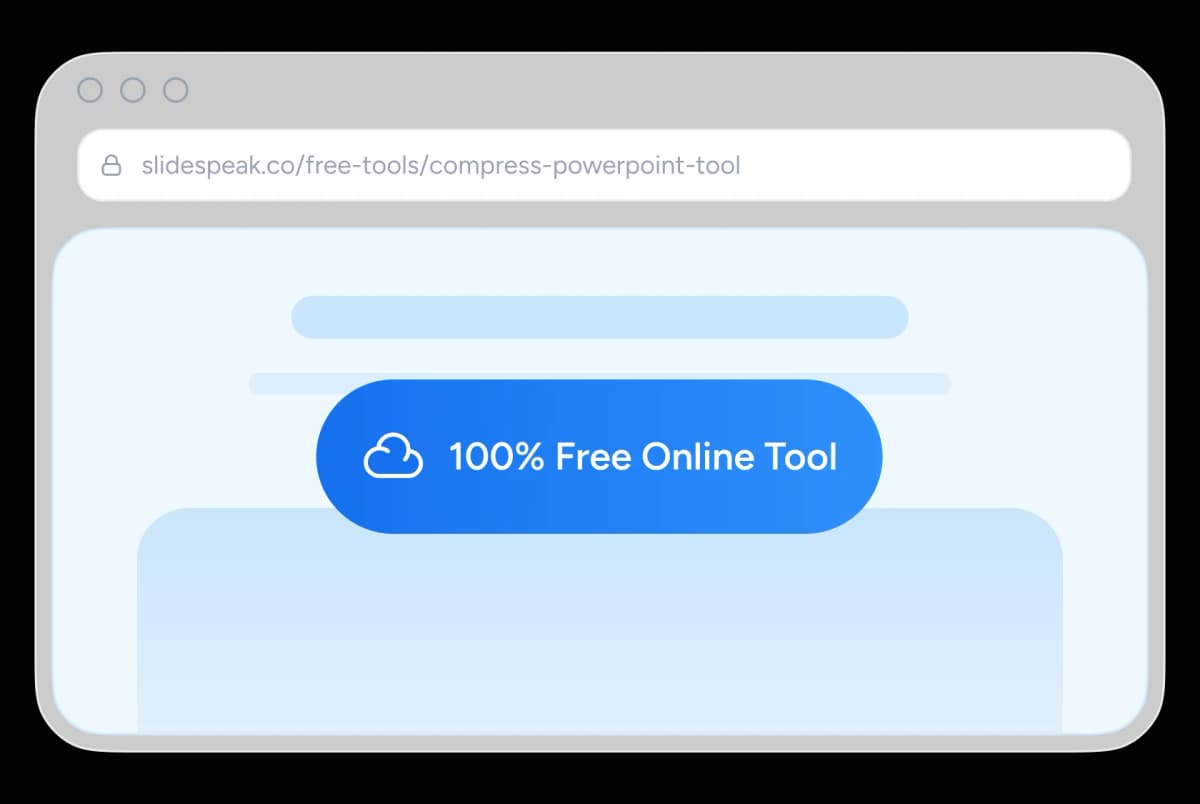
Safe and Secure Processing
We process every video you upload securely. We delete your video and the generated quiz after delivery, and keep no copies.
Skip Manual Authoring
Replace hours of watching footage and writing distractors. The AI produces balanced multiple-choice and true/false questions you can use as-is or refine.
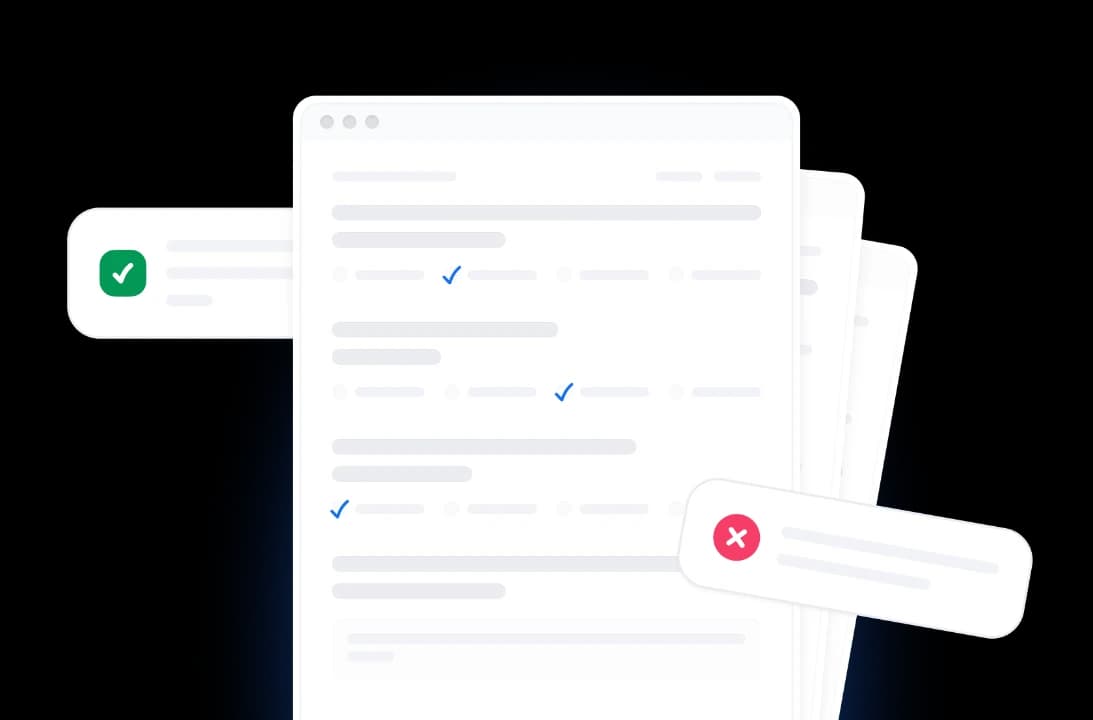
Powerful AI Quiz Generation from Video
Powerful, reliable, and free. Our tool turns spoken content into ready-to-use quiz questions.
Smart Video Understanding
AI transcribes the spoken audio and understands the content of your recording to generate relevant, on-topic questions.
Multiple Question Types
Generate multiple-choice questions, true/false questions, or a mix of both from any video.
Free to Use
No account required, no daily limits, no watermarks. Use it as often as you need. Every feature is fully unlocked on the free tier.
Less Manual Work
Skip hours of scrubbing through footage and writing questions by hand. The AI drafts the whole quiz so you only review and refine.
Secure and Private
We encrypt every upload in transit. We delete your video after processing and never store it, share it, or use it to train models.
Multi-language Support
Questions are generated in the language spoken in your video. Supports English, Spanish, German, French, Portuguese, Indonesian, and more.
Built for real recordings
Upload lectures, webinars, and meeting recordings, then choose exactly how your quiz is built. These are the limits the tool supports.
30 min
Max video length
25
Questions per quiz
3
Question types
300 MB
Max file size
How We Stack Up
See why educators choose SlideSpeak to turn videos into quizzes.
| Features |  | ChatGPT | Quizizz | Manual |
|---|---|---|---|---|
| Free to use | Free | Free tier with limits | Free with limits | Free |
| No sign-up required | No signup | OpenAI account | Account required | No signup |
| Direct video upload | MP4/MOV/WebM | No video files | No video input | Watch it yourself |
| Automatic transcription | Built in | Paste transcript | Not supported | By hand |
| AI-generated questions | Automatic | Manual prompting | AI question gen | You write each |
| Speed | Minutes | Prompt iteration | Per-question editing | Hours |
Explore our other tools
Experience the convenience of our FREE online tools. Our AI tools powered by ChatGPT provide excellent results.

Create Quiz from PowerPoint
Convert PowerPoint presentations into interactive quizzes automatically. Perfect for testing and assessment.

Create Quizzes from PDF with AI
Convert PDF documents into quizzes automatically.

Create Quizzes from Word with AI
Convert Word documents into quizzes automatically.

Translate Video with AI
Transcribe, translate & AI-dub MP4, MOV & WebM videos into 82 languages. Free, no watermark.
Summarize MP4 Videos
Upload an MP4 and get an AI summary in seconds. Free, browser-based, no signup.
AI Presentation Generator
Use our AI presentation editor to craft presentations.
Keep going with these tools
The tools people reach for next, plus the SlideSpeak features behind them.
AI Audio Narration Generator
Generate professional AI audio narration in MP3 format for your PowerPoint presentations. Create voiceovers that can be easily added to slides.
Text to PPT
Turn any text or prompt into an editable PowerPoint deck in seconds.
AI Presentation Generator
Create a full slide deck from a prompt, topic or document.
Frequently Asked Questions
Find answers to common questions about creating quizzes from videos.

Turn any idea into a presentation — free to try
An AI presentation platform to turn ideas, PDFs, Word, and Excel files into ready-to-present slides.