
9 Best eLearning Authoring Tools
Written by

Published on
On this page
eLearning authoring tools are software for building interactive courses, quizzes and assessments, then publishing them to your LMS in a trackable format like SCORM or xAPI.
In this post, we compare the 9 best eLearning authoring tools on what they replace, how they reach your LMS, and what they cost.
Most guides assume you are starting from nothing. You are not. You already have a tool that makes quizzes, another that makes video, and a third where the slides live.
Nothing syncs between them. A syllabus update leaves three assets stale instead of one, and nobody can say which version of a course is live. At ten courses that is annoying. At several hundred it is the job.
So the real question is not which eLearning authoring tool is best. It is which one lets you retire the other two without breaking how courses reach your LMS.
Which eLearning authoring tool should you use?
The best eLearning authoring tool for most course teams is the one that replaces the most of your existing stack while still publishing to your LMS. We compared nine tools on three things. How many separate tools each one replaces, how its output reaches an LMS, and how much existing material it can take as input.
That last one splits the field. Integration means the tool and your LMS talk to each other, so updating a course updates what learners see. Export means you get a SCORM file and upload it yourself, every time. Both work. They are not the same amount of ongoing effort, and seven of these nine only export.
- If you need branching, assessment-heavy courses, Articulate Storyline 360 and Adobe Captivate are the deep end.
- If you want courses built by subject matter experts, Articulate Rise 360 and Easygenerator are built for that.
- If the upload step is what hurts, H5P and Genially are the only two here that integrate over LTI.
- If most of your material already exists, AI-first tools like SlideSpeak treat that as an input rather than a chore.
9 Best eLearning authoring tools
Ordered by where you would start: the two incumbents most course teams already know, then the tools that build on material you already have, then the specialists. Not ranked best to worst.
Two things before the list: Storyline 360 and Rise 360 are not sold separately, so nine tools is eight purchases, and SlideSpeak at number three is ours.
| Tool | Replaces | LMS path | Context input | Price |
|---|---|---|---|---|
| Articulate Storyline 360 | Slides, quizzes, interactions | Export (SCORM, xAPI, AICC) | Manual | $1,749/user/yr Teams |
| Articulate Rise 360 | Slides, quizzes | Export (SCORM) | Manual | Included in Articulate 360 |
| SlideSpeak | Slides, quizzes | Export (SCORM 1.2, QTI for quizzes) | AI-first | $29/mo |
| iSpring Suite | Slides, quizzes | Export (SCORM 1.2/2004, xAPI, cmi5) | Manual | ~$1,050/author/yr |
| Adobe Captivate | Slides, quizzes, interactions, video | Export (SCORM) | Manual | ~$45/mo |
| Easygenerator | Slides, quizzes | Export (SCORM) | Manual | $1,399/yr Pro, $6,995/yr Team |
| H5P | Interactions, quizzes | Integration (LTI) + export | Manual | Free self-hosted, from $870/yr |
| Genially | Slides, interactions | Integration (LTI) + SCORM on team plans | Manual | Free, ~$11/mo Pro |
| Mindsmith | Slides, quizzes | Export (SCORM all tiers, xAPI Enterprise) | AI-first | Free, $468/yr Pro, $780/yr Business |
1. Articulate Storyline 360
Builds courses that behave differently depending on what the learner does.
Best for: Instructional designers who build, not lecturers who write.
Storyline is the tool most instructional designers learn first and the one job listings ask for. It is also the one you will not hand to a lecturer on a Friday afternoon.
Top feature: variables and conditional logic. Nothing else here lets a course remember an answer from slide three and change slide eleven because of it. If your courses are linear, you are paying for something you will not use.
Also worth knowing:
- Slide layers, triggers and states for building interactions
- Question pooling and randomisation for repeated attempts
- Publishes SCORM, xAPI (Tin Can 1.0) and AICC
Pros: deepest interaction control here; largest hiring pool.
Cons: Windows only, and steep enough to require a specialist.
Pricing: $1,749 per user per year on Teams, $1,449 Personal, as of July 2026. Not sold alone.
2. Articulate Rise 360
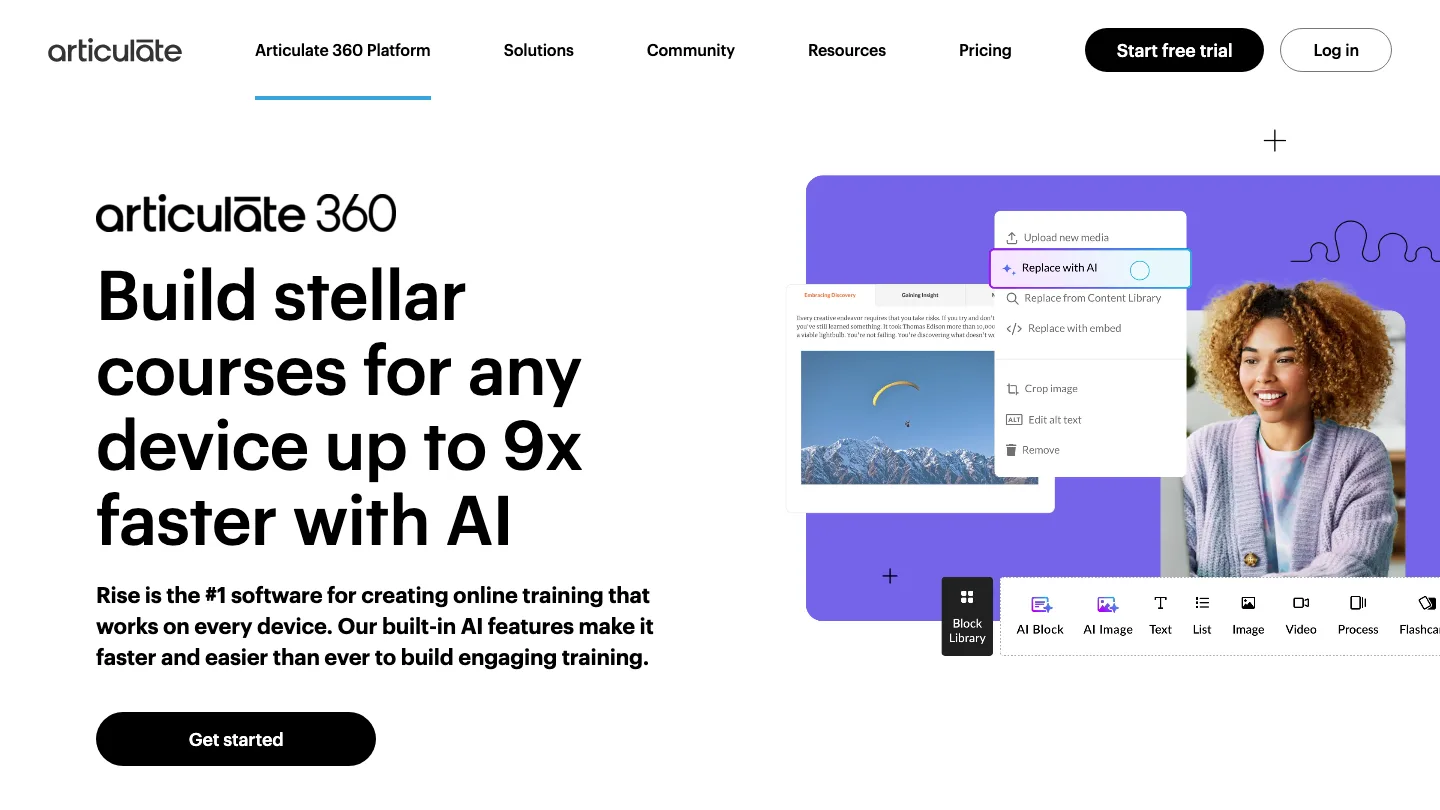
Turns a document’s worth of content into a responsive course with no design work.
Best for: Teams where the subject matter expert writes the course.
Rise is block based, browser based, and responsive by default. A lecturer with no training can assemble something presentable in an afternoon.
Top feature: a lecturer can use it without training. That sounds soft until you count how many of your courses are waiting on the one person who knows the authoring tool.
Also worth knowing:
- Prebuilt lesson templates
- Review and commenting, so SME feedback stays in the tool
- Included with Storyline, so most teams use both
Pros: fastest route from draft to published course; works on phones with no effort.
Cons: you hit the template ceiling on anything beyond its blocks, then rebuild in Storyline.
Pricing: included in the same Articulate 360 subscription.
3. SlideSpeak
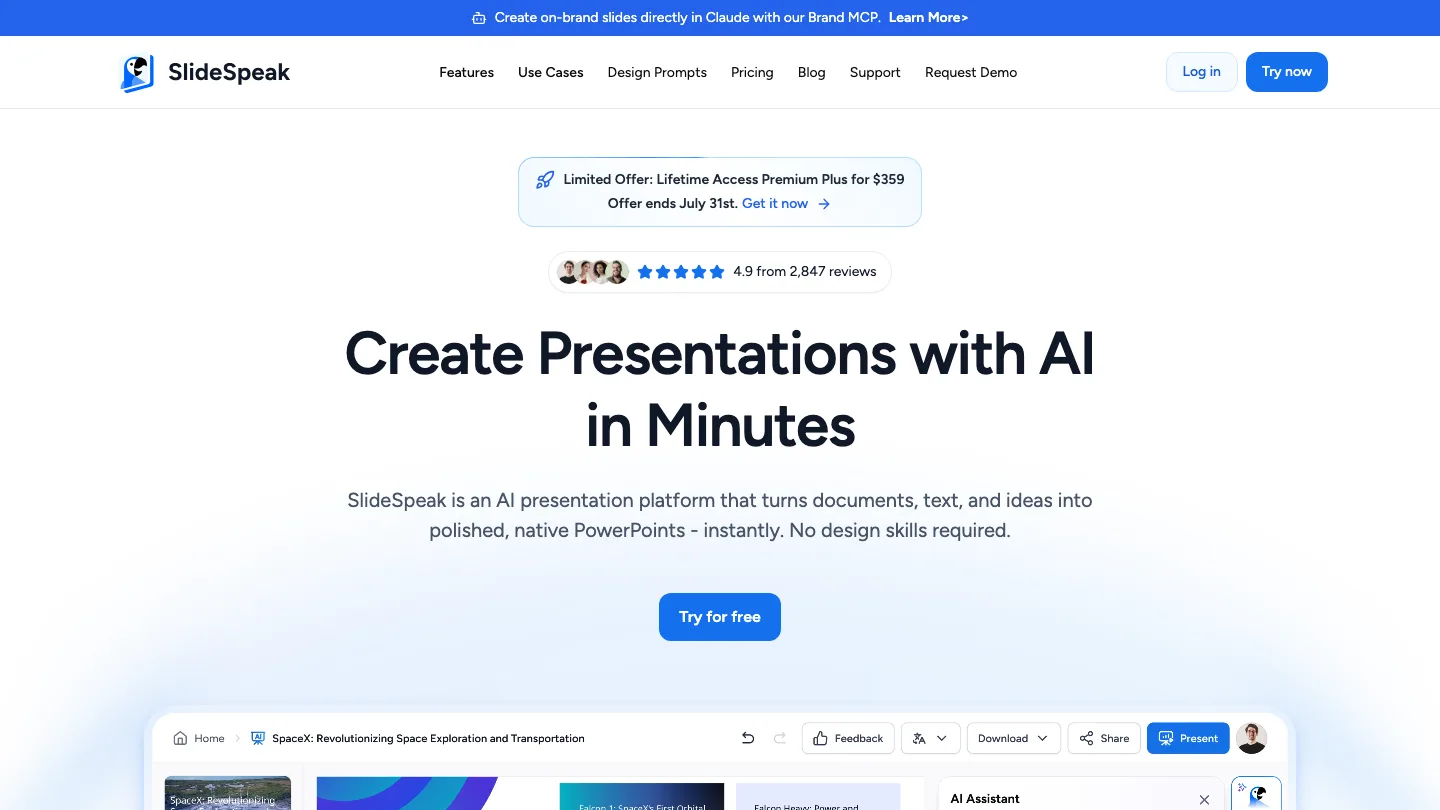
Turns documents you already have into course material, then exports SCORM 1.2.
Best for: Source material scattered across PDFs, decks and documents.
Disclosure: SlideSpeak is our product.
Top feature: the range of things you can feed it. Mindsmith starts from a prompt. This one starts from the syllabus, the reading list and last year’s deck, which is where your material lives.
Also worth knowing:
- Takes PDFs, Word, spreadsheets, PowerPoint and URLs as input
- Quizzes export as QTI, arriving in Canvas and Schoology as native editable quizzes
- SCORM 1.2 packages import into Moodle, Docebo and TalentLMS
Pros: widest set of input formats here; QTI export keeps quizzes editable by lecturers.
Cons: export, not integration, like almost everything else here. Presentation-first, so no branching scenarios and no granular xAPI tracking.
Pricing: plans start at $29/mo. SCORM export costs 10 credits in the app.
4. iSpring Suite
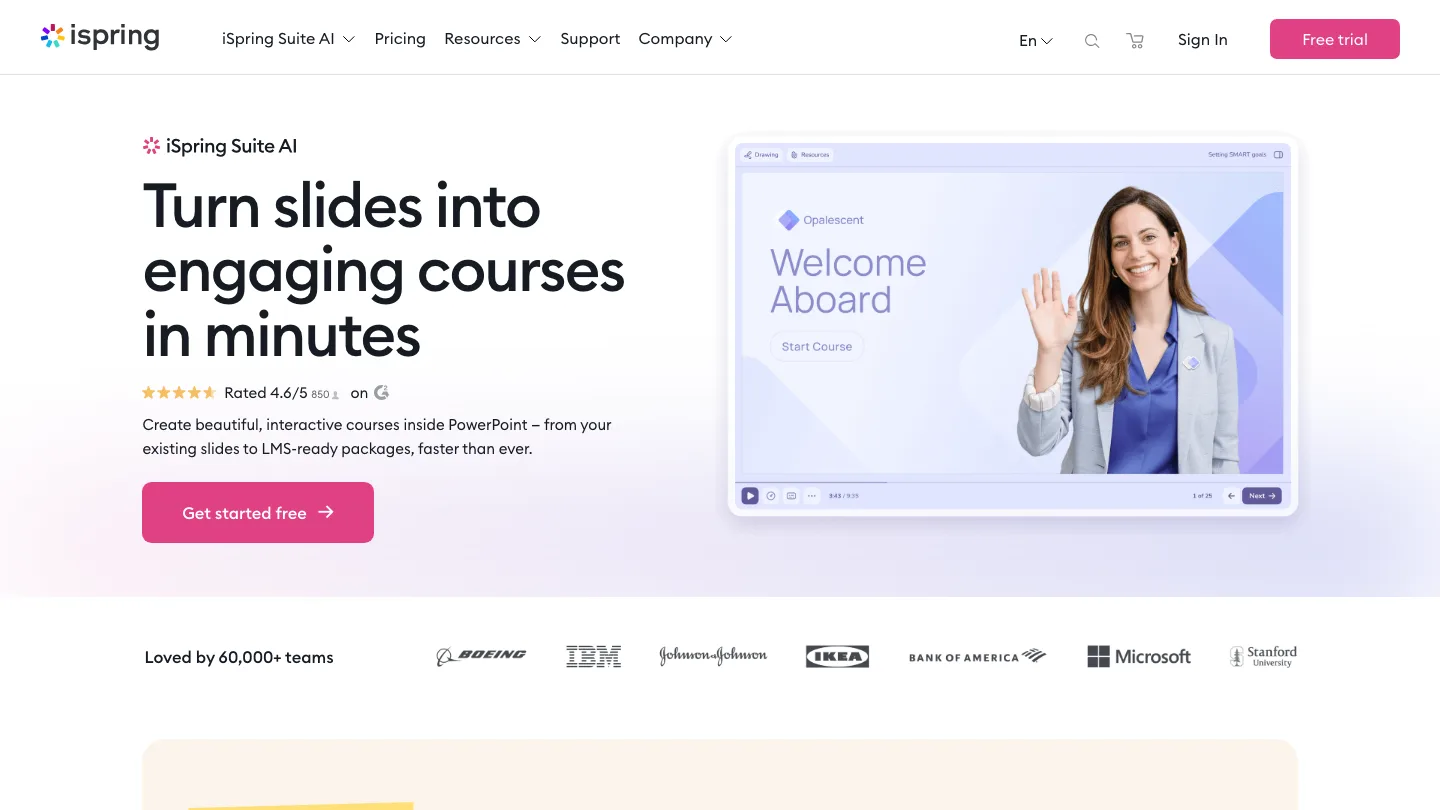
Adds quizzes, interactions and narration to the PowerPoint decks you already have.
Best for: Departments sitting on hundreds of existing lecture decks.
iSpring gives you no new interface to learn, because the interface is PowerPoint. For a department sitting on hundreds of lecture decks, that is a different proposition from everything else here.
Top feature: your existing decks are the starting point, not the raw material. Everything else in this list asks you to rebuild.
Also worth knowing:
- Quiz and role-play builders inside PowerPoint
- Publishes SCORM 1.2, SCORM 2004, xAPI and cmi5
- Screen capture is a separate product, iSpring Cam Pro
Pros: almost no learning curve for PowerPoint users; converts rather than replaces.
Cons: Windows only, and tied to PowerPoint, so it inherits what PowerPoint cannot do.
Pricing: around $1,050 per author per year for Suite, or about $1,400 for Suite AI, which adds the AI features and cloud authoring. Educator and nonprofit pricing are quote-based.
5. Adobe Captivate
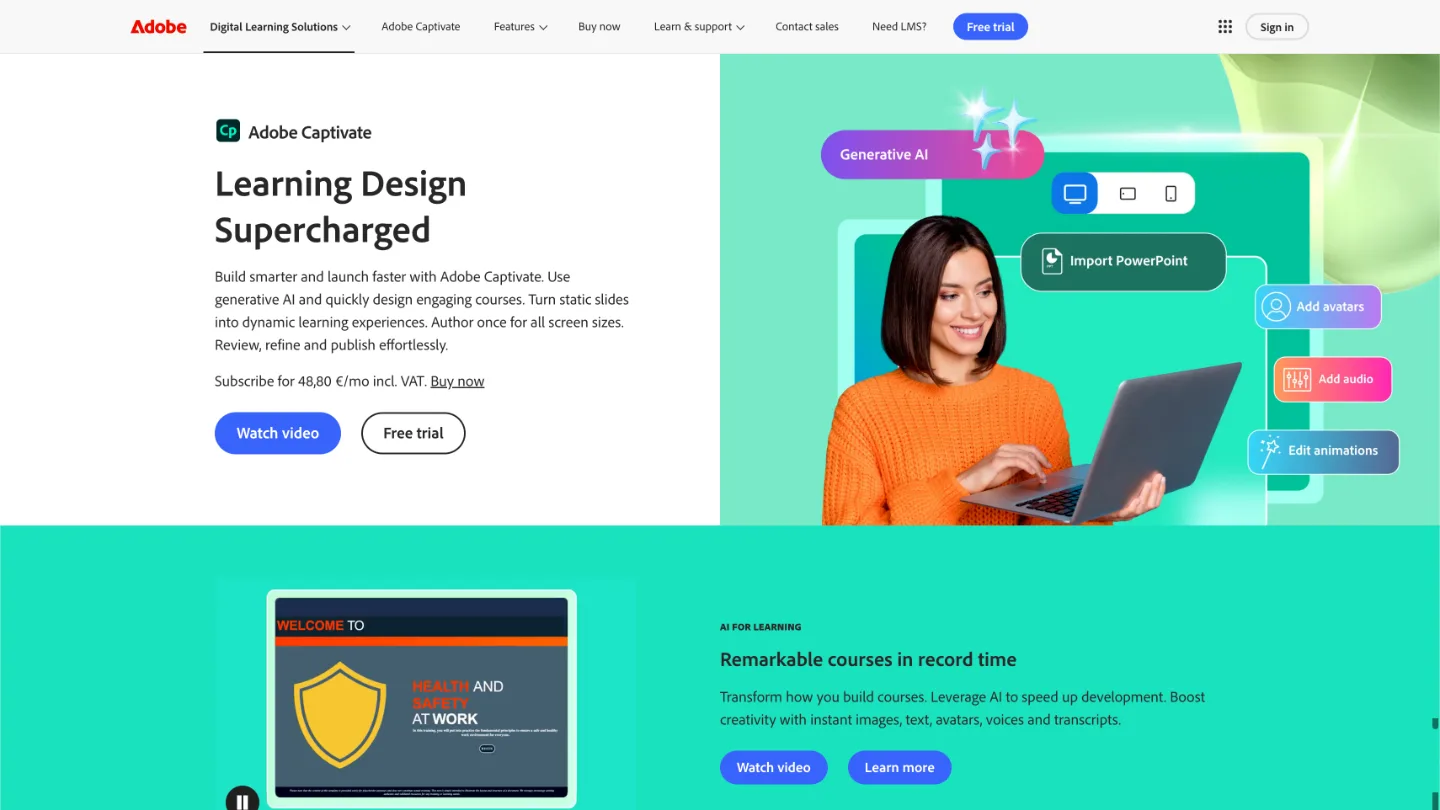
Imports your PowerPoint, then adds AI avatars, voiceover and branching scenarios.
Best for: Courses needing a presenter and branching, without a separate video tool.
Captivate takes an existing deck, converts the slides to native objects, and lets you build on top of them. Its generative AI covers images, text, avatars, voices and transcripts.
Top feature: AI avatars and voiceover inside the authoring tool. Nothing else in this list generates a presenter. If your alternative is scripting something in a separate video tool and stitching the output back in, this collapses two tools into one.
Also worth knowing:
- Imports PowerPoint decks and converts slides to editable native objects
- Responsive by default, with content blocks that auto-adjust to any screen size
- Share for review, so stakeholders comment without installing anything
- Branching scenarios, simulations and a widget gallery
Pros: the only tool here that generates avatars and voiceover; responsive output with no extra work.
Cons: the new Captivate is a different product from Captivate Classic, so older projects and most tutorials you will find refer to the previous version.
Pricing: around $45 per month.
6. Easygenerator
Constrains course building so someone who has never done it cannot make a mess.
Best for: Handing authoring to fifty people who have never built a course.
Easygenerator is built for the expert, not the specialist. Its authoring flow is deliberately narrow, which is the feature rather than a limitation.
Top feature: guardrails. Rise makes it easy for a non-specialist to build a course. Easygenerator makes it hard for them to build a bad one. Pushing authoring out to fifty lecturers is where that difference shows.
Also worth knowing:
- Learner tracking built in
- Templates for common corporate and academic formats
- SCORM publishing
Pros: low barrier for non-specialists; published pricing you can budget against without a sales call.
Cons: the Pro plan caps at ten courses, which is nothing at institutional scale, so most teams land on the much pricier Team plan.
Pricing: $1,399/yr Pro (one author, ten courses, 100 learners), $6,995/yr Team (from five authors, unlimited). Enterprise custom.
7. H5P

Interactive content that lives inside your LMS instead of being uploaded to it.
Best for: Courses already in the LMS that need activities adding.
H5P works the other way round to everything else here. Rather than building a course and exporting a package, you create activities and embed them where the course already is.
Top feature: it integrates instead of exporting. The hosted service offers LTI integration with Canvas, Blackboard, Brightspace and Moodle. It is one of only two tools here that connect to your LMS instead of handing you a file. That is why it sidesteps the version-drift problem the rest of this list creates.
Also worth knowing:
- Several dozen interactive content types
- Self-hostable and open source, so content is not locked to a vendor
- Hosted plans are Pro, Premium and Enterprise
Pros: real LTI integration, so content stays editable in place; a free self-hosted route exists if you have someone to run it.
Cons: it makes activities, not courses. You still need something else for the course.
Pricing: Pro starts at $870 per year. Self-hosting the open-source version is the free route.
8. Genially
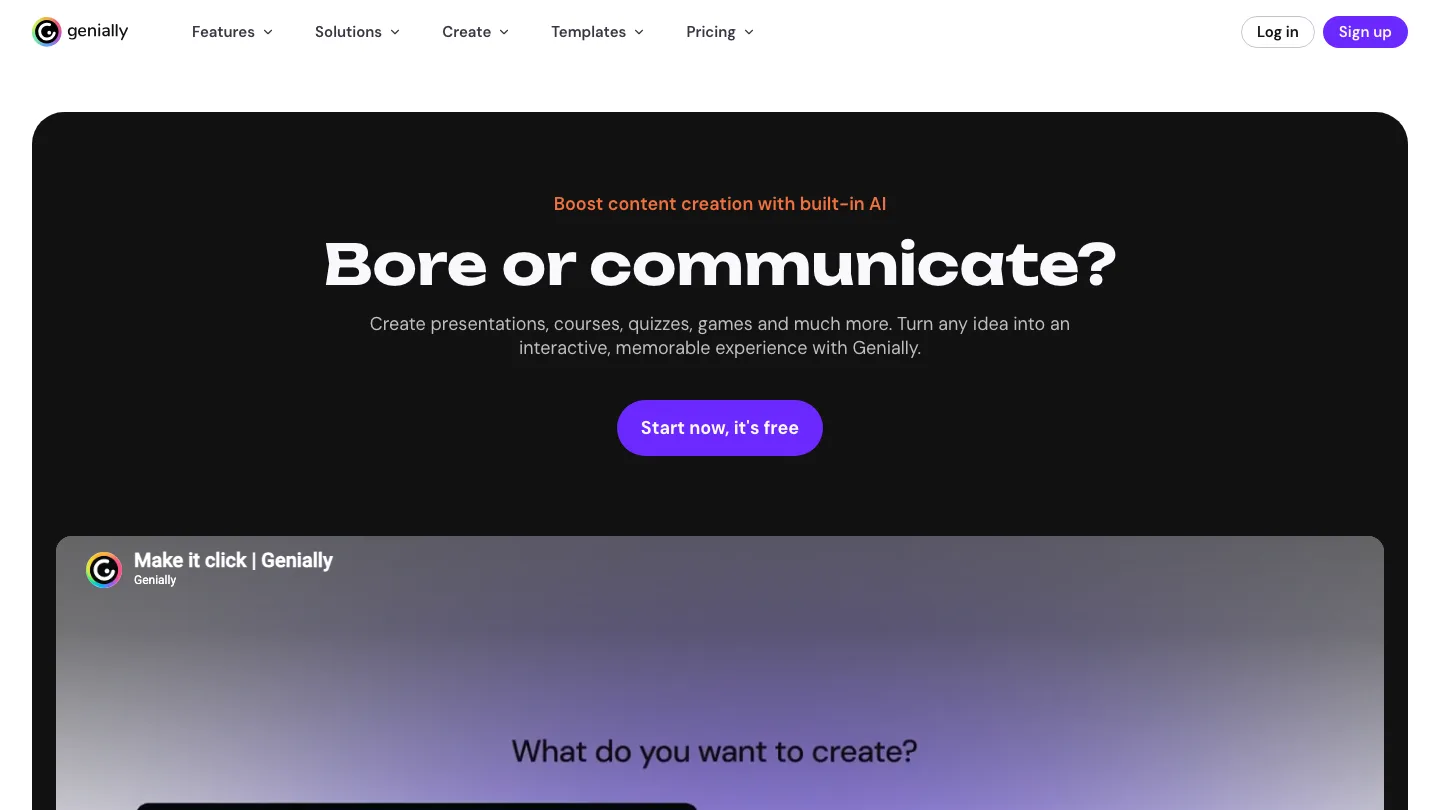
Produces visually polished interactive content without a designer.
Best for: Student-facing material where appearance carries weight.
Genially is closer to interactive presentation than course authoring. Its free tier is generous enough that it turns up in a lot of stacks without anyone formally choosing it.
Top feature: output that looks designed, with no designer. If your courses look like a template because nobody has design time, this fixes that specific complaint.
Also worth knowing:
- Exports SCORM 1.2 and SCORM 2004, and supports LTI
- Free tier includes 500 AI credits a year and 1,000+ templates
- Imports PDF, PowerPoint and Google Slides files
Pros: best-looking output for the least effort; one of only two tools here with an LTI path.
Cons: Genially restricts SCORM export to the Author and Enterprise plans, so the tier that makes it usable with your LMS is not the tier most people try. It does not publish prices.
Pricing: free tier, then around $11 a month for Pro and $22 for Master, billed annually.
9. Mindsmith
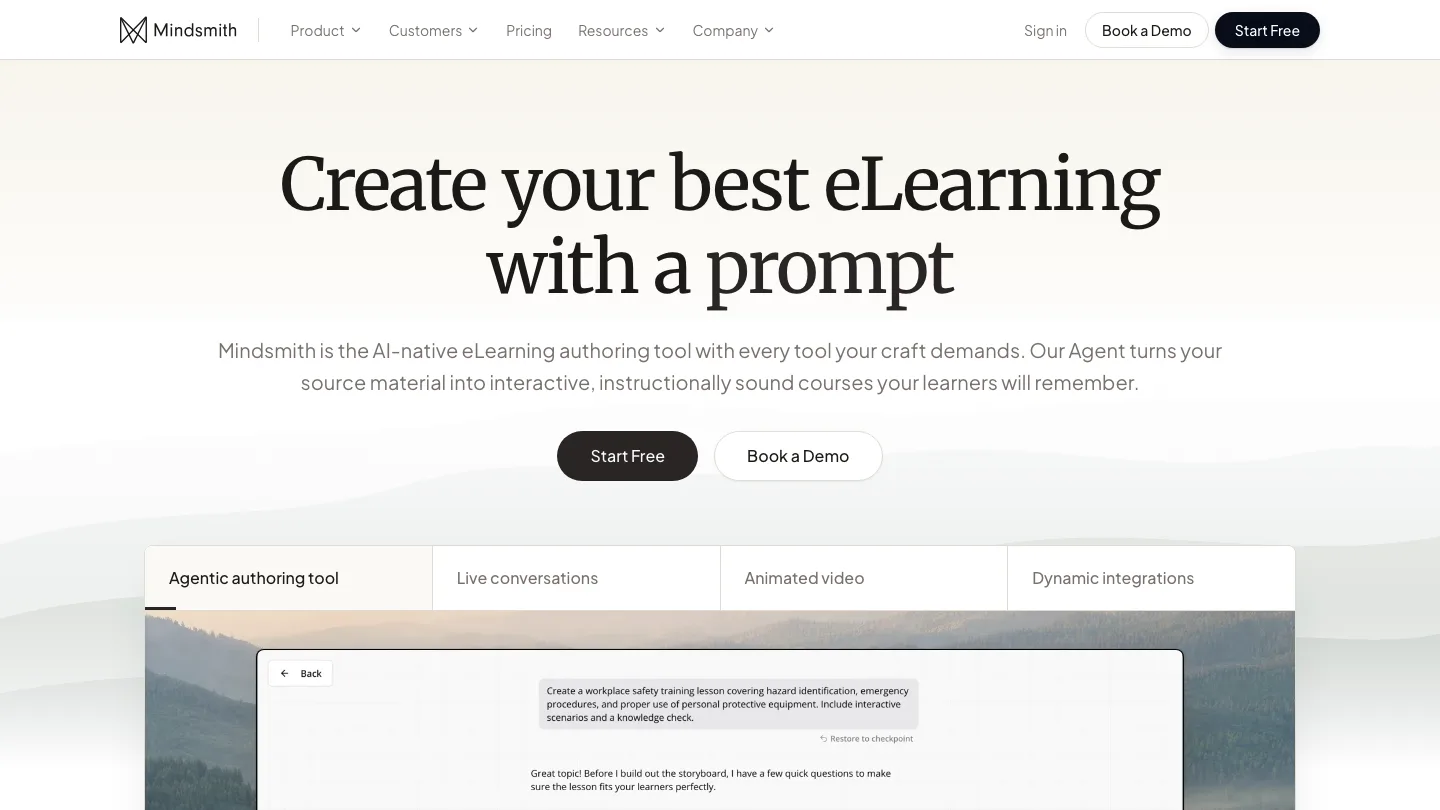
Generates a course draft with AI, then exports SCORM on every plan including free.
Best for: Testing AI authoring end to end before paying for it.
Mindsmith is built around AI generation rather than having it bolted on, and it does not hold SCORM export behind a higher tier.
Top feature: SCORM export on the free tier. Most tools treat LMS publishing as the thing you upgrade for. This lets you test the whole workflow, LMS included, before paying anything.
Also worth knowing:
- Collaborative editing
- xAPI on Enterprise only
- 30 percent educator discount
Pros: SCORM even on free; published pricing; AI-native rather than retrofitted.
Cons: young product, so there is little track record at institutional scale.
Pricing: free tier with 450 one-time AI credits. $39/author/month Pro, $65 Business, billed annually at $468 and $780.
What SCORM and xAPI actually get you in Canvas
SCORM is a file format, not an integration. A SCORM package is a zip file containing your course and a manifest telling the LMS how to launch it and where to record completion. You export it, then upload it. The two systems never speak again.
That works, and it is how most courses reach an LMS. The catch is what happens next. When the course changes, nothing propagates. You export a new package, upload it, and deal with whatever your LMS does about learners partway through the old one. Across several hundred courses, that upload step is the job.
Real integration is rarer than the marketing suggests. LTI lets an external tool appear inside a course and pass grades back. Of the nine tools here, two offer it: H5P and Genially. The other seven hand you a file. When a vendor says “works with Canvas”, ask which of the two they mean.
Quizzes have their own path. If quizzes are the bottleneck, it is worth knowing you can also generate a quiz straight from a Word document without an authoring tool at all. QTI is the interchange format for question banks, and it is how assessments land in Canvas and Schoology as native quizzes rather than as an embedded SCORM object. A native Canvas quiz is gradable, reusable and editable by the lecturer. A quiz locked inside a SCORM package is none of those.
xAPI usually sits a tier above SCORM. It tracks granular learner activity beyond completion and score. Mindsmith includes SCORM everywhere and restricts xAPI to Enterprise. If nobody has asked for statement-level analytics, that upgrade buys a feature you will not use.
Honorable mentions: NotebookLM and Synthesia
Most course teams added AI tools one at a time, for one job each, and none of them are authoring tools. NotebookLM is excellent at the thinking that precedes a course and produces no course. It sits alongside the other AI tools teachers are adding to their workflow rather than replacing any of them. Synthesia solves the video leg and hands you a video file, which you then have to place inside something you can assign.
Both are useful, and both make the stack problem worse rather than better. That is the predictable result of adding single-purpose tools to a workflow that already has too many.
eLearning authoring tools FAQ
What are eLearning authoring tools?
eLearning authoring tools are software for building interactive courses, quizzes and assessments, then publishing them to a learning management system in a format the LMS can track, usually SCORM or xAPI.
How do you choose an eLearning authoring tool?
Start from what you already own. Count the tools in your course production chain, decide which of them one tool could absorb, then confirm how its output reaches your LMS. Feature comparisons only matter after those two answers.
Which eLearning authoring tools support xAPI?
Storyline 360 and iSpring Suite both publish xAPI, and iSpring adds cmi5. Mindsmith supports it on Enterprise only, with SCORM on every plan including free. xAPI often sits a tier above SCORM, so check the plan rather than the feature list.
Which free authoring tools are best for eLearning?
H5P can be self-hosted for free, and its hosted service integrates over LTI. Mindsmith offers a free tier that includes SCORM export. Genially has a free tier too, but SCORM export is not part of it.
Final thoughts
The eLearning authoring tools category sells single tools. Course teams own three. Almost every comparison you will read answers a question about product quality when your actual question is about consolidation.
No tool here clears all three criteria. The ones that consolidate most are the newest and least proven. The ones with the deepest authoring assume you have a specialist. Only two integrate with an LMS rather than exporting into one. Authoring is also only one third of the stack: for the delivery and tracking side, see our comparison of 14 employee training tools.
So pick the criterion costing you most right now. Is it time? Then buy authoring speed. If it is drift between assets, buy consolidation. And if it’s the upload step, H5P and Genially are the only two that address it, and neither will build your whole course.
Did we miss your favorite tool? Please let us know as we’d love to keep this list up to date!


