
Convert PowerPoint file to Figma with 1 click
Convert your PowerPoint presentations to Figma files online with our free PowerPoint to Figma converter. Transform PPTX slides into Figma files, then edit and collaborate right inside Figma.
Switch from PowerPoint to Figma without losing your original layout and design elements.
Designers love Figma, so do we!
Import PowerPoint in Figma
Our free PowerPoint to Figma converter works fast and keeps your files secure. It turns PowerPoint slides into Figma frames ready for editing, with your original presentation design intact.
Convert PowerPoint to Figma Fast
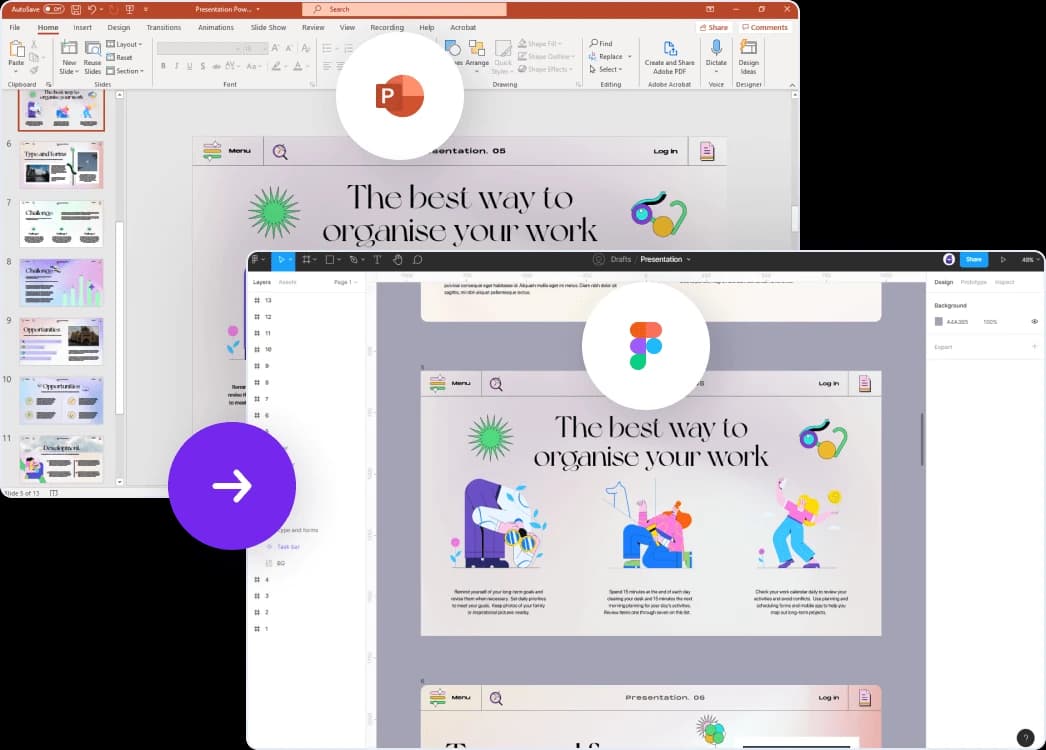
Better Design Workflows with Our PowerPoint to Figma Converter
Our PowerPoint to Figma tool keeps your visuals intact, gives you editable elements, and supports real-time collaboration with your team. Edit faster, iterate on version history, and work with fewer constraints than PowerPoint allows.
Smooth Design Transition
Move your PowerPoint designs into Figma while keeping their visual integrity intact, no redesign work required.
Collaborative Design Workflows
Convert PowerPoint to Figma so your design team can share files, leave comments, and collaborate in real time on the same project.
Editable Vector Elements
Preserve vector elements during conversion, so you can edit and adjust design components within Figma.
Efficient Prototyping
Convert PowerPoint presentations to Figma and turn static slides into interactive prototypes ready for user testing and feedback.
Version Control and Iterative Design
Use Figma's version control to track changes and iterate on your design over time, with your whole team working from the same file.
Enhanced Design Flexibility
Figma's design tools give you more flexibility than PowerPoint, so you can refine your designs beyond PowerPoint's limits.
Explore our other tools
Try more free tools built to save you time. Our AI tools, powered by ChatGPT, deliver reliable results.

AI Presentation Generator
Use our AI presentation editor to craft presentations.

Convert PowerPoint to PSD
Convert your PowerPoint presentations to Photoshop (PSD) files for advanced editing.
Convert 16:9 to 4:3 Presentation
Change your presentation aspect ratio from 16:9 to 4:3 with automatic content adjustment.
Convert 4:3 to 16:9 Presentation
Change your presentation aspect ratio from 4:3 to 16:9 widescreen with automatic content adjustment.


Convert PDF to Word with AI
Convert PDF files to Word documents with AI.
Translate PowerPoint with AI
Translate PowerPoint presentations with AI.
Frequently Asked Questions
Answers to common questions about converting PowerPoint presentations to Figma designs.