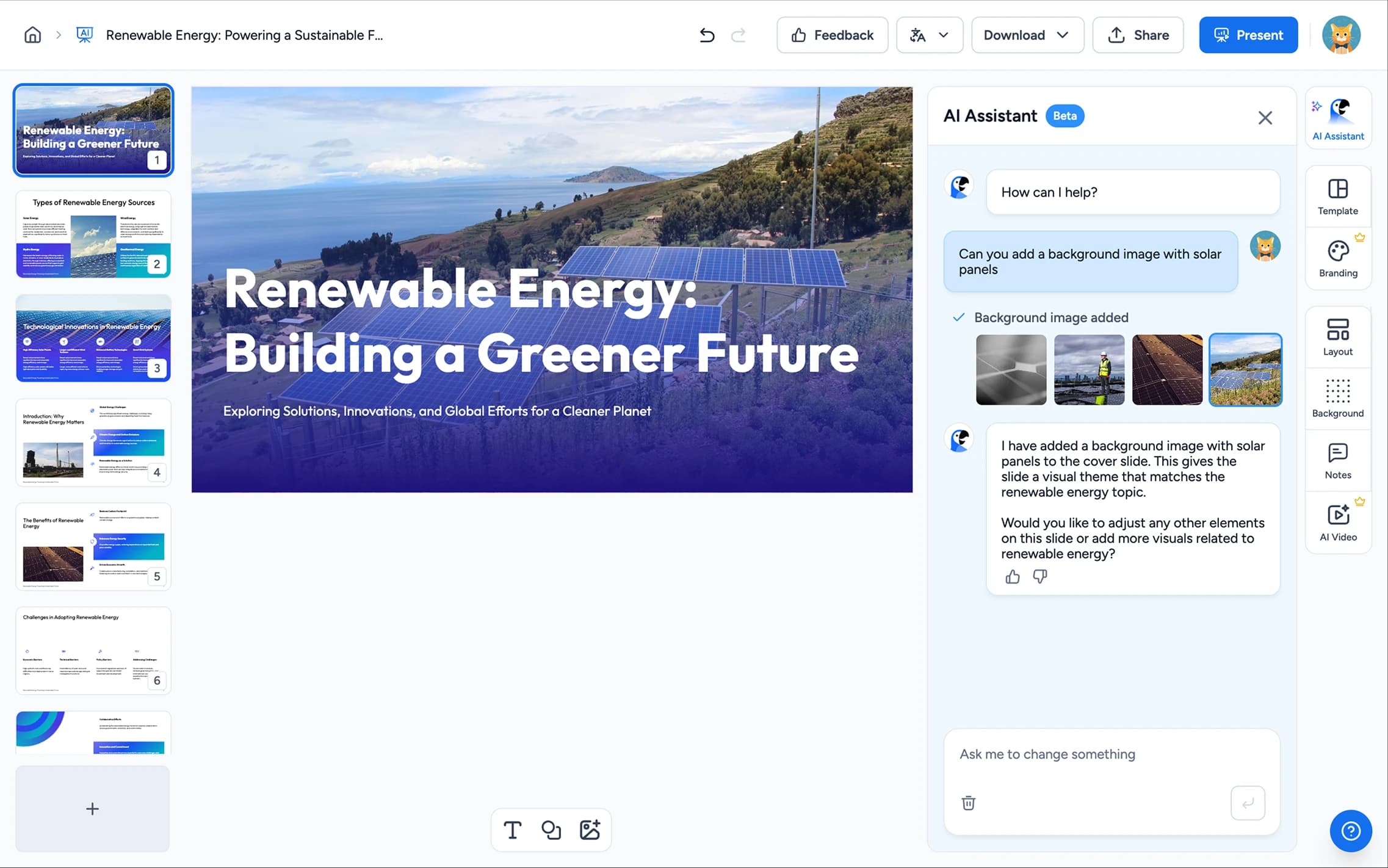
Upload your PPT and let AI fix the design. Align elements, pick icons, find the right images, and apply your branding. Professional-looking slides without the design skills.
Trusted and loved by 1m+ people around the world





You have the content. AI handles the design, spacing, alignment, branding, images, and layouts. No design skills needed.
Misaligned text boxes, uneven margins, inconsistent spacing. AI detects layout issues and fixes them across every slide so your deck looks polished.
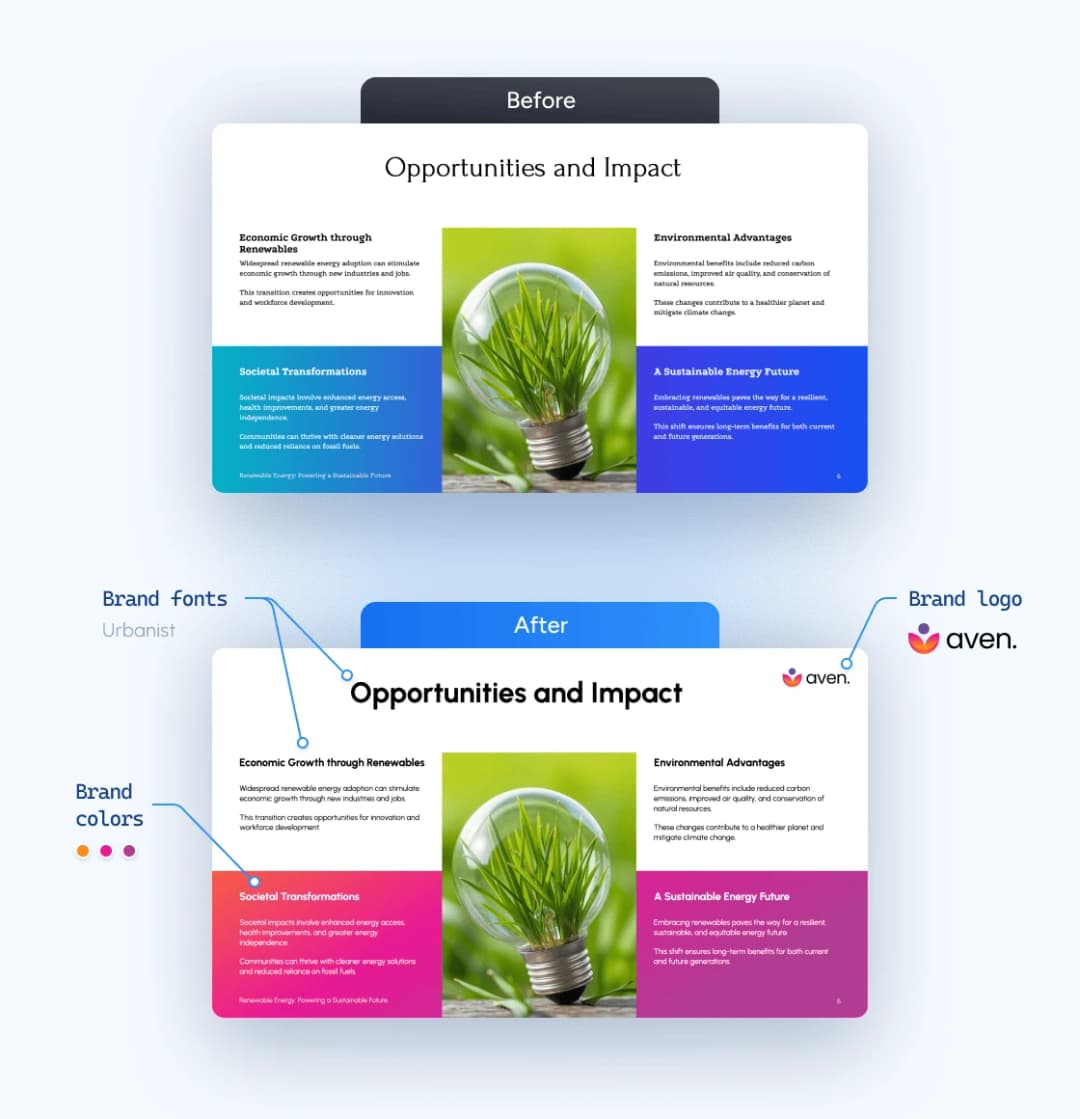
Upload your logo, brand colors, and fonts once. AI enforces them on every slide, so no more mismatched fonts or off-brand colors on slide 37.
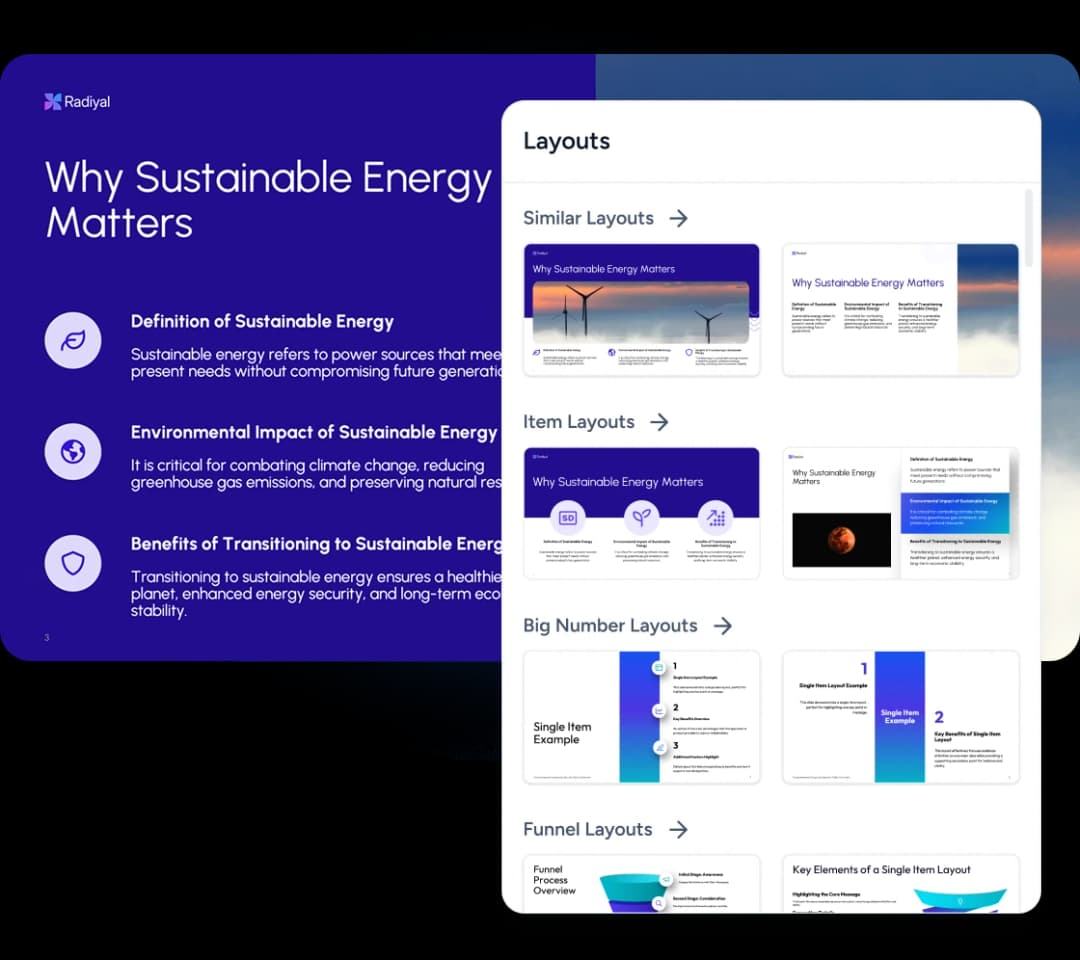
That slide with 8 bullet points crammed together? Swap it to a cleaner layout with one click. Content moves over, nothing gets lost.
Stop using blurry stock photos from 2015. Browse curated images or describe what you need and AI generates it, presentation-ready and on-brand.
AI suggests icons that match your content. Replace generic clip art with clean, consistent visuals that actually reinforce your message.
Switch your deck into another language with one click. AI keeps the layout, spacing and design intact, with no manual reformatting.
Every tool is built to solve the same problem. You have good content stuck in bad slides.
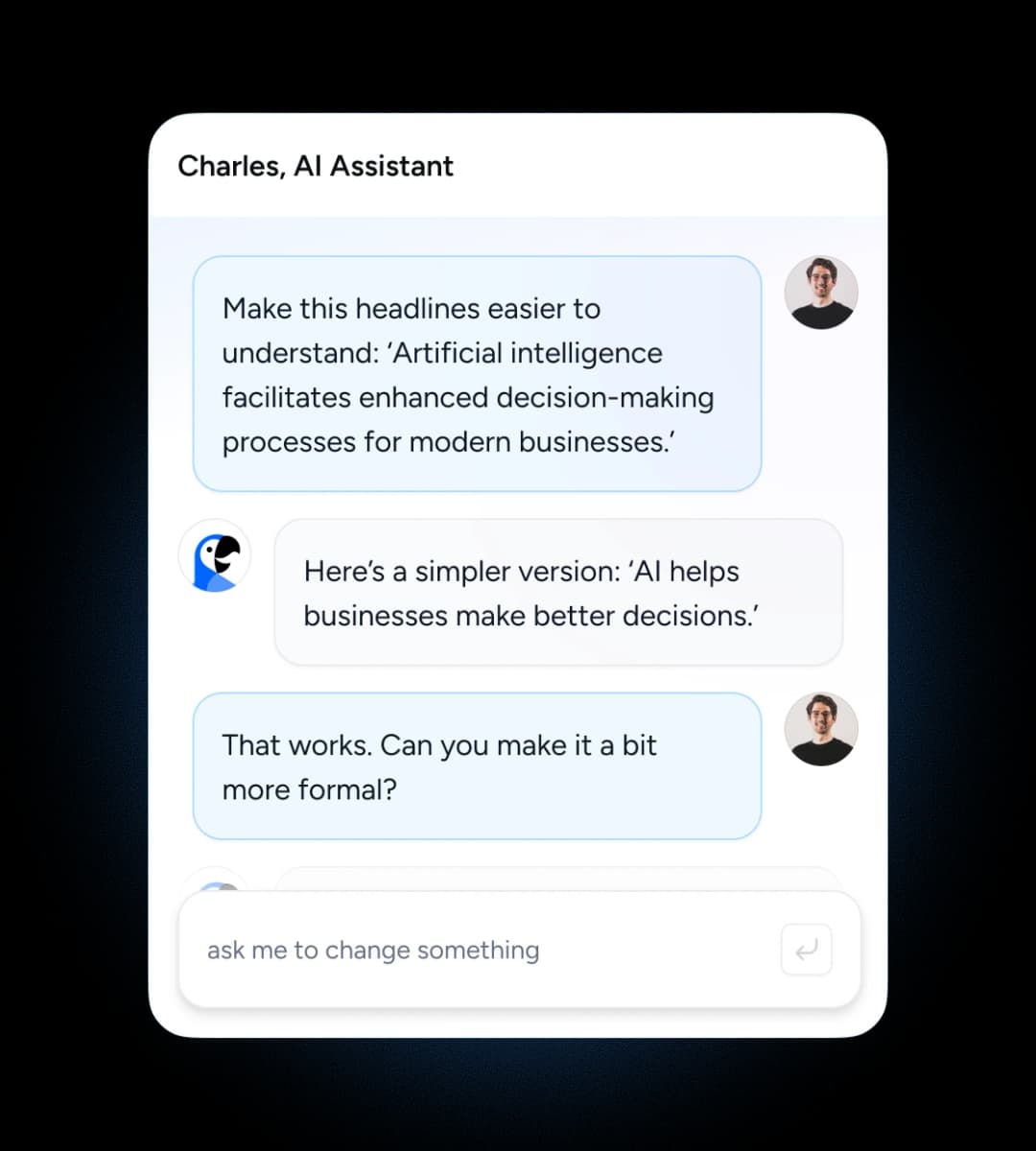


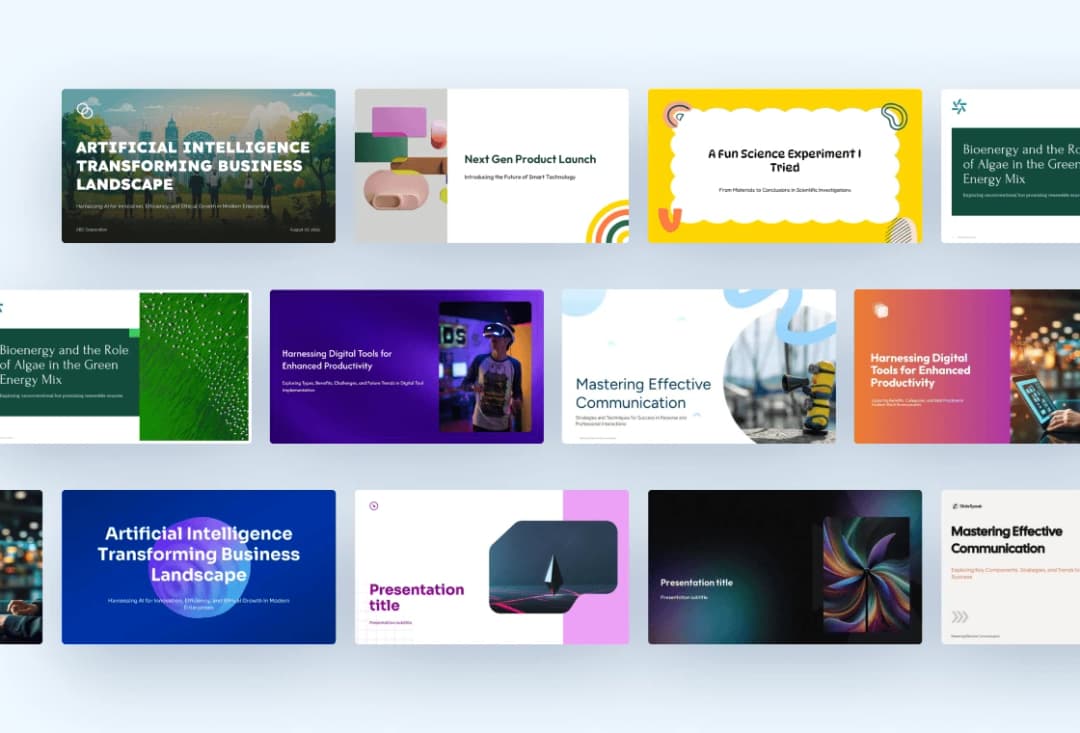
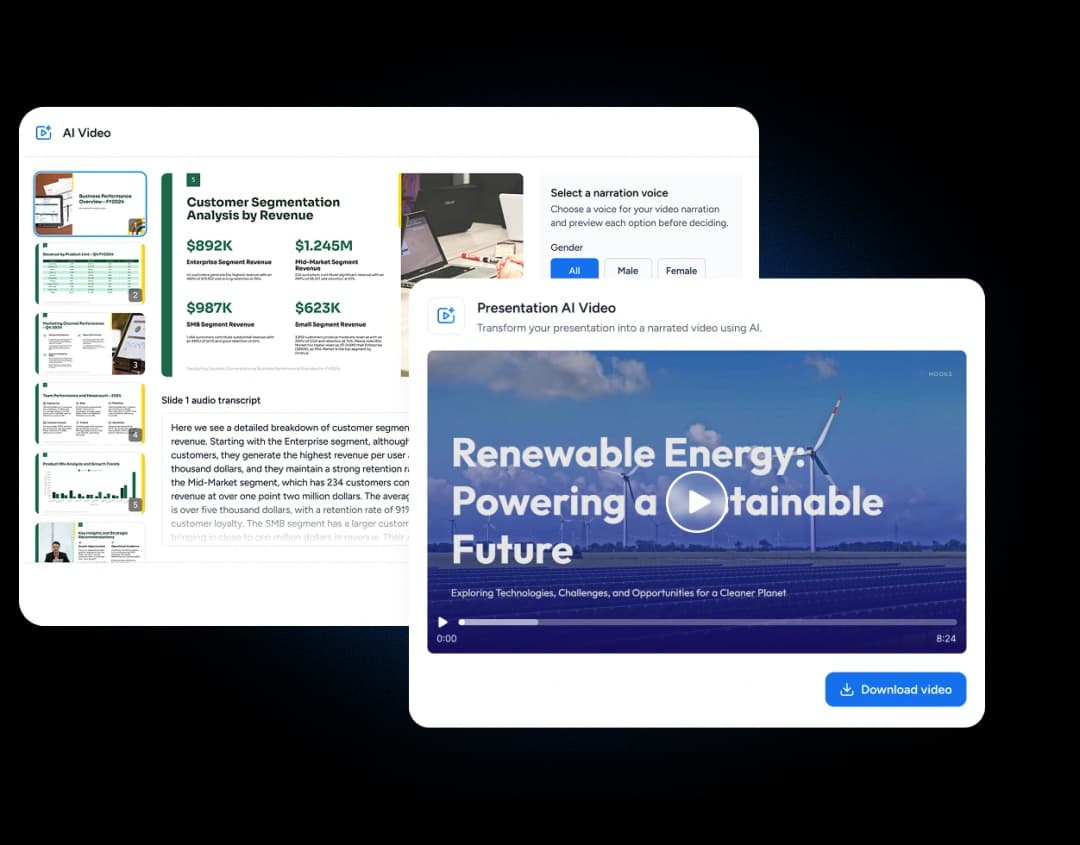
Beyond the AI, SlideSpeak gives you the everyday editing tools you expect from a presentation app.
Group presentations into folders, and folders inside folders, so long-running projects and shared team decks stay tidy.
Copy any presentation in one action and branch it for a new client, quarter or audience.
Cut, copy and paste individual slides between presentations without rebuilding them.
Open the finer formatting controls when you need precision beyond the AI's defaults.
Group and ungroup elements so you can move and resize a composition as one.
Pick the list markers you want, much like you would in PowerPoint.
Drop in bar, line and pie charts and edit the numbers behind them without leaving the deck.
Upload the TTF or OTF fonts your brand actually uses instead of settling for the closest match. In a team workspace, everyone gets them.
Imported a deck with fonts you don't have? SlideSpeak flags them, so you can upload the font file or pick a replacement.
Open a deck on your phone and edit it right there: slides, layouts, notes and the AI assistant, laid out for a small screen.
Decks other people share with you get their own list in your library, so you never dig through emails for the link.
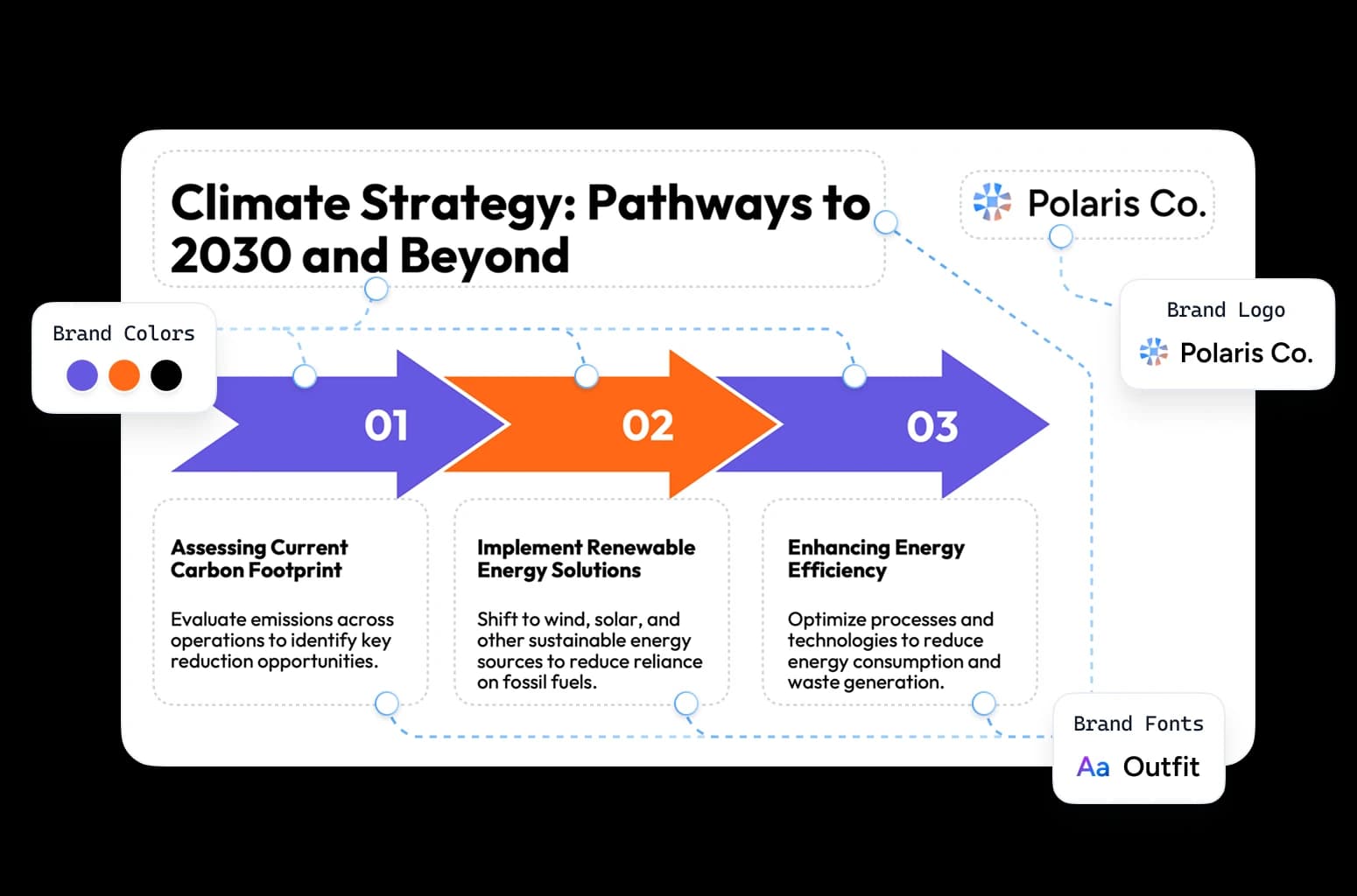
Set your logo, brand colours and fonts once, or import your logo and colours from your website. SlideSpeak applies them to every slide, in this deck and the next one.
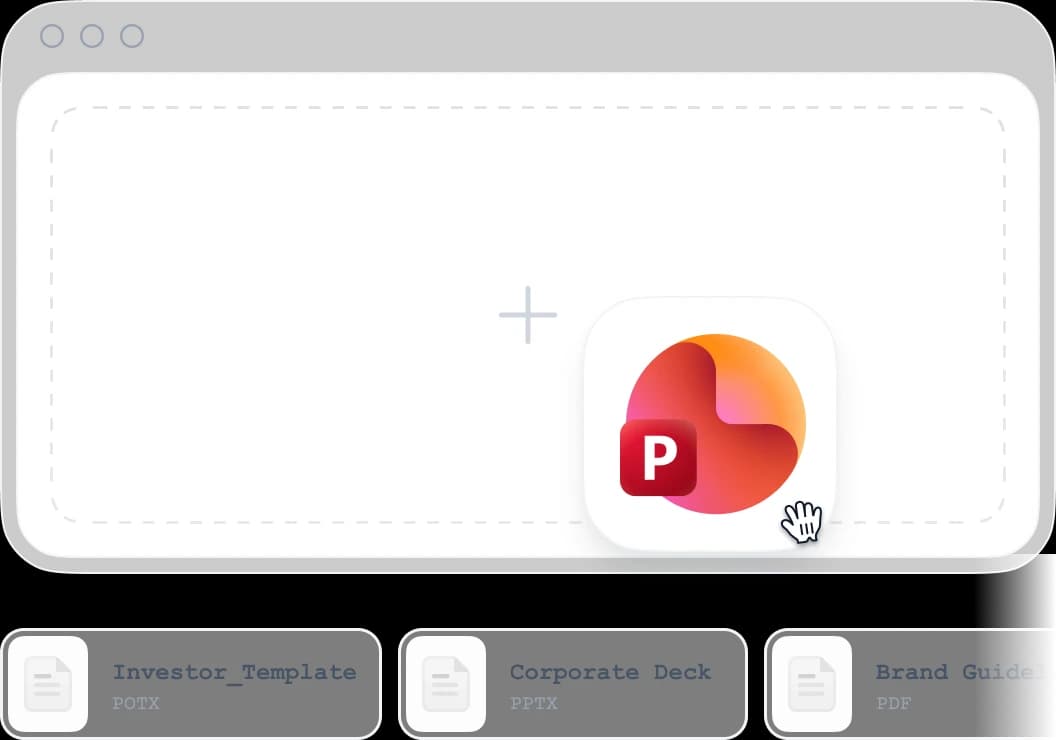
Upload a .pptx or .potx and SlideSpeak builds onto your slide master, layouts, fonts and spacing. Design kits do the same job if you would rather start from a SlideSpeak design system.
A slide with eight bullets is usually a diagram waiting to happen. Swap it for a timeline, a funnel or a chart. Your content moves over and everything stays editable.
Timeline
List milestones and events in the order they happened.
SWOT Analysis
Present strengths, weaknesses, opportunities and threats.
Steps
Break a process down so it is easier to follow.
Cycle
Show a process that loops back on itself.
Venn Diagram
Show how two or three sets overlap.
Comparison
Put options side by side to show what differs.
Pyramid
Show a hierarchy from broad base to narrow top.
Funnel
Show a journey narrowing stage by stage.
...and many more. New infographic types added monthly.
SlideSpeak saves a copy of your deck before every change that overwrites it. Open the history, pick an earlier version, and it loads back into the editor. Changed your mind? Undo works on the restore too.
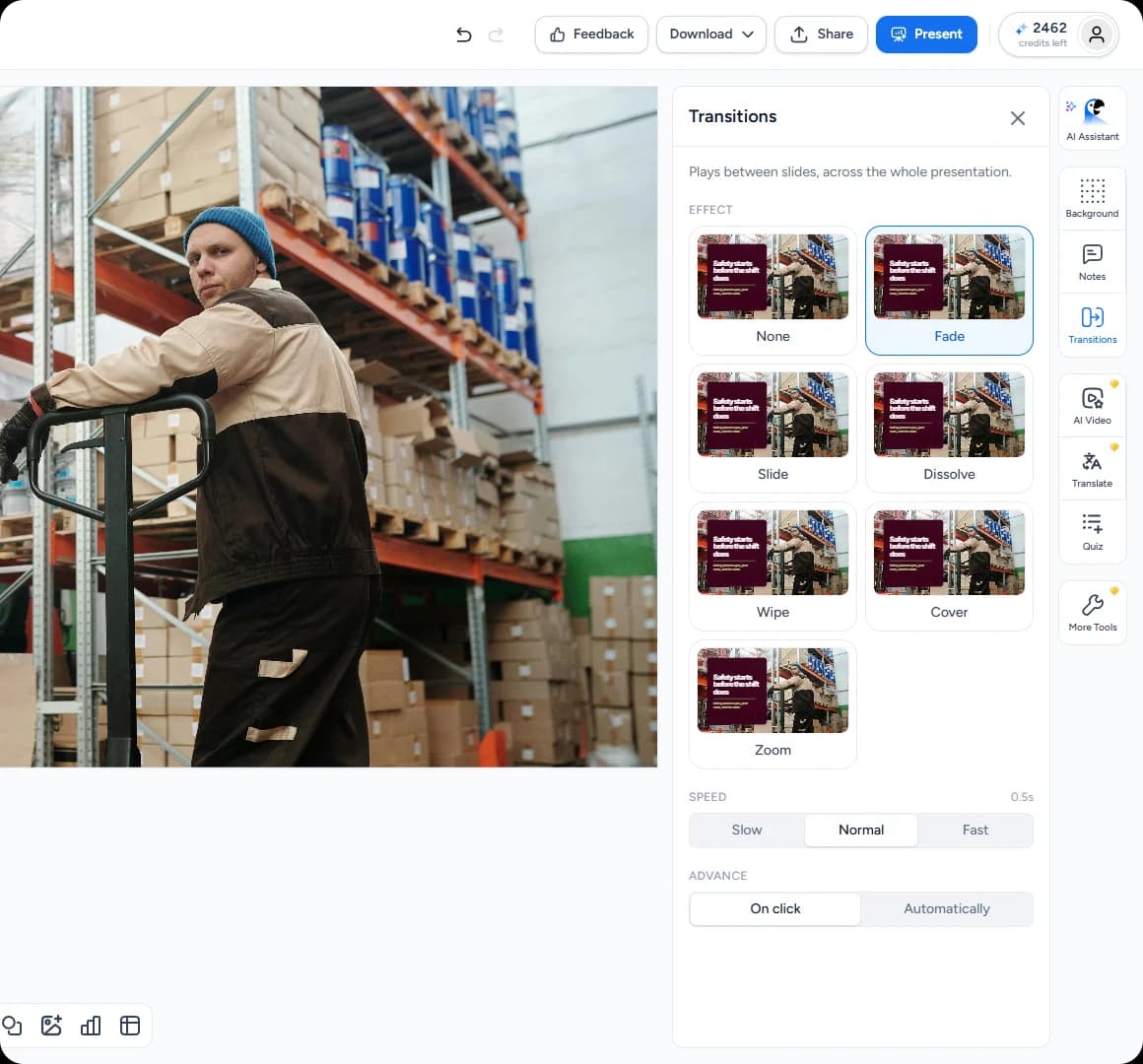
Pick one transition for the whole deck and set its speed. Then click Present to go full screen, move with the arrow keys and press Esc when you're done.

Invite people by email as a Viewer or an Editor, or let anyone with the link view the deck. For a team, set up a shared workspace where decks, brands, fonts and folders live in one place.

Shared decks show a view count next to the Share button. Click it to see how many times the deck was opened, by how many people and from which countries.

SlideSpeak reads your slides and drafts the questions. Your audience answers them in the room, or you send the whole quiz to your LMS.
You shouldn't need design skills to have professional slides. SlideSpeak handles the design so you can focus on what you actually know.
Clients judge your work by how the deck looks. Upload a draft, apply your brand kit, and let AI clean up the layouts. Every deliverable looks polished without a design team.
Your pitch deck has to look sharp for every prospect. Swap in new case studies and adjust the messaging while AI keeps the design consistent, so copy-pasted slides stop breaking the layout.
Roadmaps, board decks and quarterly reviews change constantly. Update the data and AI fixes the design around it. Spend your time on the story instead of aligning text boxes.
Wall of love
SlideSpeak helps teams, educators, consultants, and creators turn ideas into polished presentations in minutes.
This tool has significantly cut my prep time by automating slide creation, letting me focus on refining the material to suit my teaching style. Instead of building slides from scratch, SlideSpeak generates a polished presentation that I can easily edit.

James Garza
Lecturer at CCT College Dublin
It's a game-changer for anyone who values both efficiency and quality!

Boris Elbert
Big 4 Management Consultant

2M+
Presentations generated
Built automatically from topics, PDFs, and Word documents.
98%
User satisfaction
Consistently rated among the best AI presentation tools.
90+ countries
Used by teams
From students, startups to global enterprises.
SlideSpeak isn't just about making slides look nice, it actually helps me organize my thoughts and present them in a clear, logical way. The designs are easy to customize, and I can create something that feels like my own
Jenny Smith
Marketing Agency Owner
What used to take hours now takes seconds
Doing It Yourself~1.5 hours | With SlideSpeak AIUnder 1 min |
|---|---|
Aligning elements60 mins | AI auto-aligns elements with proper spacing5 sec |
Searching stock photos20 min | Generate custom images10 sec |
Applying brand styles30 min | Auto-brand everythingInstant |
Rearranging layouts25 min | Switch layouts in a clickInstant |
Finding the right icons10 min | AI suggests perfect iconsInstant |
Fixing inconsistent fonts15 min | Fonts sync automaticallyInstant |
Translating content45 min | One-click translation5 sec |
Exporting to formats10 min | Export anywhere instantly5 sec |
Everything you need to know about the product and billing.
Upload your PowerPoint. AI fixes the design. You get slides that look like a designer made them.