How to Add Music to a Video Online
Add background music to your video in three easy steps.
Upload Your Video
Upload your MP4, MOV, or WebM file. Drag and drop or click to browse.
Choose Your Music
Preview the built-in royalty-free tracks and pick one, or switch tabs and upload your own MP3, WAV, M4A, or OGG file.
Download
We loop the music to fit your video and mix it with the original sound. Your video is ready to download in seconds.
Preview every track in the library
Six royalty-free tracks, ready to mix into your video. Press play to hear them before you upload.
City Sunshine
Upbeat · 3:05
Fresh Focus
Corporate · 2:04
Happy Whistling Ukulele
Fun · 2:03
Shining Stars
Calm · 2:20
Heroic Adventure
Cinematic · 2:23
Arpent
Tech · 2:42
Background music without the licensing headache
See how SlideSpeak handles the details when you add music to a video.
Keeps Your Original Audio
The music does not replace your video's sound. Instead, we duck it under the original audio, so narration, dialogue, and ambient sound stay clear. If your video has no sound at all, the music simply becomes its soundtrack.
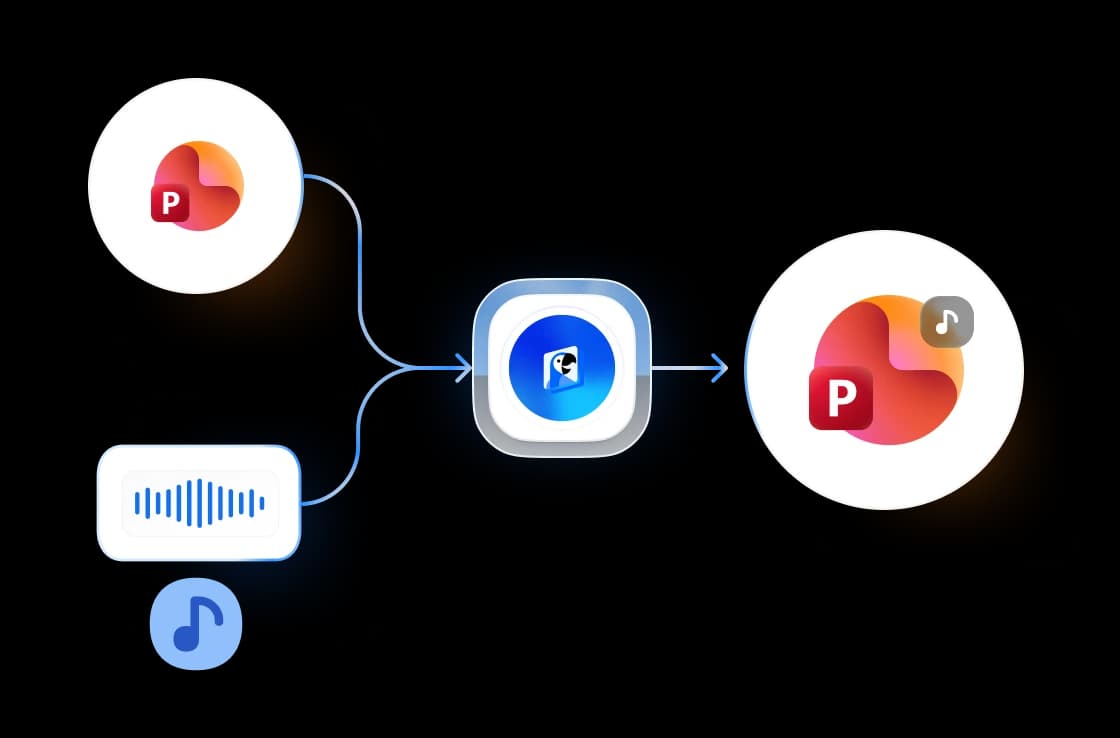
Royalty-Free Music Included
Every track in the library is public domain (CC0). As a result, you can publish your video anywhere, including YouTube, social media, client work, and ads, without paying license fees or crediting anyone.
FREE & No Sign-up Required
Our video music tool is 100% free with no account required. Upload your video and download the result. No watermarks, no limits.
Why choose SlideSpeak?
Fast, free, and reliable. Add background music to any video in seconds.
Smart Audio Mixing
The music is automatically lowered under your video's original audio. Voices and dialogue stay easy to hear without any manual volume editing.
Built-in Music Library
Six royalty-free tracks across moods: upbeat, corporate, fun, calm, cinematic, and tech. Preview each one right in the browser before you decide.
Bring Your Own Music
Prefer a specific song? Upload any MP3, WAV, M4A, or OGG file and we mix it into your video the same way.
Music Loops Automatically
If the track is shorter than your video, we loop it seamlessly until the end. No audio editor needed.
No Quality Loss
We never re-encode your video stream, so the picture stays exactly as you uploaded it. Only the audio track changes.
Secure and Private
We encrypt files in transit and delete them permanently after processing. Your data stays private.
Fast processing, big files welcome
Because we copy the video stream instead of re-encoding it, most videos are ready in seconds rather than minutes.
<30s
Avg. time
6
Royalty-free tracks
200 MB
Max video size
100%
Free forever
How We Stack Up
See how SlideSpeak compares to other ways to add music to a video.
| Features |  | iMovie | CapCut | Premiere Pro |
|---|---|---|---|---|
| Free to use | Unlimited free | Apple devices only | Free (limited) | Subscription |
| No signup or install | Works in browser | App install | Account + app | Account + app |
| Royalty-free music included | Built-in library | Built-in library | Many tracks paid | Via Adobe Stock |
| Automatic volume mixing | Automatic | Manual setup | Manual setup | Manual setup |
| No editing skills needed | Three clicks | Timeline editing | Timeline editing | Pro software |
Explore related tools
All free, all browser-based. No signup needed.

Add Music to PowerPoint
Pick a royalty-free track from the built-in library and download your presentation with background music on every slide.
Video Caption Generator
Add animated captions to MP4, MOV & WebM videos. Every word lights up as it's spoken. Free, no watermark.

Translate Video with AI
Transcribe, translate & AI-dub MP4, MOV & WebM videos into 82 languages. Free, no watermark.
MP4 Video Compressor
Compress MP4 videos online for free. Reduce video file size by up to 90% without losing quality.

Convert PowerPoint to Video with AI
Convert PowerPoint presentations to videos with AI narration.
Summarize MP4 Videos
Upload an MP4 and get an AI summary in seconds. Free, browser-based, no signup.
Keep going with these tools
The tools people reach for next, plus the SlideSpeak features behind them.
Add Music to PowerPoint
Pick a royalty-free track from the built-in library and download your presentation with background music on every slide.
AI Presentation Generator
Create a full slide deck from a prompt, topic or document.

AI PPT Editor
Enhance existing slides: rewrite text, fix layouts, and lift the quality of any deck.
Frequently Asked Questions
Everything you need to know about adding music to a video online.

Turn any idea into a presentation — free to try
An AI presentation platform to turn ideas, PDFs, Word, and Excel files into ready-to-present slides.