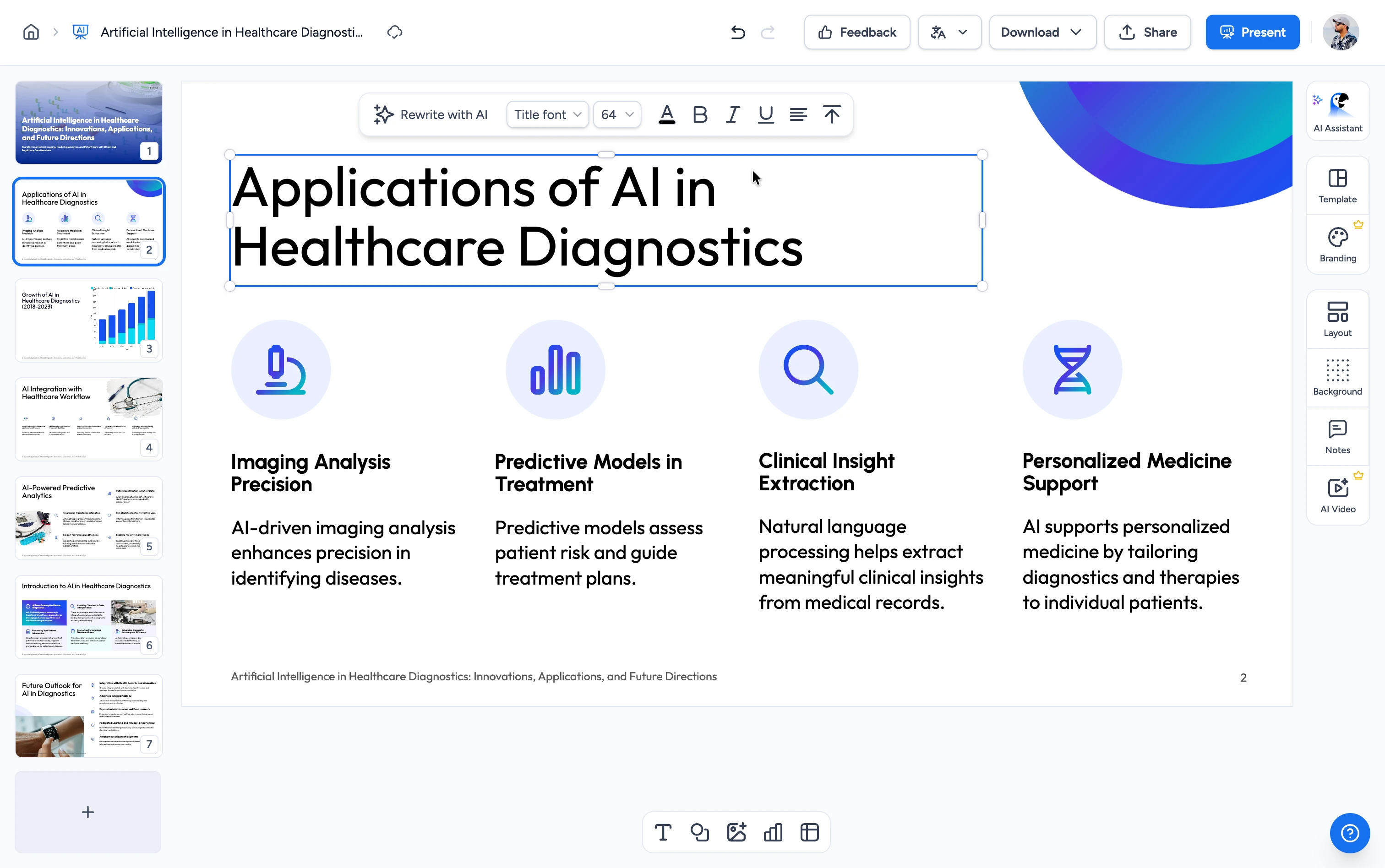
From .docx to editable, in three steps
Skip the desktop install. Open and edit any Word document directly in your browser.
Upload your Word document
Drag and drop your .docx file or click to browse. Files up to 100 MB are supported.
We open it in the editor
Your document is imported automatically with its text, formatting, lists, tables, and images intact. Sign in with a free account (no credit card) to open it in the editor.
Edit and download
Change text, apply bold, italic, or underline, and work with bullet lists. Afterwards, download the result as a .docx that opens in Microsoft Word.
The easiest way to edit a Word document online
No Microsoft Office license, no software install, no waiting on a download. Open your .docx in the browser and start editing in seconds.
Your document, laid out like the original
When you edit a Word document online with SlideSpeak, pages render with real page breaks, headers, footers, tables, and images. In other words, what you see in the editor matches what Word shows.
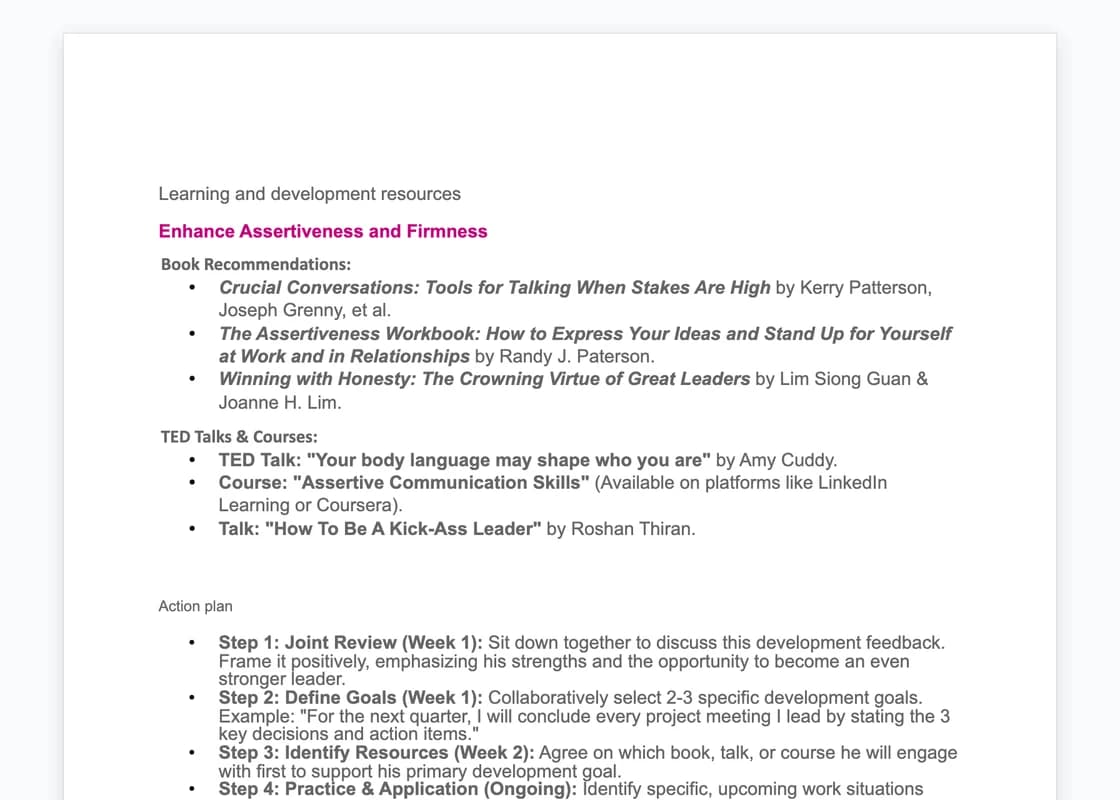
Safe and secure
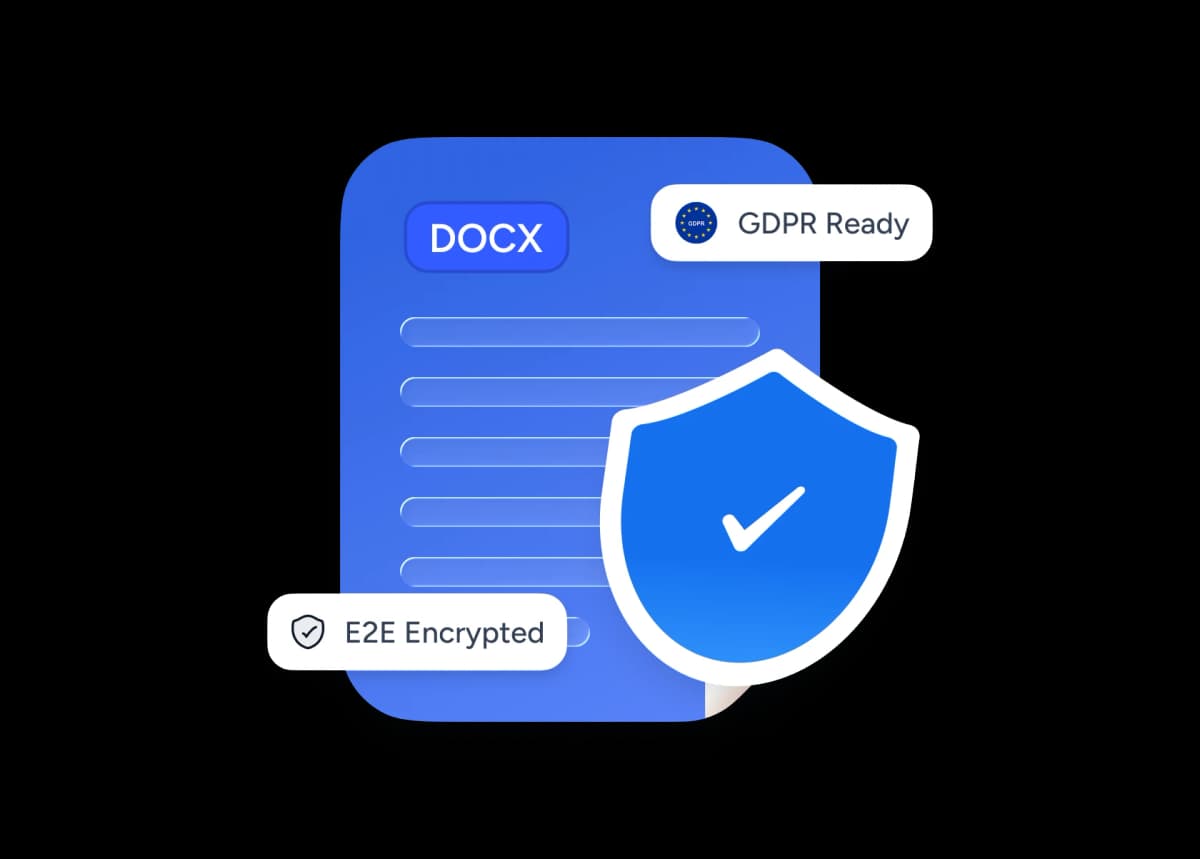
Your Word document is uploaded over an encrypted connection and never shared or used to train AI models. Your files stay yours, and you can delete them at any time.
Why edit Word documents online with SlideSpeak?
Built for anyone who needs to change a .docx without installing Microsoft Office: students, teachers, consultants, and teams on any device.
Free to open & edit
Upload any .docx and open it in the editor for free with a SlideSpeak account. No paywall and no credit card.
Edit in your browser
Works on Mac, Windows, Linux, and ChromeOS, anywhere with a modern browser. No Microsoft Word install needed.
Layout stays faithful
Fonts, page margins, lists, tables, and images are imported carefully, so your document looks like the original.
Autosave and revisions
Every change is saved to your library automatically while you type, so you never lose an edit.
Secure by default
Files are uploaded encrypted. We never share your documents or use them to train AI models.
Download as .docx
When you finish editing, download a standard Word file that opens in Microsoft Word, Google Docs, or LibreOffice.
Explore our other Word tools
Free, browser-based tools to convert, compress, and translate Word documents. No install required.

Word Compressor
Compress Word documents (DOCX) online for free. Reduce file size without losing quality.

Translate Word with AI
Translate Word documents with AI.

Convert PDF to Word with AI
Convert PDF files to Word documents with AI.
Extract Images from Word
Extract all images from Word documents quickly and easily.

Convert Word to Online Course
Convert Word documents into interactive online courses with AI.
Merge PowerPoint and Word
Combine PowerPoint and Word files into a single presentation online.
Keep going with these tools
The tools people reach for next, plus the SlideSpeak features behind them.

Compress Excel Tool
Compress Excel documents online for free with AI. Reduce the size of your Excel documents instantly.

AI Presentation Generator
Create a full slide deck from a prompt, topic or document.

AI PPT Editor
Enhance existing slides: rewrite text, fix layouts, and lift the quality of any deck.
Frequently Asked Questions
Everything you need to know about opening and editing your .docx files in the SlideSpeak editor.

Turn any idea into a presentation — free to try
An AI presentation platform to turn ideas, PDFs, Word, and Excel files into ready-to-present slides.