

SlideSpeak is designed to be a truly global platform, enabling users from all over the world to create stunning AI-powered presentations in their native language. Whether you are working with an international team or presenting to a local audience, SlideSpeak supports a wide array of languages to ensure your message is communicated effectively.
How to Select Your Language
Selecting the right language for your presentation is simple. When creating a new presentation from a topic or document, you can find the language selection dropdown right in the generation settings.
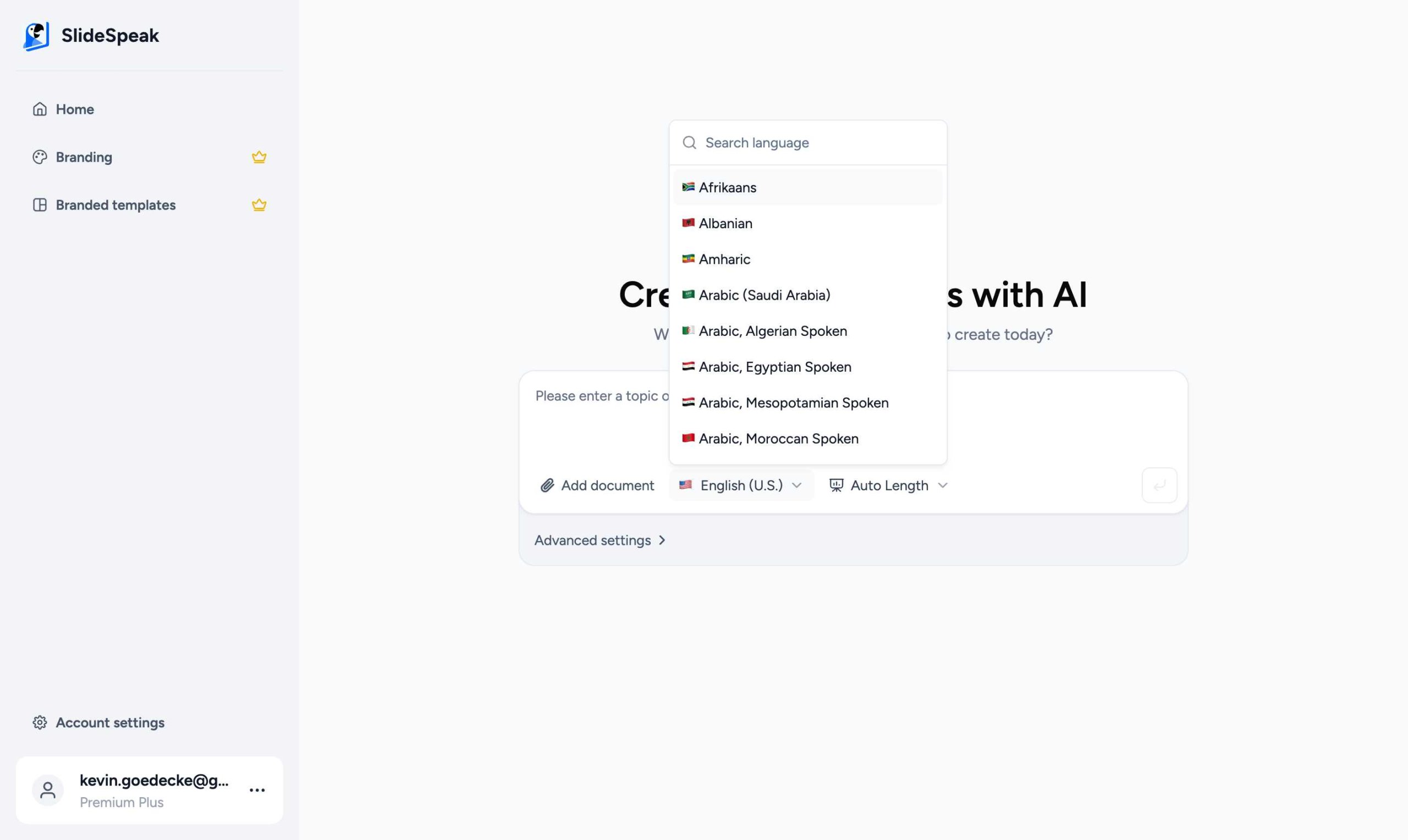
Simply click on the language picker and scroll through the list to find your preferred language. SlideSpeak will then use this language to generate your presentation content, ensuring accurate terminology and natural phrasing.
Support for Right-to-Left (RTL) Languages
SlideSpeak fully supports Right-to-Left (RTL) languages such as Arabic and Hebrew. Our platform ensures that these languages are rendered properly, with correct text alignment and direction, so your presentations look professional regardless of the script used.
Translate Existing Presentations
Need to translate a presentation you’ve already created? SlideSpeak features a powerful built-in translation tool. You can translate your entire presentation into any of our supported languages with just a few clicks.
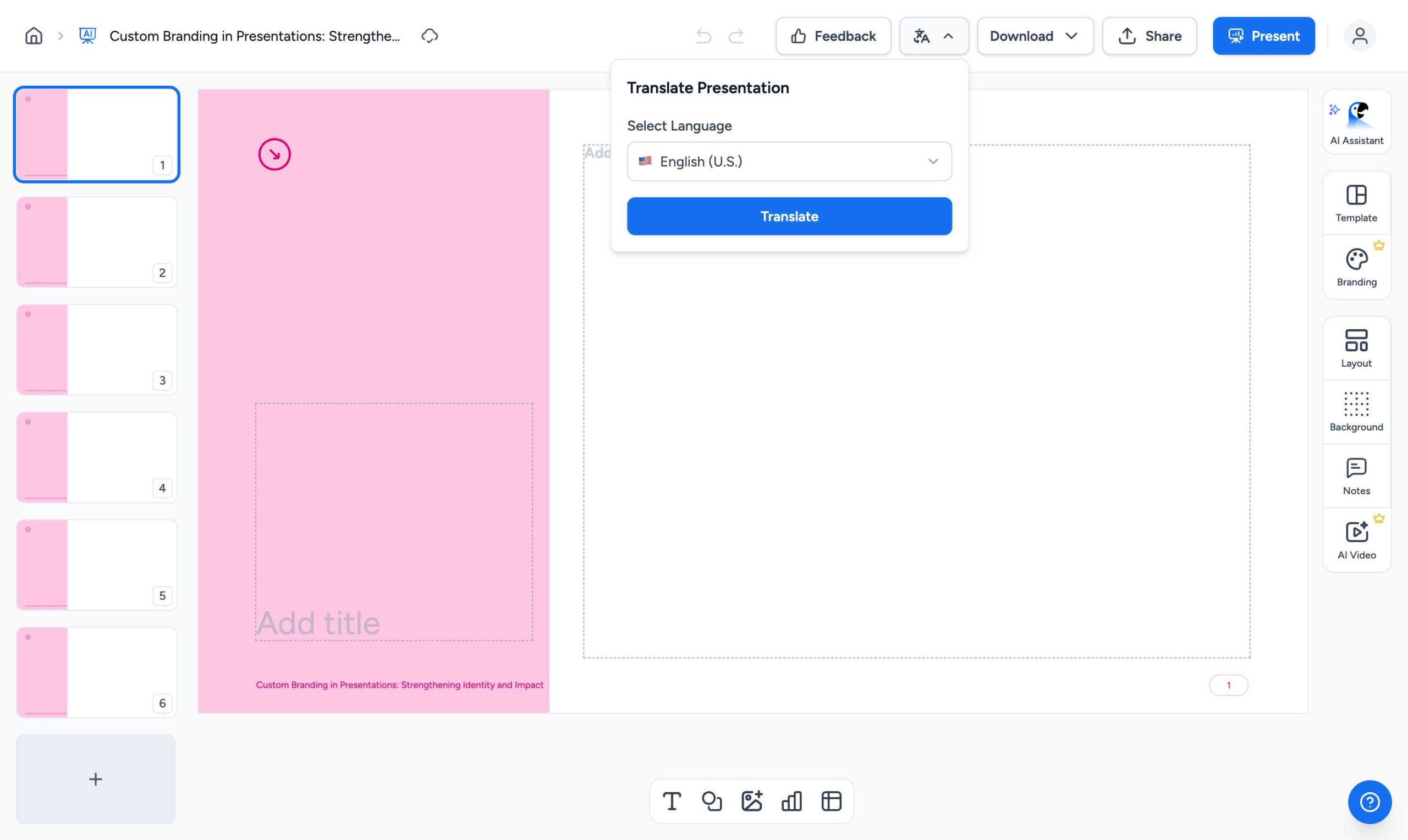
To use this feature, simply open your presentation in the editor and click on the “Translate & Download” button. Select your target language, and SlideSpeak will generate a translated version of your slides.
100+ Supported Languages and Dialects
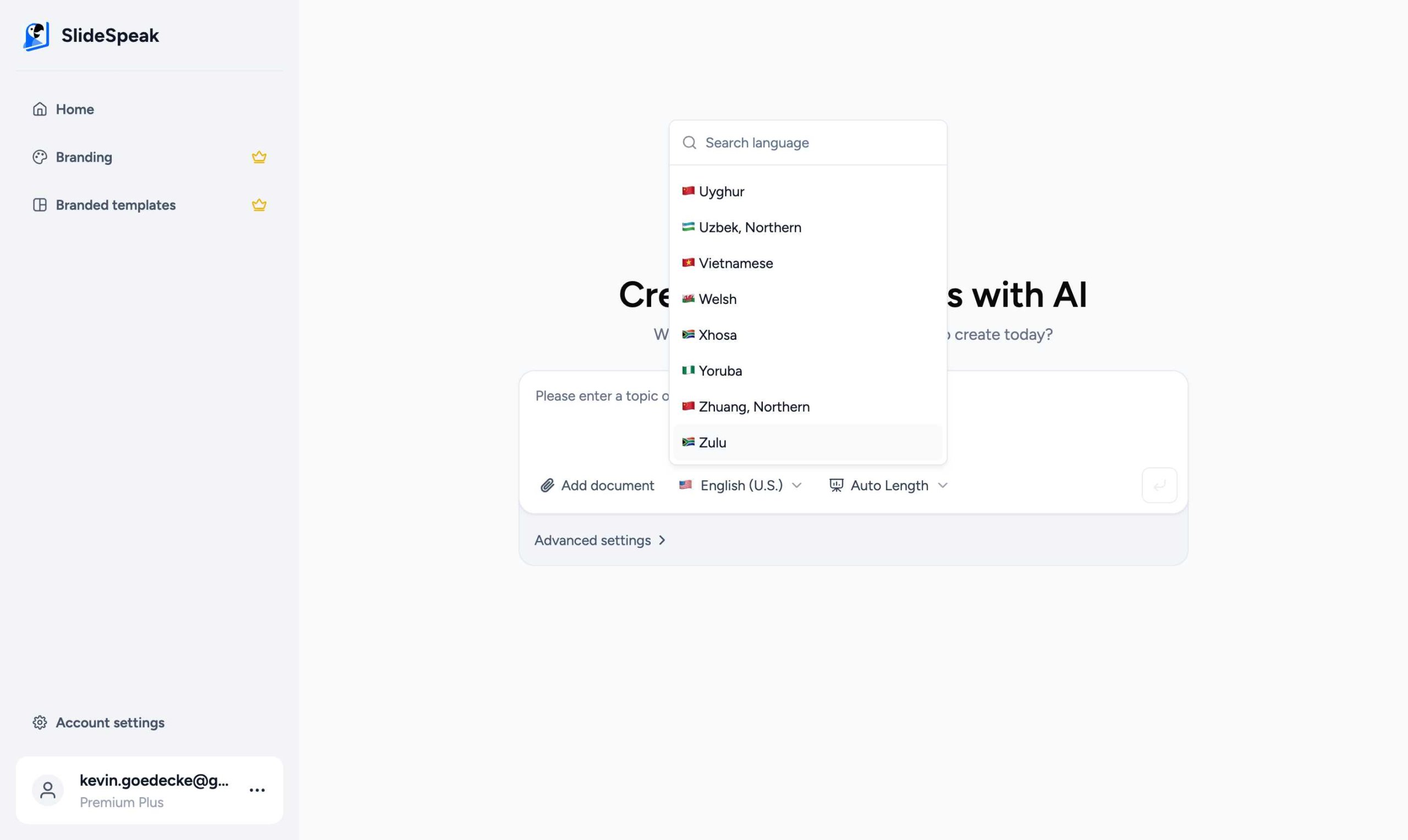
We have expanded our support to include over 100 different languages and regional dialects. This ensures that even specific nuances in language are captured. Here is a list of some of the most popular languages supported:
- English (U.S., U.K., Canada, Australia, Ireland)
- Spanish (Spain, Mexico)
- French (France, Canada, Switzerland)
- German (Germany, Austria, Switzerland)
- Chinese (Mandarin, Yue, Traditional, etc.)
- Japanese
- Korean
- Portuguese (Portugal, Brazil)
- Italian
- Arabic (Multiple dialects including Saudi Arabia, Egypt, Algeria, etc.)
- Hindi
- Bengali
- Russian
- Turkish
- Vietnamese
- Indonesian
- Dutch
- Polish
- Thai
- Greek
- Hebrew
- Swedish
- Danish
- Finnish
- Norwegian
- And over 70 more regional languages and dialects!
Creating presentations in multiple languages can significantly improve your global reach and engagement. By localizing your content for different markets, you can ensure your message resonates with every audience, regardless of their location.
Why Use Multi-Language Support?
- Global Collaboration: Work seamlessly with teams across different continents.
- Local Relevance: Tailor your presentations to the specific linguistic needs of your audience.
- Efficiency: Save time on translations by generating content directly in the target language.
- Inclusivity: Make your information accessible to non-English speakers.
SlideSpeak continues to add support for more languages based on user feedback. If you don’t see a language you need, feel free to reach out to our support team!
Need more help?
If you have any questions or need assistance, feel free to contact our support team at support@slidespeak.co