
Aesthetic PowerPoint designs
Browse aesthetic slide designs, generate yours with AI, and export as a PowerPoint file. Every look is a free prompt you can copy, or build into a full deck with SlideSpeak.
23 free designs · exports to PowerPoint
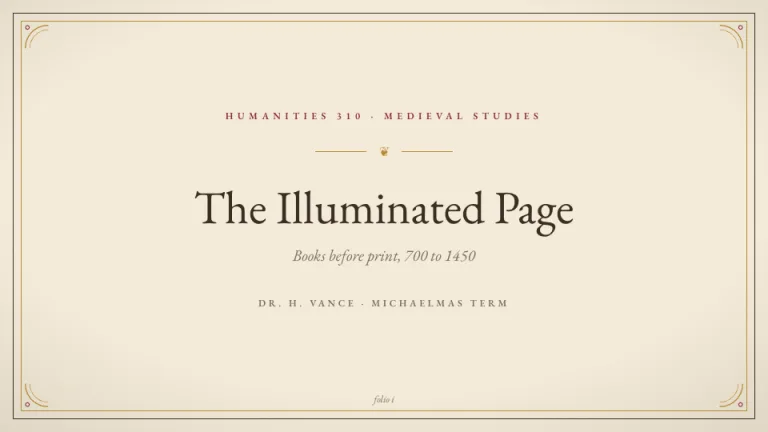
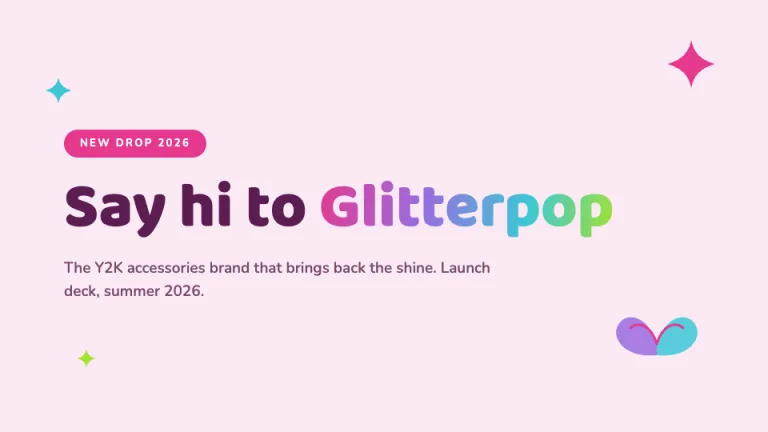
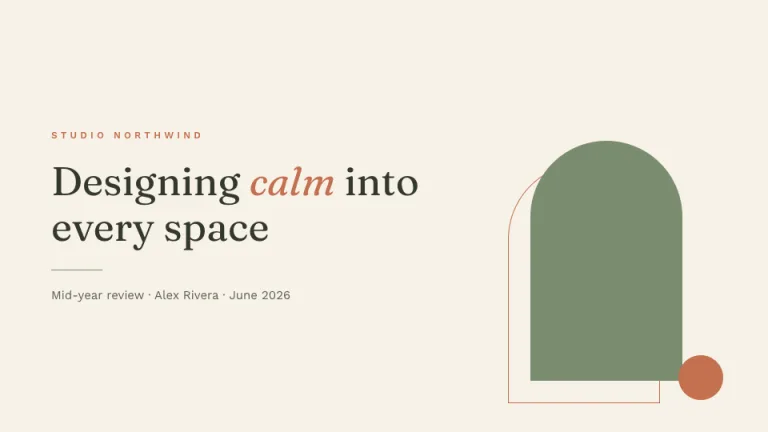
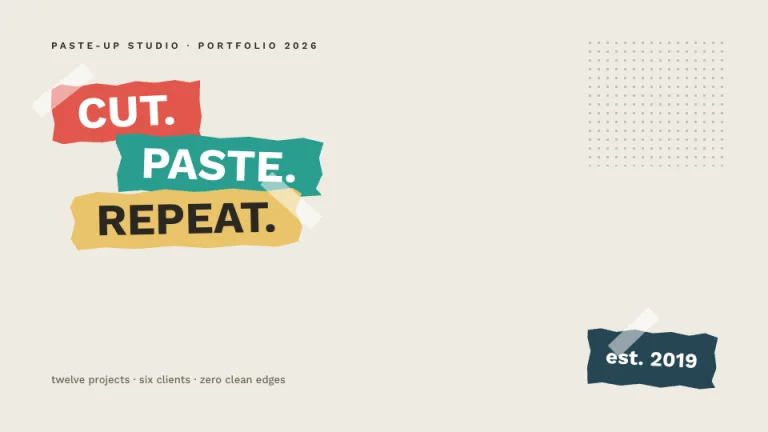
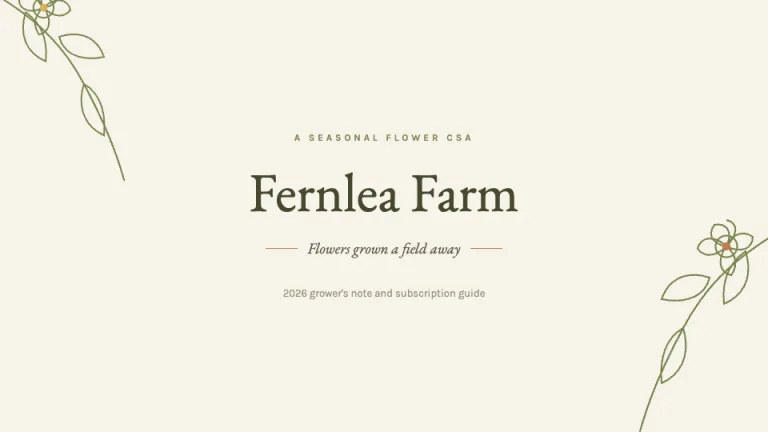
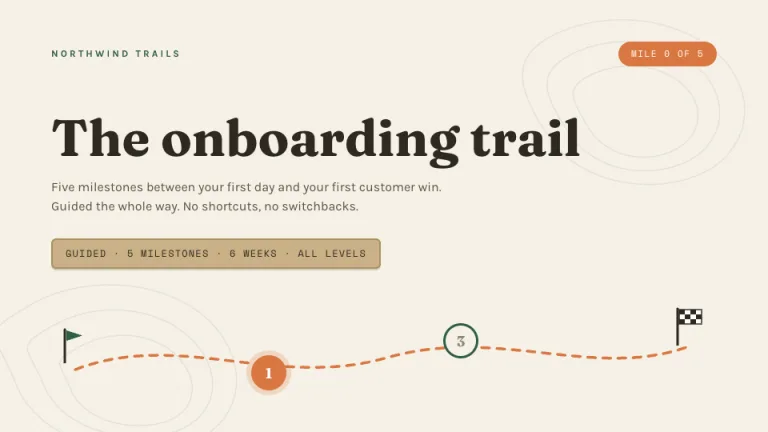
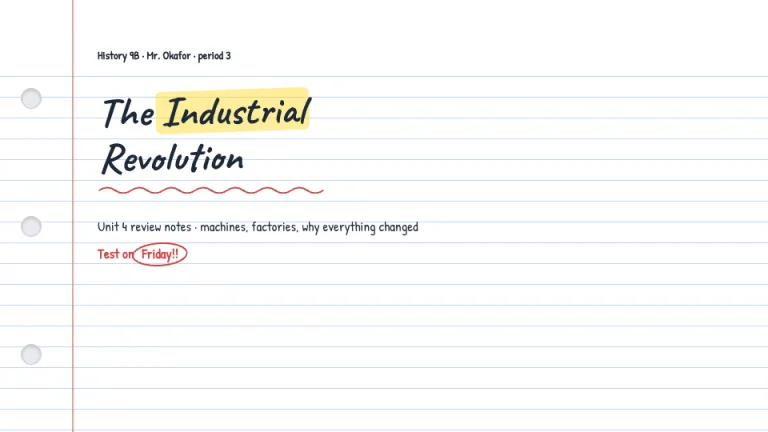
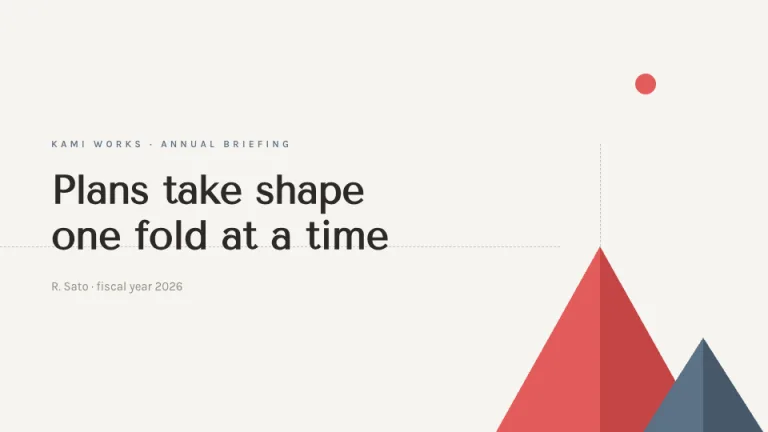
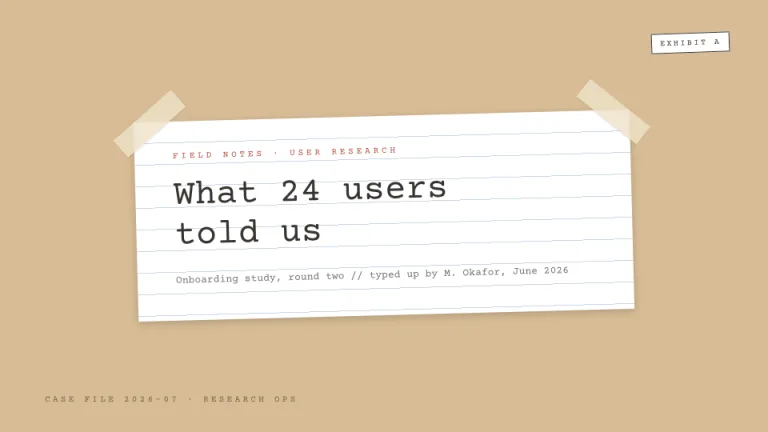
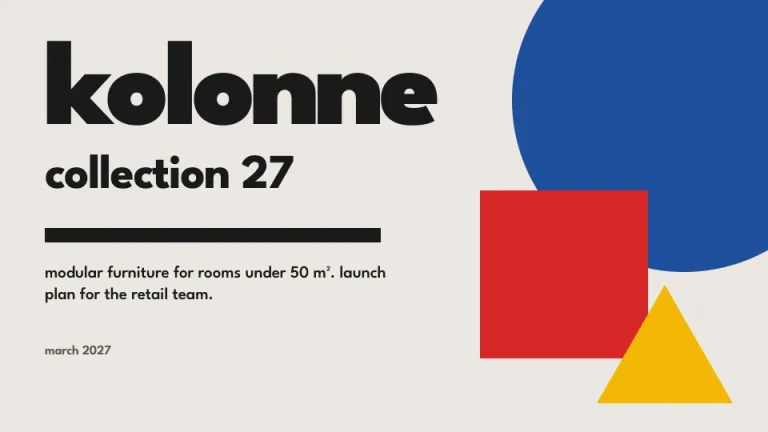
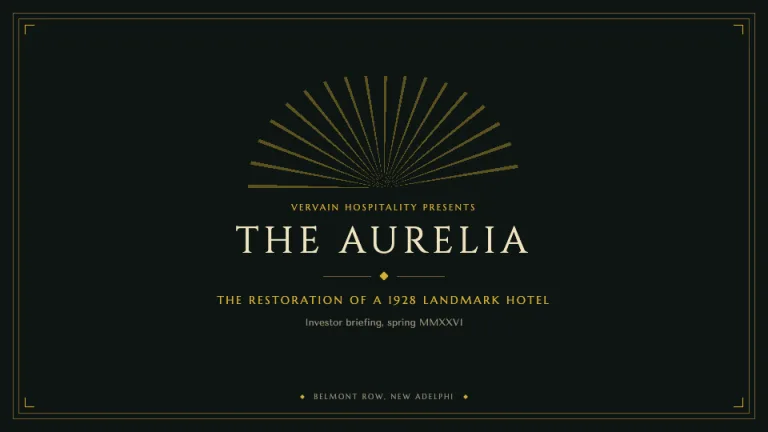
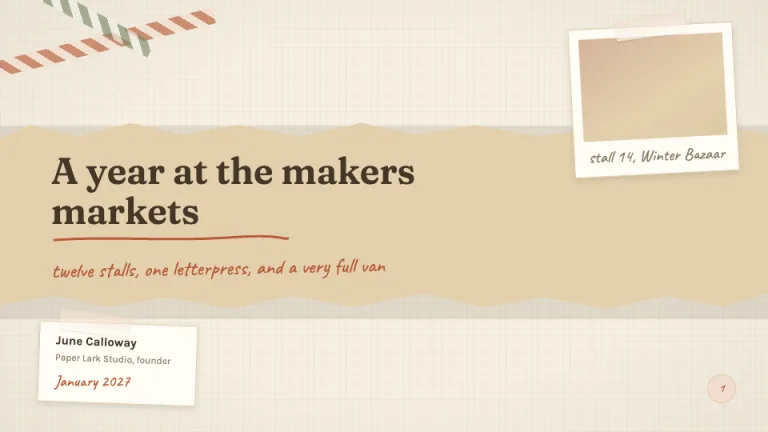
23 aesthetic designs
Generate any of them with AI and export to PowerPoint, or copy the free prompt.
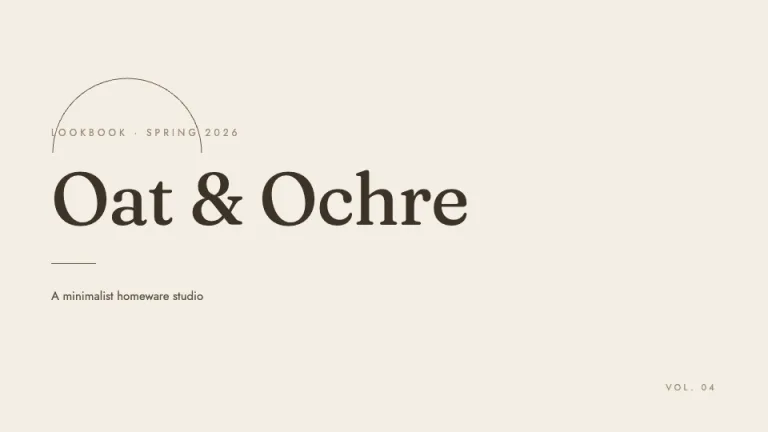
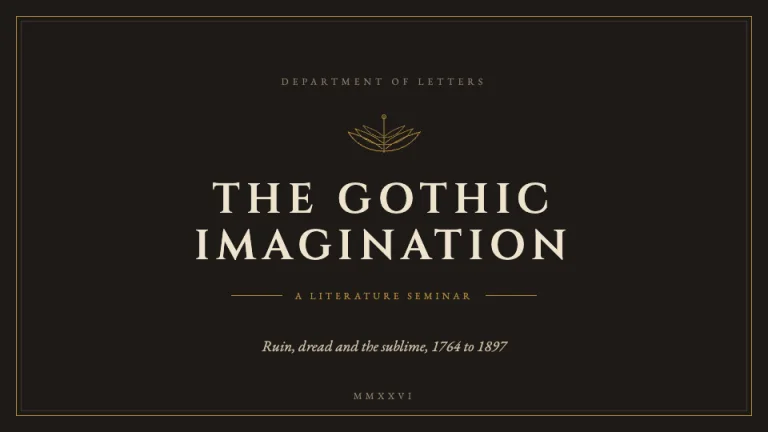

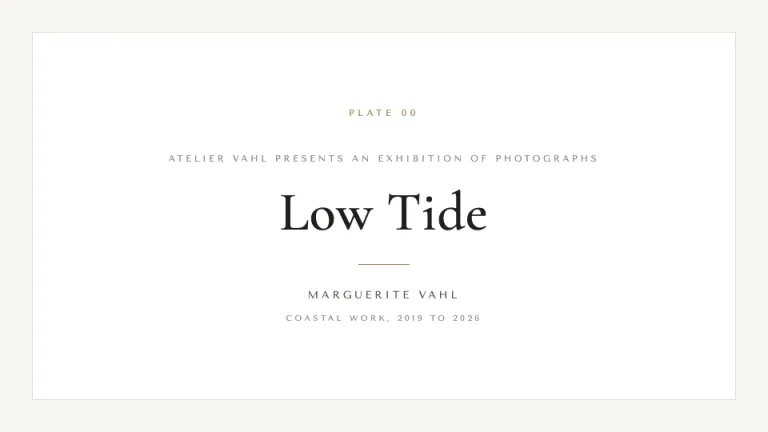

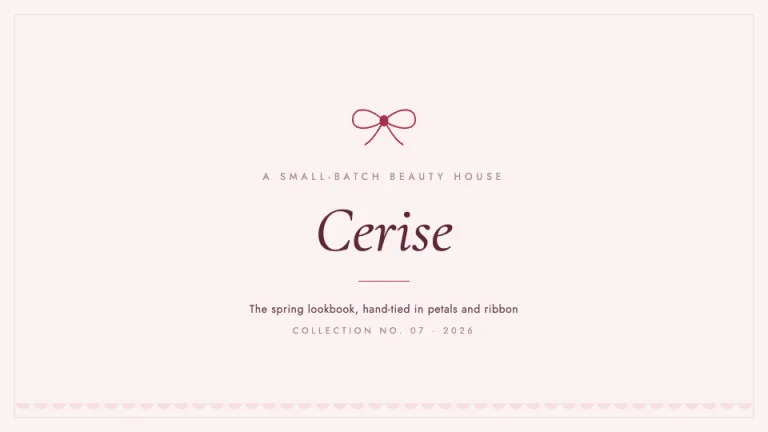
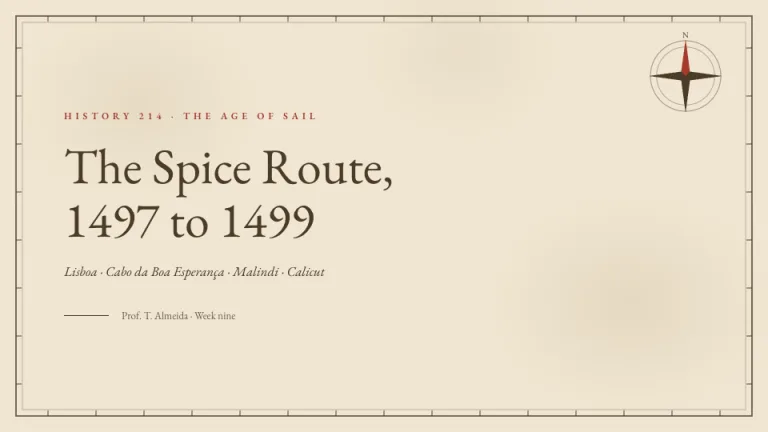
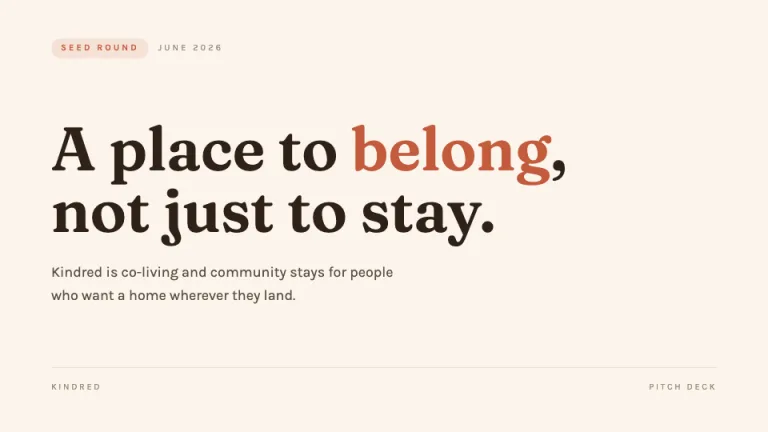
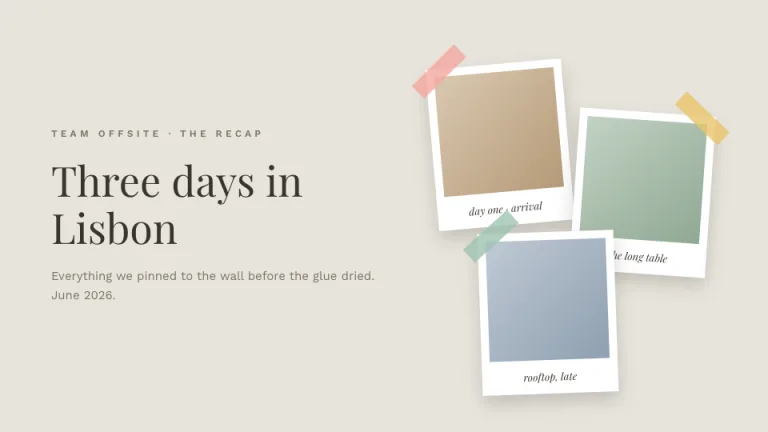
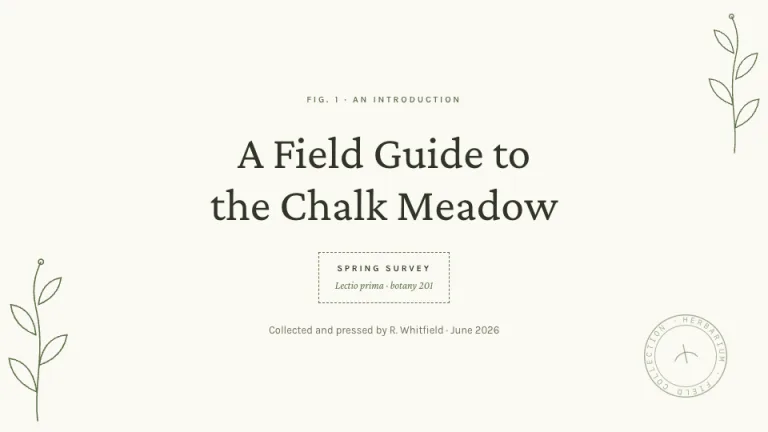

What makes a deck aesthetic
How to make PowerPoint look aesthetic
One palette, everywhere
PowerPoint templates lean on a stock blue and a lot of gradients. Each design here swaps in an exact palette, so every slide agrees with the one before it.
Two fonts, no more
Office puts Calibri on everything. These looks pin a display face for headlines and one clean face for the rest, so the type stops looking like a default.
Room to breathe
The built-in PowerPoint layouts pack the slide with title and content boxes. Each design leaves wide margins and one idea per slide on purpose.
One accent, not five
A single accent color does the emphasis, not the six theme colors PowerPoint drops in by default. That restraint is what separates designed from busy.
How to get an aesthetic PowerPoint deck
- 01
Pick a look
Find an aesthetic below that fits your topic, from soft and warm to dark and moody.
- 02
Generate it with AI
Open it in SlideSpeak and it builds the full deck from your topic, or copy the prompt into ChatGPT or Claude.
- 03
Export to PowerPoint
SlideSpeak exports a .pptx you open in PowerPoint or Microsoft 365 and keep editing, online or off, then present straight from the file.
About this look
Aesthetic PowerPoint, without the busywork
Aesthetic PowerPoint means a deck that escapes the default Office template most audiences know by heart. You escape it with a few choices: one exact color palette, a font pairing, real whitespace, and a single accent used the same way on every slide. Each design here makes those choices, so the deck looks designed.
You skip the blank .pptx. Pick a look, give SlideSpeak your topic, and it writes and designs the whole presentation in that style, then exports a PowerPoint file you open in Microsoft 365 or Keynote. Prefer to steer the AI yourself? Every look is also a free prompt for ChatGPT or Claude, with the design rules built in so the slides stay consistent as the deck grows.
Every design is free for personal and commercial work, from soft and warm to dark and moody. You get coquette, pastel, clean neutral and dark academia next to collage, botanical and editorial looks. Open the one you like for a company update, a class talk, a portfolio or a pitch, and you have an aesthetic PowerPoint in minutes, not an afternoon of formatting.
Prefer Google Slides? See aesthetic google slides designs.
Browse all 128 designsAesthetic slides FAQ
Making aesthetic PowerPoint decks with these designs in practice.