

DESIGN.md and MCP: How They Work Together for AI Brand Guidelines
Written by

Published on
On this page
You ask an AI agent to create a product one-pager, a sales deck, or a landing page mockup.
The first draft arrives fast. The structure works. The copy is close. The design looks like it came from a company you have never met.
The colors are almost right, but not quite. The typography feels generic. The spacing is off. The icon style does not match your library. The slide layout ignores the template your team has used for three years.
DESIGN.md and MCP both address the same problem: AI agents need design context.
Pick the layer of context you need to give the agent.
DESIGN.md gives agents a portable design-system file they can read. MCP gives agents a live way to ask for brand, layout, asset, or compliance information at the moment they need it.
Strong workflows treat them as complementary layers, not competing formats.
Quick answer: DESIGN.md packages intent, MCP operationalizes it
Use DESIGN.md when you want a portable design-system reference that can travel with a project. It works well for prototypes, small teams, coding agents, and one-off design tasks.
Use a Brand Context MCP when you need a governed, always-current source of truth that multiple AI agents can query across tools like Claude, Codex, Cursor, ChatGPT, and Claude Code.
For brand-critical work, such as presentations, one-pagers, infographics, campaign assets, and sales materials, use both: DESIGN.md for readable design intent, MCP for live assets and repeatable execution.
For early prototyping and lightweight design context, DESIGN.md gives teams a strong starting point. For repeatable workflows, MCP carries that context into the tools where agents do the work.
Teams use both:
- DESIGN.md for portable, human-readable design context.
- MCP for live brand context, approved assets, layouts, and compliance checks.
What is DESIGN.md?
DESIGN.md is a Markdown file that describes a design system in a format AI agents can read.
Google Labs published the DESIGN.md format specification, originally connected to Stitch. Rather than asking AI agents to guess what a color, type scale, or layout rule means, you give them a shared visual language they can reference.
A DESIGN.md file can include:
- Color tokens and usage rules
- Typography styles
- Spacing and layout principles
- Component guidance
- Accessibility notes
- Brand voice or visual rationale
- Examples of what to do and what to avoid
In practice, it sits close to the project. A designer, developer, or AI agent can open the file and understand the intended look and feel.
DESIGN.md stays low-friction because it is Markdown. You can put it in a repo, attach it to a prompt, paste it into ChatGPT, or reference it from Cursor or Claude Code.
For a presentation-specific example, look at SlideSpeak's presentation design prompts, or browse the live SlideSpeak design prompt library. The repository contains structured design guidance for generating presentation styles, themes, and layouts. It uses its own format rather than the DESIGN.md spec, but it follows the same pattern: turn visual taste and layout rules into files that AI systems can read.
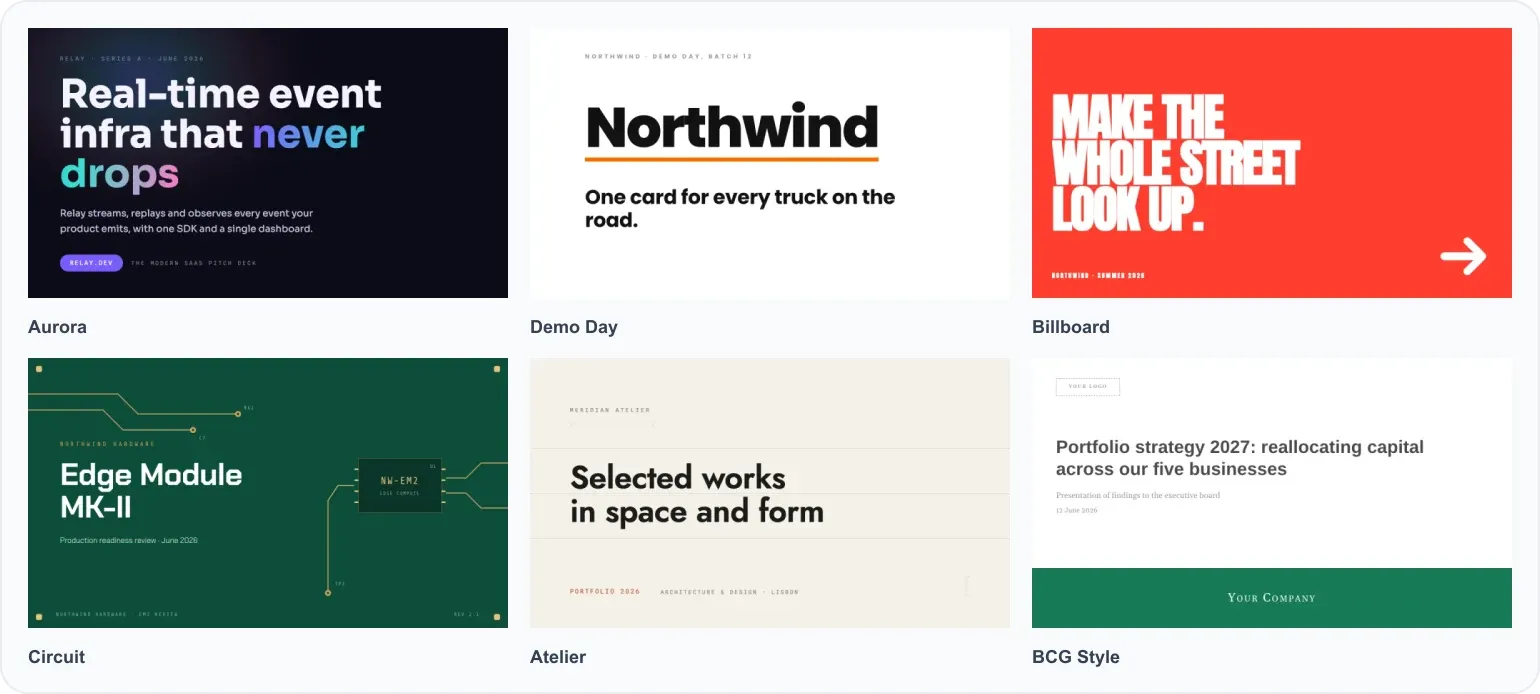
No API. No integration. No vendor lock-in.
What is MCP?
MCP stands for Model Context Protocol. The official MCP documentation describes it as an open standard for connecting AI applications to external systems. An AI agent can fetch context and use tools instead of relying on whatever you pasted into the chat.
Instead of putting all brand rules into the prompt, you connect the agent to a server. The agent can then ask for the information it needs:
- What are the approved brand colors?
- Which logo should be used on a dark background?
- Which slide layout fits a customer story?
- Which icon style is approved?
- Does this generated asset pass a brand check?
MCP creates a live connection between the agent and your brand system.
SlideSpeak Onbrand is a Brand Context MCP. It gives Claude, Codex, Cursor, ChatGPT, Claude Code, and any MCP-compatible client access to your logos, colors, fonts, imagery, icons, and approved slide layouts. For the broader category, read our guide to the best design MCP servers.
We launched Onbrand on Product Hunt. If this problem affects your team, take a look at the launch page and send us feedback.
The model does not need to memorize your brand. It needs a place to look.
In Onbrand, that place has two sides:
- A dashboard for humans, where the brand system is organized and approved.
- An MCP connection for agents, where Claude, Codex, Cursor, and other tools can fetch the right assets on demand.
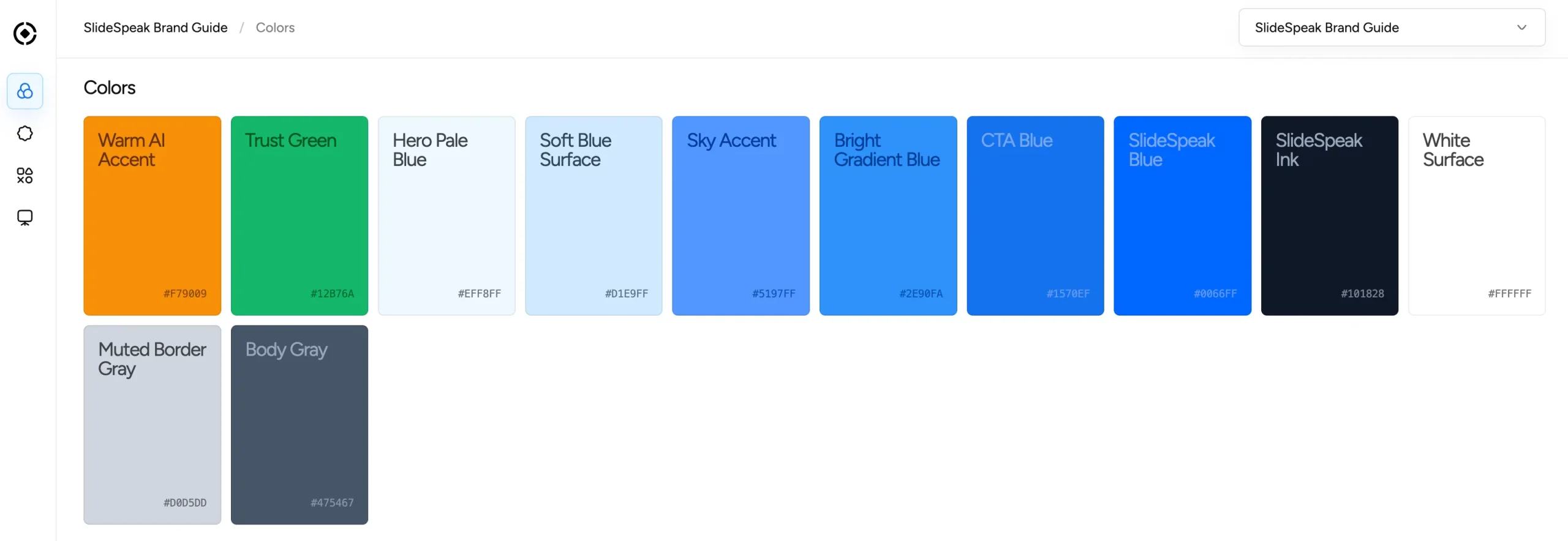
The dashboard below shows the SlideSpeak Brand Guide with colors, logo assets, and decorative imagery organized as reusable brand context. The color palette does more than describe colors in prose. It stores named tokens with exact values an agent can reuse.
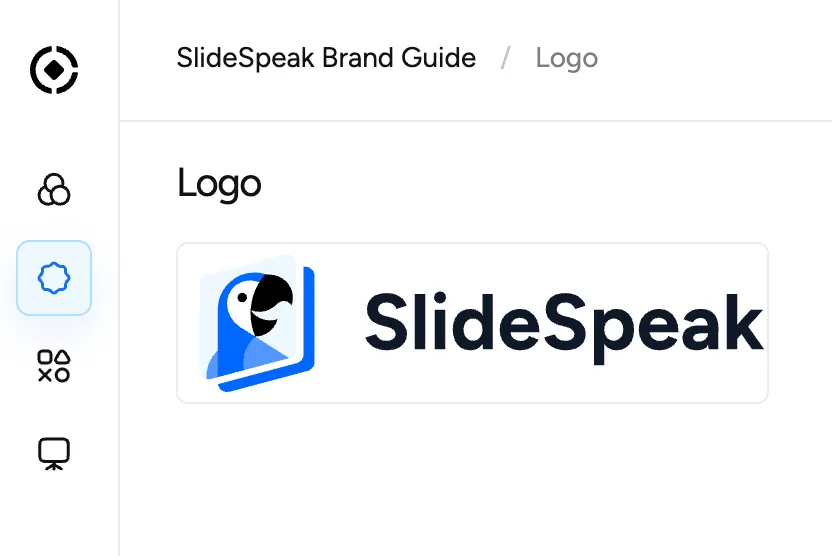
The same dashboard can hold approved logos and visual assets. An agent cannot follow brand rules from “use our logo” or “use imagery in our style” alone. It needs access to the approved material.
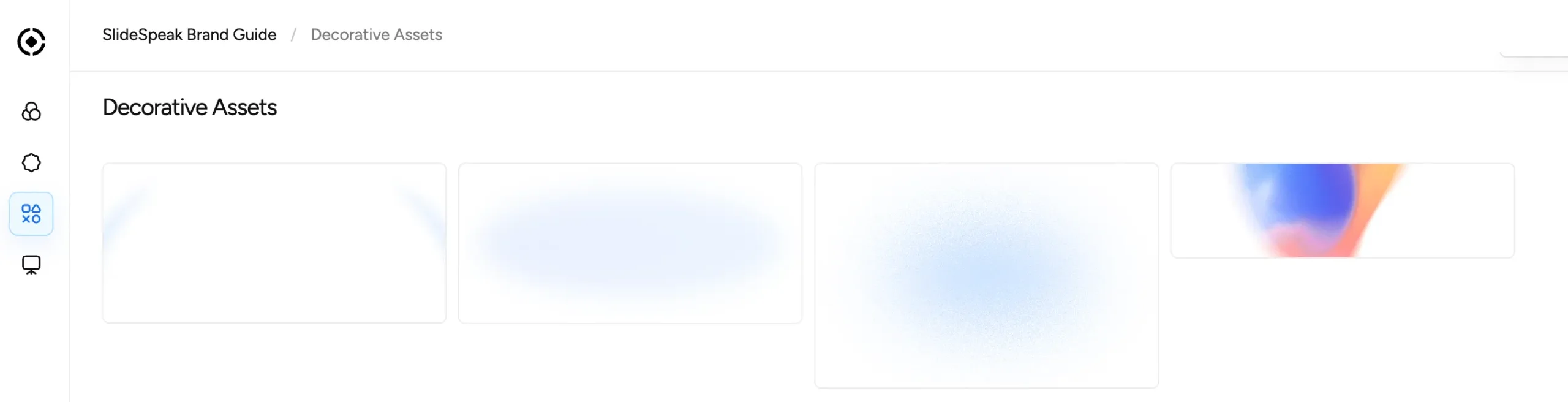
The dashboard gives teams a control layer before an agent starts creating assets.
DESIGN.md and MCP at a glance
| Question | DESIGN.md | Brand Context MCP |
|---|---|---|
| What is it? | A Markdown file with design-system guidance | A live server agents can query |
| Best for | Portable design intent, prompts, prototypes, and project guidance | Governed brand context across agents |
| How agents access it | Read or attach the file | Call tools over MCP |
| Context delivery | Usually loaded all at once | Retrieved on demand |
| Updates | Manual file updates | Central source can update once |
| Brand assets | Can describe assets | Can expose actual approved assets |
| Slide layouts | Can describe layout rules | Can provide named, approved layouts |
| Compliance checks | Usually manual or prompt-based | Can be built into the workflow |
| Works across tools | Yes, if the file is shared | Yes, if the agent supports MCP |
| Best output fit | UI prototypes, prompt libraries, style guides, project-level design guidance | Presentations, infographics, one-pagers, brand-critical assets |
Where DESIGN.md works well
DESIGN.md works well when portability matters more than governance.
If you are building a quick prototype, hand the agent a concise description of your visual system. The agent does not need to connect to anything. It can read the file and produce work that lands closer to your brand than a blank prompt.
That makes DESIGN.md a good fit for:
- Early-stage product prototypes
- Simple landing pages
- Small design systems
- One-off coding-agent tasks
- Sharing brand context with external collaborators
- Projects where a live brand system would add more process than you need
It also helps the team. A good DESIGN.md file forces people to write down the parts of the brand that sit in Figma comments, Slack threads, and designer memory.
That alone has value.
Where DESIGN.md has natural limits
The strength of DESIGN.md is also its boundary: it is a file.
That boundary makes it good at portable design intent. You can inspect, version, copy, and share it. If your design system changes frequently, someone has to update the file. If your icon library has hundreds of approved assets, the file either grows or points elsewhere. If your brand has different rules for sales decks, investor updates, social posts, case studies, and event materials, one static file may need to become a family of files or connect to a live source.
Atlassian tested DESIGN.md against its own MCP and agent-skill approach and framed the trade-off this way: DESIGN.md is portable and transparent, while live context sources can save tokens when an agent needs a specific piece of information. Read their write-up on portable design context in practice if you are deciding where a Markdown design file fits in a larger design-system workflow.
That is the sweet spot for DESIGN.md: packaging design intent in a form humans and agents can both understand.
That portable reference can become the foundation. MCP adds the operating layer when agents need to fetch, reuse, and check the same brand context.
Where MCP adds the live layer
MCP helps when the agent needs specific context without carrying the entire brand system in the prompt.
If an AI agent is creating a six-slide sales deck, it does not need the whole brand book. It needs the right slide layouts, approved colors, logo rules, maybe an icon set, and a way to check whether the result follows the brand. If your main problem is making AI follow brand rules inside slide generation, we cover the broader set of options in how to make AI follow your design and brand guidelines for slides.
A Brand Context MCP provides that access.
Instead of loading a long file, the agent can call:
get_brandto fetch core brand tokensget_layoutto choose an approved slide structurecheck_brandto validate the output before it ships
This helps when multiple agents and tools need the same source of truth. Your marketing team might work in ChatGPT. Your developers might use Codex or Cursor. Your presentation workflow might run through Claude or Claude Code.
Without MCP, each environment gets its own copy of the brand rules. Those copies drift.
With MCP, each agent can read from the same place.
The presentation problem: why slides need more than a design file
Slides are a special case.
A website or UI component can follow a design system through colors, typography, spacing, and component patterns. A presentation needs all of that, plus slide layouts.
Good slides depend on structure:
- Title slide layouts
- Section dividers
- Two-column comparison layouts
- Quote slides
- Timeline slides
- Case study slides
- Metrics and KPI slides
- Closing CTA slides
You can describe those in DESIGN.md, but an agent still has to interpret them and rebuild them. Brand drift enters during that interpretation step.
A Brand Context MCP can expose named layouts and approved rules for when to use them. The agent works with the system instead of improvising a new layout.
SlideSpeak Onbrand focuses on design context for business assets beyond UI. Teams need editable PowerPoints, one-pagers, and infographics, not blocks of HTML. If you already have a PowerPoint master template, SlideSpeak's branded template workflow gives you a direct path for generating editable decks from that template.
When to use DESIGN.md
Use DESIGN.md when:
- You need a lightweight way to give an agent visual direction.
- You are working inside a single repo or project.
- You want something portable that any AI tool can read.
- You are prototyping and do not need strict governance.
- Your design system is small enough to summarize clearly.
- You want a human-readable design reference alongside the code.
Use DESIGN.md when you want AI to follow written design direction instead of guessing.
When to use a Brand Context MCP
Use a Brand Context MCP when:
- Multiple teams or agents need the same brand source of truth.
- Your brand assets change over time.
- You need approved logos, icons, imagery, and layouts available on demand.
- You generate presentations, infographics, one-pagers, or campaign assets.
- Brand compliance matters before anything ships.
- You want Claude, Codex, Cursor, ChatGPT, and Claude Code to follow the same rules.
Use MCP when your brand context needs to behave like infrastructure.
Why many teams use both
Often, yes.
DESIGN.md and MCP solve different layers of the same problem.
DESIGN.md explains your design system in a portable form. People can read it, share it, and inspect it.
MCP is the operational connection. It lets agents retrieve brand context, use approved assets, select layouts, and check their work.
A strong setup looks like this:
- Use DESIGN.md or brand-guidelines.md to document the design system in a portable format.
- Use a Brand Context MCP to expose the current brand system to your AI agents.
- Use branded templates or approved layouts for outputs that need to be editable and presentation-ready.
- Run a brand check before publishing or sending the asset.
That gives you portability and control. DESIGN.md keeps the design intent visible. MCP makes that intent available inside the agent workflow.
If you do not have a clean brand system yet, start by extracting one. SlideSpeak has free tools to extract brand guidelines from a website or extract brand guidelines from a PowerPoint. Those tools give you the colors, fonts, logos, and visual references you need before connecting anything to an agent.
A practical example
Imagine your team wants a launch deck for a new product.
With a prompt alone, the agent might create something polished and generic.
With DESIGN.md, the agent can follow your colors, fonts, layout grammar, and visual tone more closely.
With a Brand Context MCP connected, the agent can use live brand context while it works:
- Pull the latest logo and color tokens
- Choose the right launch-deck layout
- Use approved product imagery
- Generate the deck as an editable file
- Check whether the result follows the brand
The result looks different:
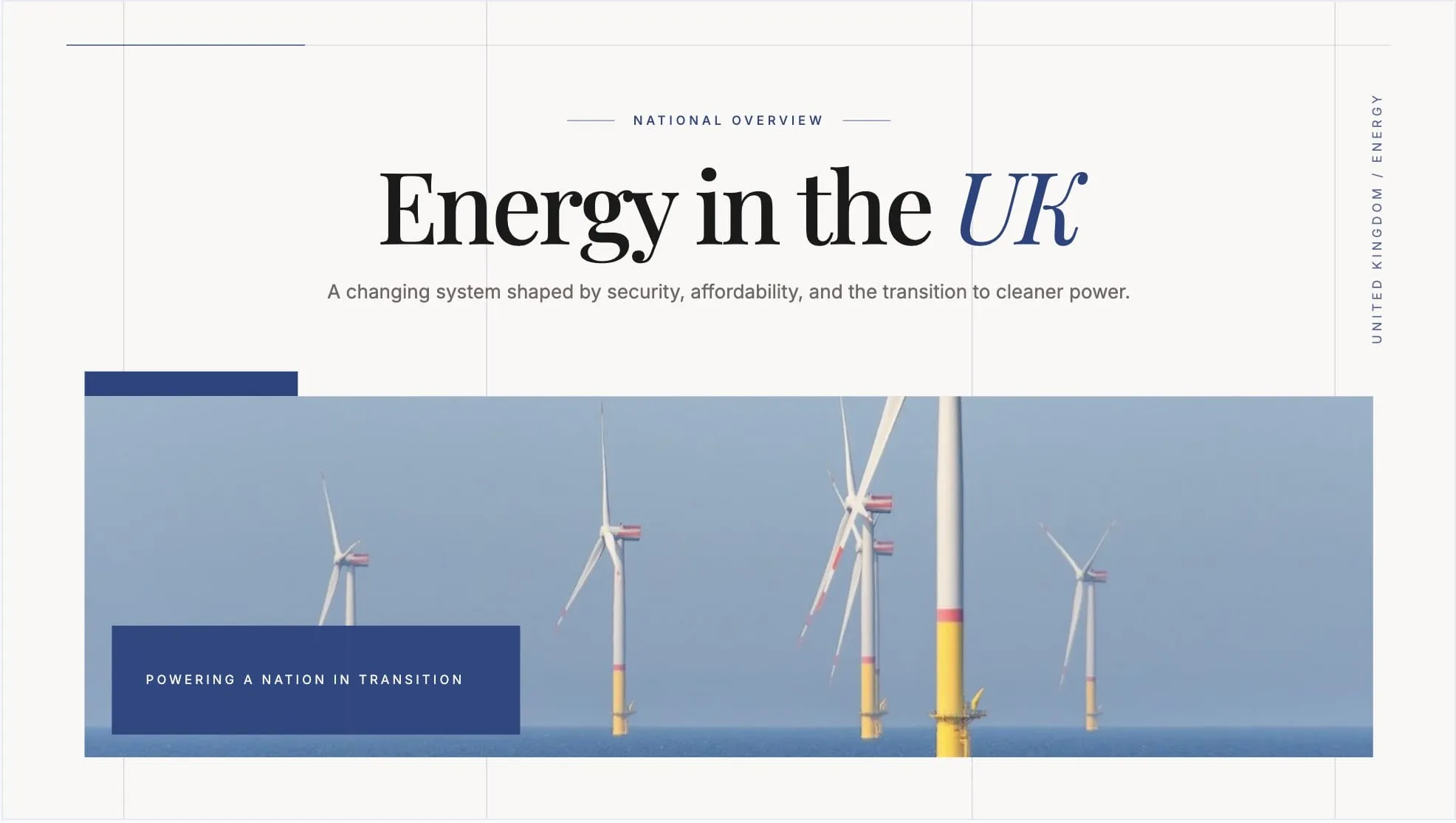
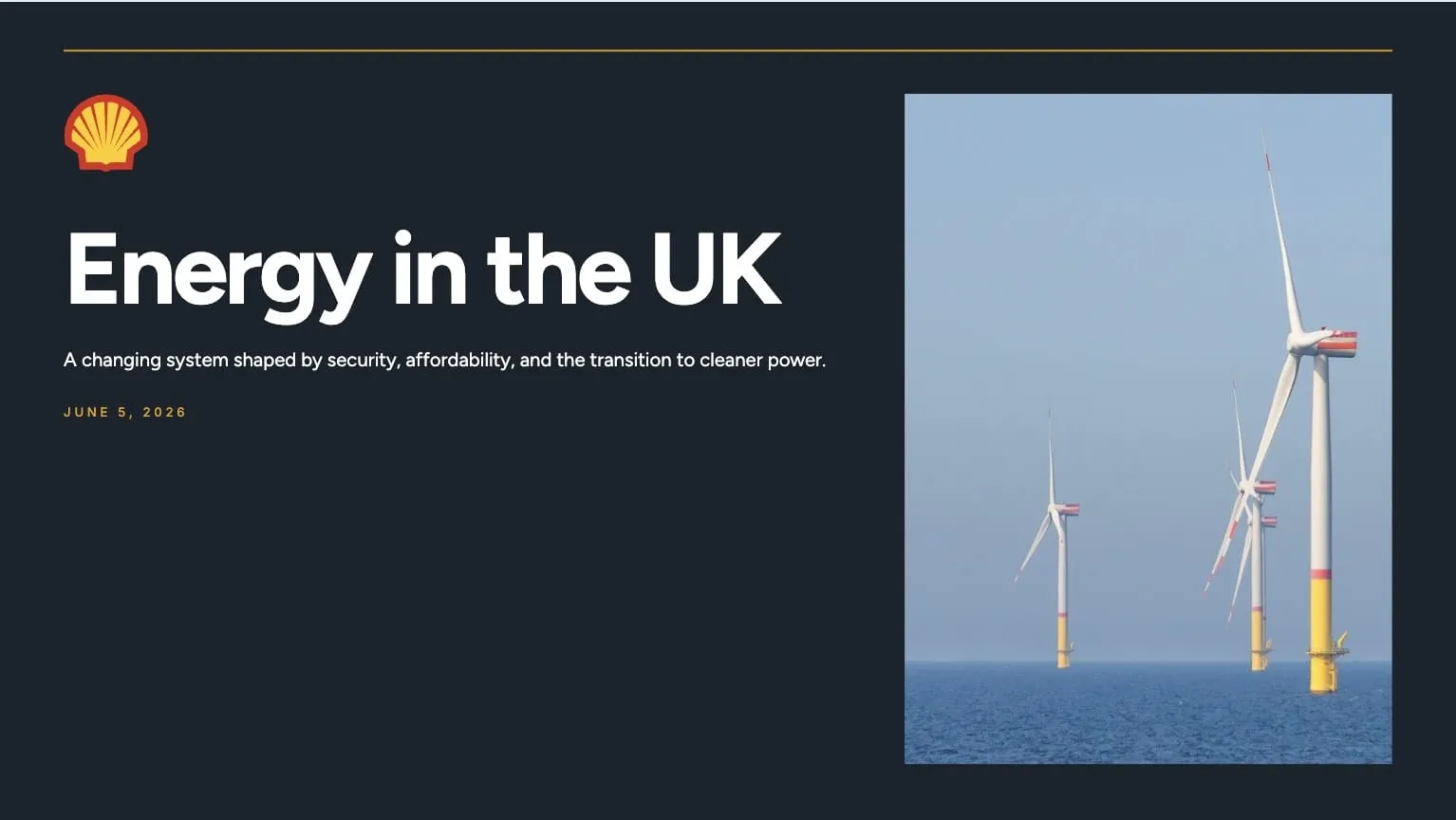
The file still matters. The connection makes it operational.
The bottom line
DESIGN.md gives teams an AI-readable design system. It makes brand and design guidance portable, legible, and easy to hand to an agent.
MCP keeps that context live, governed, and usable across the agents your team works with.
If you are experimenting, start with DESIGN.md.
If you are building repeatable brand-safe workflows for presentations, one-pagers, infographics, and sales assets, connect a Brand Context MCP alongside your portable design guidance.
The next step is agents reading design intent from structured files and fetching live brand context from systems built for them.
SlideSpeak Onbrand gives Claude, Codex, Cursor, ChatGPT, Claude Code, and any MCP client access to your brand assets and slide layouts. Each asset starts closer to finished and closer to your brand. You can also see the launch and share feedback on Product Hunt.
Frequently asked questions
Is DESIGN.md the same as MCP?
No. DESIGN.md is a Markdown file that describes a design system. MCP is a protocol that lets AI agents connect to tools and context sources. DESIGN.md is static context. MCP is live context.
Is DESIGN.md enough for brand guidelines?
It can be enough for prototypes, prompt libraries, project-level guidance, and lightweight brand systems. For larger teams, frequently updated assets, or brand-critical outputs, a live Brand Context MCP can add governance and access to approved assets.
Can ChatGPT or Claude read DESIGN.md?
Yes. Since DESIGN.md is plain Markdown, you can attach it, paste it, or reference it in tools that support file context. The agent can then use it as design guidance.
Why use MCP if I already have a brand-guidelines.md or DESIGN.md file?
Because MCP lets the agent fetch relevant context on demand. Your file can describe the design intent; MCP can expose the live assets, approved layouts, and compliance tools that help the agent apply that intent consistently.
Which should I use for presentations?
Use DESIGN.md or a presentation design prompt to describe the style, layout grammar, and design intent. Use a Brand Context MCP when the agent also needs live access to approved layouts, logos, colors, and editable presentation workflows. Presentation teams often use both.
Can SlideSpeak Onbrand generate DESIGN.md?
SlideSpeak Onbrand can create brand context from existing sources like websites, brand guidelines, and PowerPoint templates. That context can then be used by agents through MCP so they can create on-brand slides and design assets.
What setup works for AI brand compliance?
Use a structured brand reference, connect it to agents through MCP, generate from approved layouts or templates, and run a brand check before publishing. DESIGN.md gives the agent readable intent; MCP gives it live access and control.


